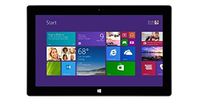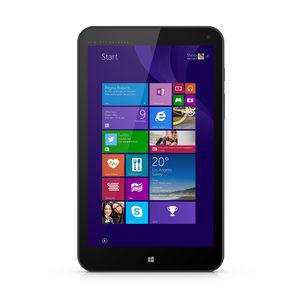

HP Stream 8 Tablet 32GB Windows 8.1 Signature Edition + Office 365 Personal
Current Price
$783.02
Average
$317.06
Min Price
$80
Max Price
$806.99
Price dynamics
60%
Price will be lower
in next 2 weeks
in next 2 weeks
According to the data, price will be lower in next two weeks, so not waste your money and track better price!
Product review & video
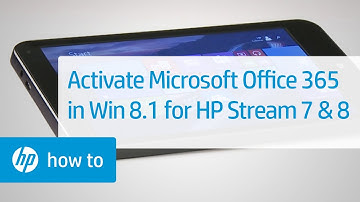
This video shows how to activate Microsoft
Office 365 Personal on your HP Stream tablet. The Microsoft Office 365 Personal subscription comes pre-installed and can be activated at any time. First, make sure your tablet is connected
to the Internet. On the Start screen, scroll to the right,
then touch the Office icon. Touch the Activate button. Enter your Microsoft account user name and password. Then touch the Sign In button. If you do not have a Microsoft account, close
the Office 365 activation window. Open an internet browser, and go to signup.live.com
to create an account online. Select your country and language from the dropdown menus. Then touch the Continue button. Wait for the setup process to complete, then touch the Install button. Touch the Install button again. Touch the Run button. If a dialog box opens asking for permission
to make changes to your computer, touch Yes. Afte






![Modbook Pro [Mac OS X] 2.9GHz i7, 16GB RAM, 2.5TB Mobile Storage, FW800 Shuttle](https://use4coins.com/thumbs/unsafe/fit-in/200x200/https://images-na.ssl-images-amazon.com/images/I/81HROD5JzFL.jpg)