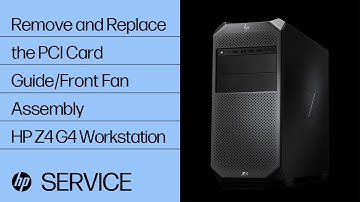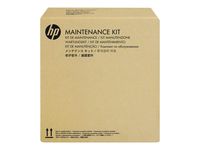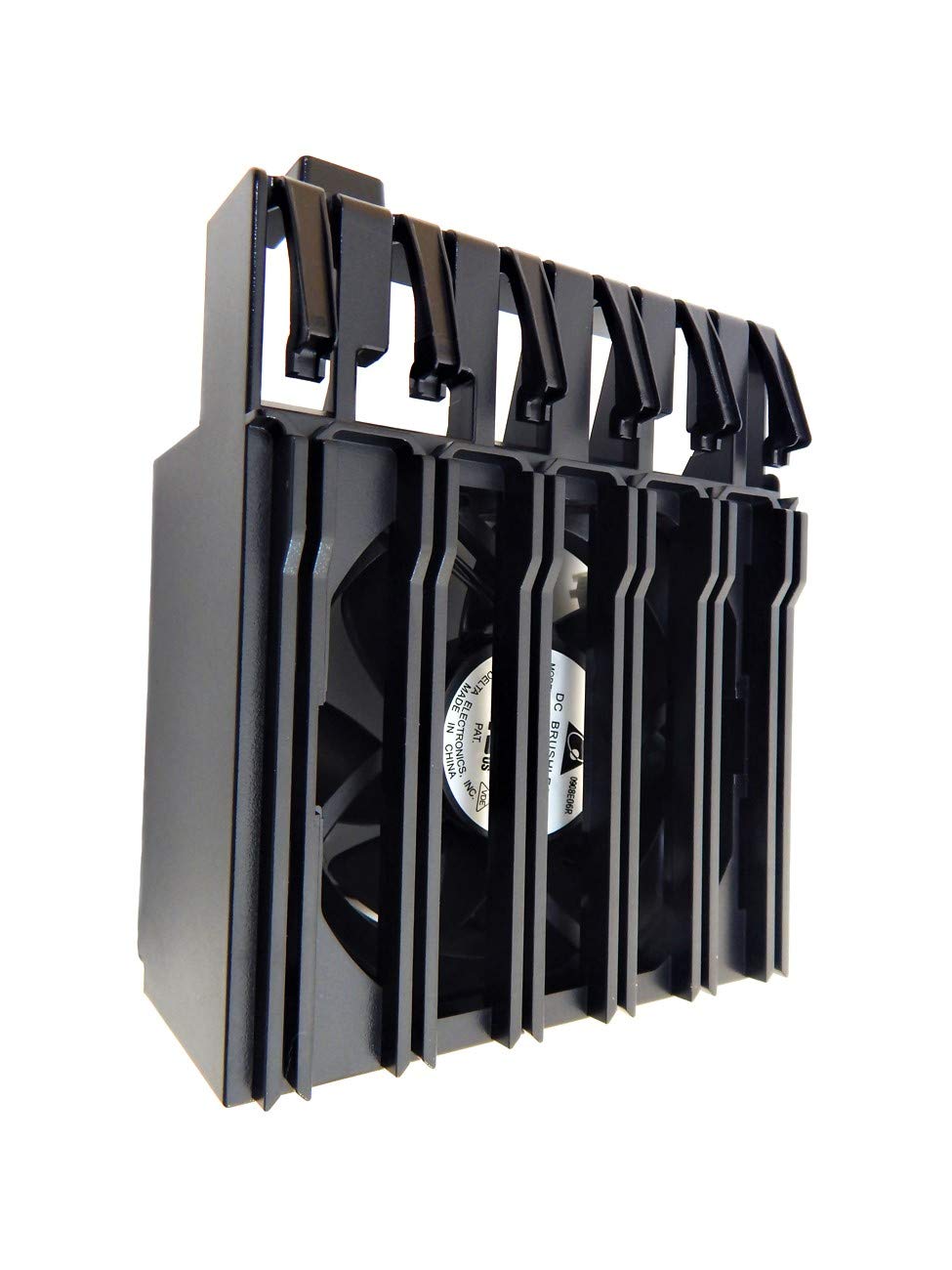
HP Z4 Z2 Fan and Front Card Guide Kit A2Z46AA Part is NOT = J9P80AA
Current Price
$50
Average
$50
Min Price
$50
Max Price
$50
Price will be lower
in next 2 weeks
in next 2 weeks
According to the data, price will be lower in next two weeks, so not waste your money and track better price!
Product review & video
Before you begin: Remove the access panel. Removal IMPORTANT: If a graphics card with a support bracket is installed in the system it may be necessary to remove it to gain access to PCI card guide. Disconnect the front fan cable from the system board. Press the release latch and remove the auxiliary power cable connectors from the holding slots in the PCI card guide. Press the front edge of the fan assembly and pull back to disengage the two release clips. Rotate the fan assembly and guide it out of the chassis. Replacement Toe the tabs on the lower edge of the fan assembly into the cut outs in the chassis and press the release clips into the chassis until they snap into position. Latch the auxiliary power cable connectors onto the holding slots in the PCI card guide. Connect the front fan cable into the connector on the system board.