- HomeElectronicsComputers & AccessoriesComputer Accessories & PeripheralsCables & InterconnectsUSB Cables
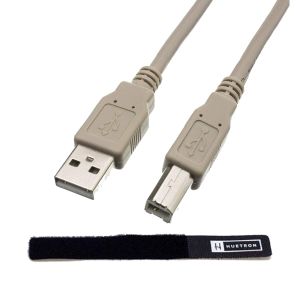
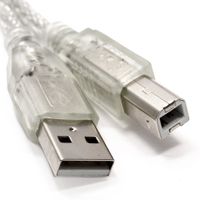
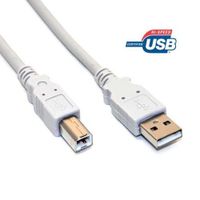
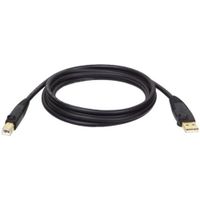
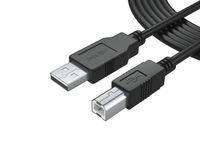
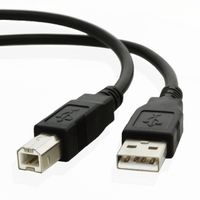
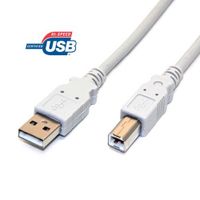
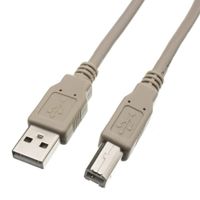
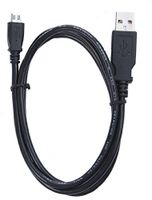
Huetron USB Printer Cable for HP Laserjet Pro P1102w with Life Time Warranty
Current Price
$7.94
Average
$4.48
Min Price
$1.02
Max Price
$7.94
Price dynamics
44%
Price will be lower
in next 2 weeks
in next 2 weeks
According to the data, price will be lower in next two weeks, so not waste your money and track better price!
Product review & video
Setting Up an HP LaserJet P1102w Printer on a Wireless Network from Windows Install your HP LaserJet P1102w printer on a wireless network in Windows. To successfully set up and install your printer, you must have: A Windows computer that is connected to the network that you want to install the printer on, an HP LaserJet P1102w printer, turned on with paper loaded, an active internet connection, a USB cable, for a temporary connection, and the wireless network password or key, if required by your network. On your computer, go to support.hp.com/drivers and follow the prompts to download the full feature software for your printer. Once downloaded, open the software from the browser or your Downloads folder. If prompted, select Yes to continue. The software extracts and then opens. If the software does not open automatically, open File Explorer. Navigate to the C drive and select the folder


![Micro USB Cable, ouliyo [3 Pack] Short 0.5ft Durable Nylon Braided Android Micro USB to USB 2.0 A Fast Charger Power Cord Compatible with Samsung, Chromecast, LG, Kindle, Xbox, Nexus,PS4 & More(Black)](https://use4coins.com/thumbs/rs:fit:200:200/plain/https://images-na.ssl-images-amazon.com/images/I/51nuVIqD99L.jpg)