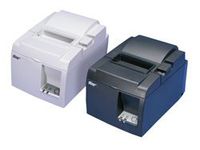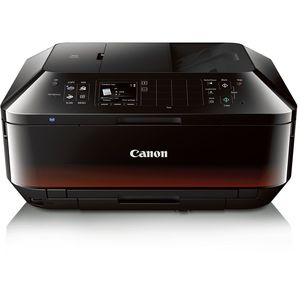
Canon Office and Business MX922 All-In-One Printer, Wireless and mobile printing
Current Price
$200.59
Average
$81.39
Min Price
$1
Max Price
$213.26
Price dynamics
59%
Price will be lower
in next 2 weeks
in next 2 weeks
According to the data, price will be lower in next two weeks, so not waste your money and track better price!
Product review & video
[Music] In this video, we'll cover how to set up your Canon Pixma MX922 Printer on a wireless network using the Standard Setup for use with a Mac. Let's get started! Before connecting your printer to the network, confirm that your wireless router is available and properly set up. Also, confirm that your computer is connected to the network. Make sure your printer is plugged in and turned on. The blue light near the Copy button will be lit when the printer is on. Press the Menu button. Using the Four-Way aArrows to the right of the display, select WLAN Setup and press OK. The printer will now search for your access point, also referred to as a wireless router. If this screen appears, press the Stop button on the printer. On the Wireless LAN Setup screen, use the Up or Down Arrow to select Standard Setup, and then press OK. The printer will list nearby wireless routers. Use the Arrow Key