Description
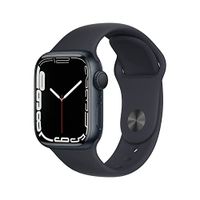
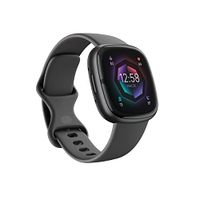
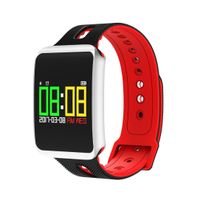
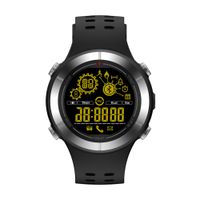
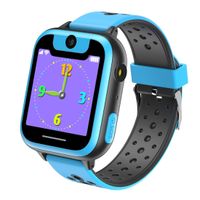
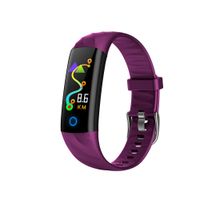
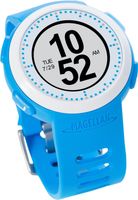
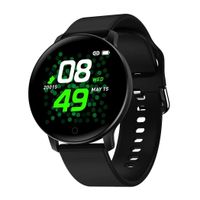
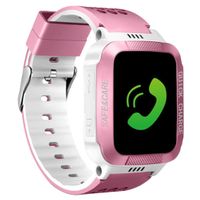
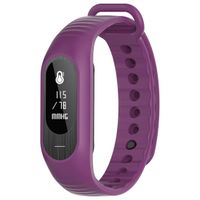
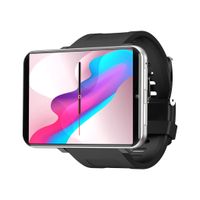
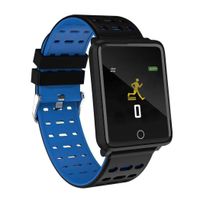
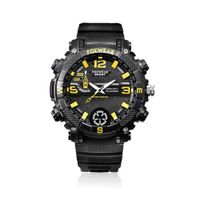
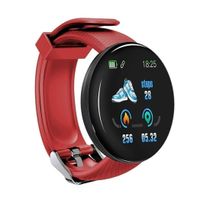
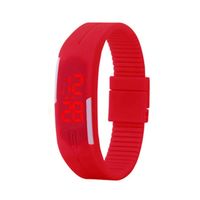
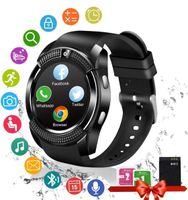
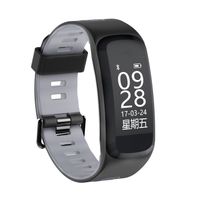
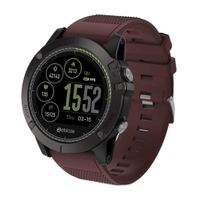
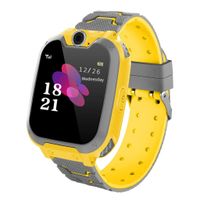
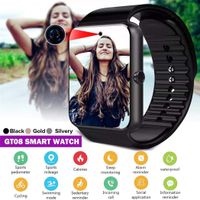
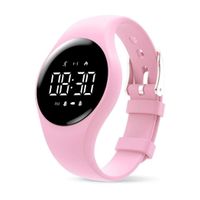
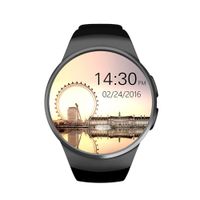
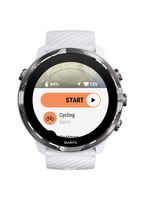
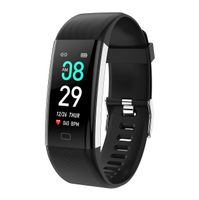
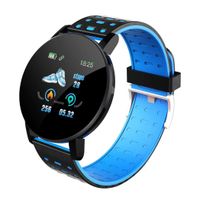
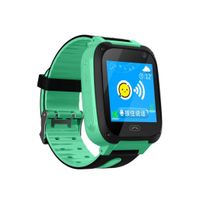
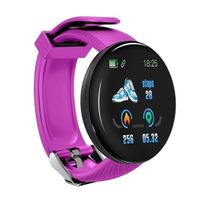
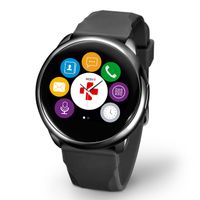
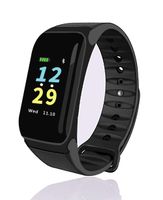
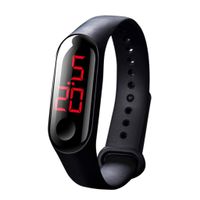
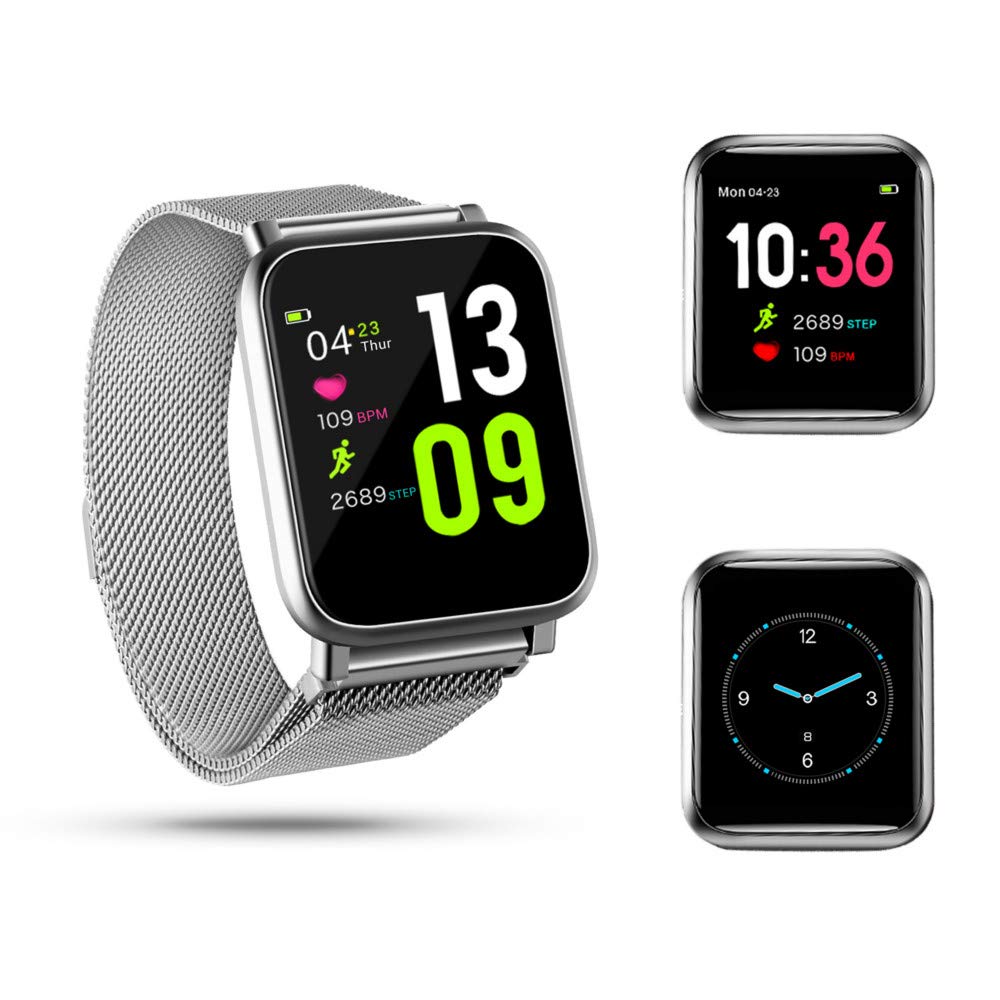
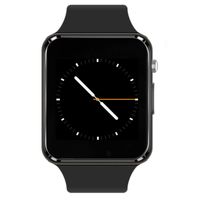
Smart Watch With Heart Rate Blood Pressure Monitor, Pedometer Step Counter Sleep Monitor and Long Standby Time
The smart watch requires iOS 8.0 & Android 4.4 above, Bluetooth 4.0 (Smartphone only, not for PC or Tablet)
How to connect the watch with your mobile phone:
1, Download the APP named "GloryFit" from Google Play or APP store or scanning QR code of the manual.
2, Connected the device.
3, First time use, please connect with phone APP to calibrate the data. The watch will automatically synchronizes the time after connecting successfully, otherwise, the step number and sleep data will be incorrect.
The smart watch requires iOS 8.0 & Android 4.4 above, Bluetooth 4.0 (Smartphone only, not for PC or Tablet)
How to connect the watch with your mobile phone:
1, Download the APP named "GloryFit" from Google Play or APP store or scanning QR code of the manual.
2, Connected the device.
3, First time use, please connect with phone APP to calibrate the data. The watch will automatically synchronizes the time after connecting successfully, otherwise, the step number and sleep data will be incorrect.
Smart Watch IP67 Waterproof Fitness Tracker, Heart Rate Blood Pressure Monitor, Pedometer Step Counter Sleep Monitor, Magnetic Strap Smart Watch for Kids Women and Men, Long Standby Time (Silvery)
Current Price
$35.99
Average
$35.99
Min Price
$35.99
Max Price
$35.99
Description
Smart Watch With Heart Rate Blood Pressure Monitor, Pedometer Step Counter Sleep Monitor and Long Standby Time
The smart watch requires iOS 8.0 & Android 4.4 above, Bluetooth 4.0 (Smartphone only, not for PC or Tablet)
How to connect the watch with your mobile phone:
1, Download the APP named "GloryFit" from Google Play or APP store or scanning QR code of the manual.
2, Connected the device.
3, First time use, please connect with phone APP to calibrate the data. The watch will automatically synchronizes the time after connecting successfully, otherwise, the step number and sleep data will be incorrect.
The smart watch requires iOS 8.0 & Android 4.4 above, Bluetooth 4.0 (Smartphone only, not for PC or Tablet)
How to connect the watch with your mobile phone:
1, Download the APP named "GloryFit" from Google Play or APP store or scanning QR code of the manual.
2, Connected the device.
3, First time use, please connect with phone APP to calibrate the data. The watch will automatically synchronizes the time after connecting successfully, otherwise, the step number and sleep data will be incorrect.
Price will be lower
in next 2 weeks
in next 2 weeks
According to the data, price will be lower in next two weeks, so not waste your money and track better price!
Similar products