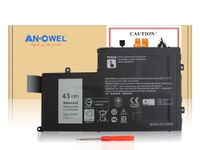
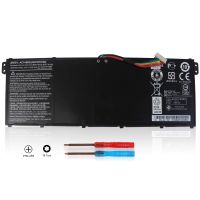
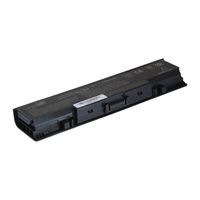
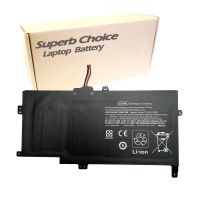
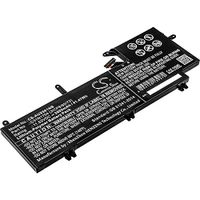
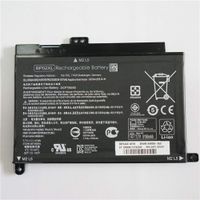
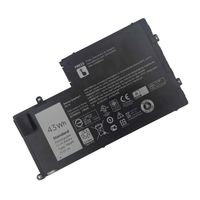
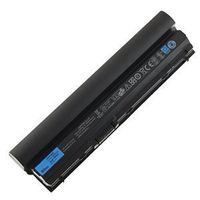
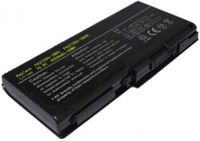
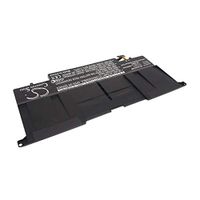
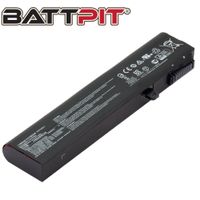
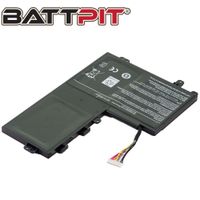
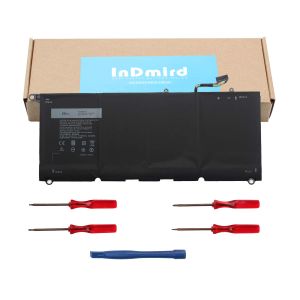
90V7W Laptop Battery
THE SUITABLE COMPUTER MODELS:
✈DELL XPS 13, 13 9343, 13 9350, 13 -9343, 13-9350, 13-9350-D1508
✈13-9350-D1508G, 13-9350-D1608, 13-9350-D1608T, 13-9350- D1609
✈13-9350-D1708, 13-9350-D1708A, 13-9350- D1708G, 13-9350-D1808T
✈13-9350-D1808TG, 13- 9350-D2508, 13-9350-D2608T, 13-9350-D2708
✈13- 9350-D2708A, 13-9350-D2808T, 13-9350-D2808TG, 13-9350- D3608G
✈13-9350-D3708, 13-9350-D3708G, 13-9350 -D3808T, 13-9350-D3808TG
✈13-9350-D4505, 13- 9350-D4508, 13-9350-D4708, 13-9350- D4708G
✈13D-9343, 13D-9343-150, 13D-9343-1508, 13D-9343-160
✈13D-9343-1608T, 13D-9343-170, 13D-9343-1708, 13D-9343-180
✈13D-9343-1808T, 13D-9343-350, 13D-9343-3508, 13D-9343- 370
✈13D-9343-3708, 13D-9343-3708A, 13D-9343- 5508, 13D-9343-5708
✈XPS 13D-9343-1508, XPS 13D-9343-1608T, XPS 13D-9343-1708
✈XPS 13D- 9343-1808T, XPS 13D-9343-3508, XPS 13D-9343- 3708
✈XPS 13D-9343-3708A, XPS 13D-9343-5508, XPS 13D-9343-5508G
✈XPS 13D-9343-5608T, XPS 13D-9343-5708, XPS 13D-9343- 5808T
EASY TO INSTALL:
✈All the screws on the back of the laptop are unscrewed with a cross screwdriver.
✈Then pry open the back cover. Avoid touching the socket on your laptop to make sure you can safely open the back cover.
✈Remove the battery and motherboard connection buckle.
✈Loosen the two screws that hold the battery.
✈Finally pick up the plastic ring of the battery, install the new battery and tighten it.
YOU WILL GOT:
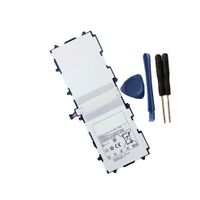
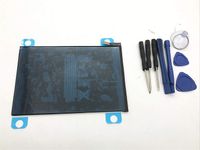
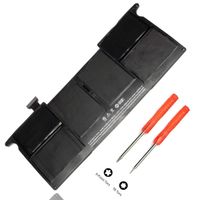
✈A 90V7W laptop battery
✈Three screwdrivers and a pry bar
✈My sincere online customer service
![New L12L4E01 G400S G500S Laptop Battery Compatible with Lenovo IdeaPad G405S G510S G505S G510S S410P S510P Touch Z710 Eraser G50-80 Series L12M4A02 L12M4E01 L12S4A02 [14.4V 2600mAh] Notebook Battery](https://use4coins.com/thumbs/rs:fit:200:200/plain/https://images-na.ssl-images-amazon.com/images/I/71V-xwYDU3L.jpg)