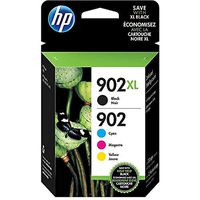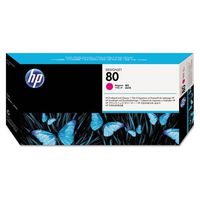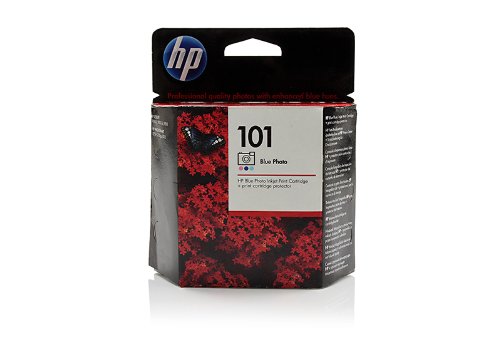
Ink cartridge Original HP 1x Blue C9365AE / Nr 101 for HP PhotoSmart 8700 Series
Current Price
$49.99
Average
$48.66
Min Price
$31
Max Price
$65
Price dynamics
3%
Price will be lower
in next 2 weeks
in next 2 weeks
According to the data, price will be lower in next two weeks, so not waste your money and track better price!
Product review & video
So you need to replace a cartridge in your
HP printer. Let’s walk through the steps together. The first thing to do is turn the printer
on, so press the Power button. Next, raise the cartridge access door. The carriage moves into the access area. Allow the carriage to stop moving. Then, find the cartridge you want to replace
and press the tab on the front of the cartridge to release it. Lift the cartridge out to remove it from the
slot. Now, take the new cartridge out of its package. Pull the orange plastic tab from the new cartridge
to remove the plastic wrap. It is very important that you use the
orange pull tab to remove the plastic. This will properly expose the vent slot in
the top of the cartridge. Twist the orange cap on the bottom of the
cartridge counter clockwise to remove it. Significant force might be required
to remove the cap. When handling the cartridge, be aware of the
e