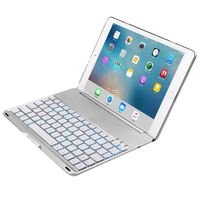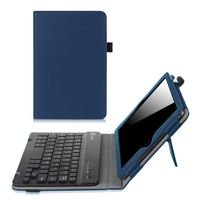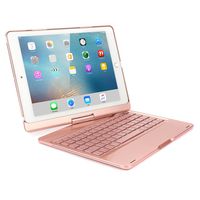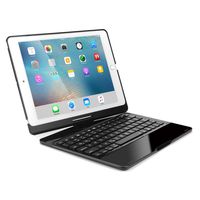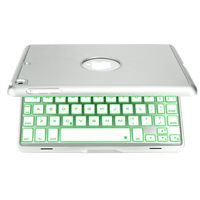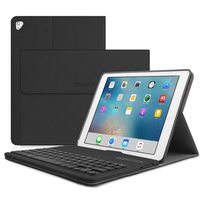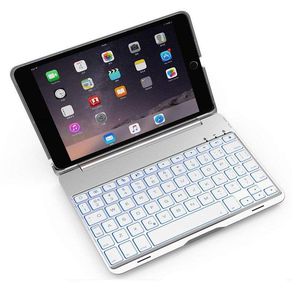
Description
Size Guide
On the back of the iPad,you will find the iPad model number.Please confirm the model number and choose the correct size.
iPad Mini: A1432 or A1454 or A1455
iPad Mini 2: A1489 or A1490 or A1491
iPad Mini 3: A1599 or A1600
How to connect the Bluetooth?
1.Open the cover, the keyboard will be turned on automatically.
2.Turn on the Bluetooth of your iPad mini 1/2/3.
3.Click "fn" + "C"keys to open the Bluetooth of the keyboard.
4.Open the iPad mini 1/2/3 Bluetooth search when the Bluetooth lights twinkling.
5.Then there will be "Bluetooth Keyboard" comes up in the searching page. Just select it.
6.The Bluetooth will be connected automatically.
Technical parameters:
1.material:Aluminum+plastic
2.key life:2-3 years
3.charging cable:include
4.power:1.2 mA
5.battery capacity:150 mAh
6.working current:2.5 mAh
7.standby time :300 hours
8.working time:60 hours
9.charging time:<2hours
10.charging voltage:3.7 V
11.charging current:≤200mA
Package Contents
1 x Bluetooth Keyboard
1 x USB Charging Cable
1 x User's Manual
On the back of the iPad,you will find the iPad model number.Please confirm the model number and choose the correct size.
iPad Mini: A1432 or A1454 or A1455
iPad Mini 2: A1489 or A1490 or A1491
iPad Mini 3: A1599 or A1600
How to connect the Bluetooth?
1.Open the cover, the keyboard will be turned on automatically.
2.Turn on the Bluetooth of your iPad mini 1/2/3.
3.Click "fn" + "C"keys to open the Bluetooth of the keyboard.
4.Open the iPad mini 1/2/3 Bluetooth search when the Bluetooth lights twinkling.
5.Then there will be "Bluetooth Keyboard" comes up in the searching page. Just select it.
6.The Bluetooth will be connected automatically.
Technical parameters:
1.material:Aluminum+plastic
2.key life:2-3 years
3.charging cable:include
4.power:1.2 mA
5.battery capacity:150 mAh
6.working current:2.5 mAh
7.standby time :300 hours
8.working time:60 hours
9.charging time:<2hours
10.charging voltage:3.7 V
11.charging current:≤200mA
Package Contents
1 x Bluetooth Keyboard
1 x USB Charging Cable
1 x User's Manual
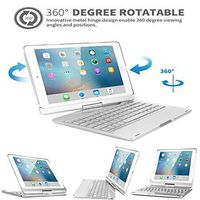
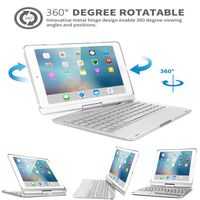
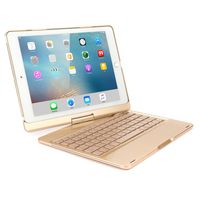
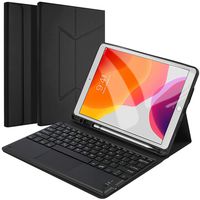
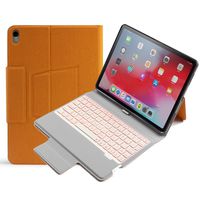
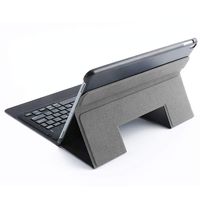
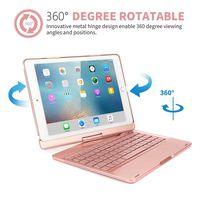
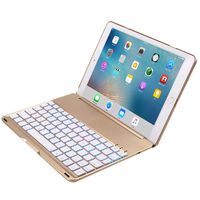
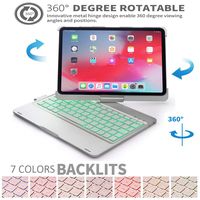
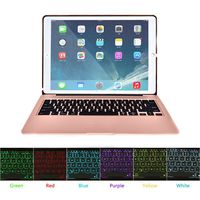
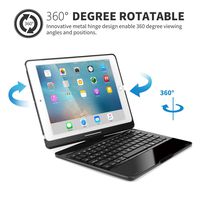
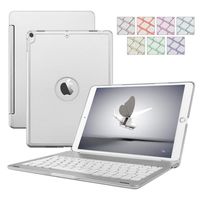
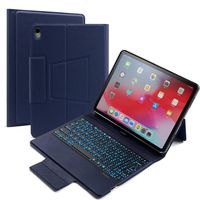
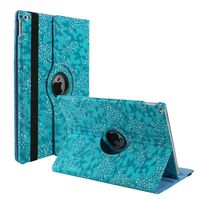
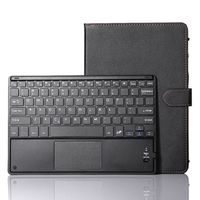
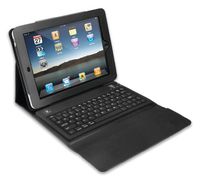
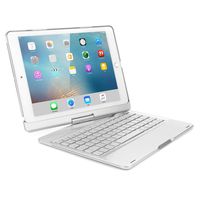
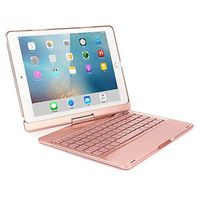
iPad Mini 1/2/3 Bluetooth Wireless Keyboard Case,INorton 7 Colors LED Backlit Smart Stand Case with Keyboard,Lightweight Protective Case Cover for 7.9 inch iPad Mini 1/Mini 2/Mini 3
Current Price
$55.99
Average
$55.94
Min Price
$55.88
Max Price
$55.99
Price dynamics
0%
Description
Size Guide
On the back of the iPad,you will find the iPad model number.Please confirm the model number and choose the correct size.
iPad Mini: A1432 or A1454 or A1455
iPad Mini 2: A1489 or A1490 or A1491
iPad Mini 3: A1599 or A1600
How to connect the Bluetooth?
1.Open the cover, the keyboard will be turned on automatically.
2.Turn on the Bluetooth of your iPad mini 1/2/3.
3.Click "fn" + "C"keys to open the Bluetooth of the keyboard.
4.Open the iPad mini 1/2/3 Bluetooth search when the Bluetooth lights twinkling.
5.Then there will be "Bluetooth Keyboard" comes up in the searching page. Just select it.
6.The Bluetooth will be connected automatically.
Technical parameters:
1.material:Aluminum+plastic
2.key life:2-3 years
3.charging cable:include
4.power:1.2 mA
5.battery capacity:150 mAh
6.working current:2.5 mAh
7.standby time :300 hours
8.working time:60 hours
9.charging time:<2hours
10.charging voltage:3.7 V
11.charging current:≤200mA
Package Contents
1 x Bluetooth Keyboard
1 x USB Charging Cable
1 x User's Manual
On the back of the iPad,you will find the iPad model number.Please confirm the model number and choose the correct size.
iPad Mini: A1432 or A1454 or A1455
iPad Mini 2: A1489 or A1490 or A1491
iPad Mini 3: A1599 or A1600
How to connect the Bluetooth?
1.Open the cover, the keyboard will be turned on automatically.
2.Turn on the Bluetooth of your iPad mini 1/2/3.
3.Click "fn" + "C"keys to open the Bluetooth of the keyboard.
4.Open the iPad mini 1/2/3 Bluetooth search when the Bluetooth lights twinkling.
5.Then there will be "Bluetooth Keyboard" comes up in the searching page. Just select it.
6.The Bluetooth will be connected automatically.
Technical parameters:
1.material:Aluminum+plastic
2.key life:2-3 years
3.charging cable:include
4.power:1.2 mA
5.battery capacity:150 mAh
6.working current:2.5 mAh
7.standby time :300 hours
8.working time:60 hours
9.charging time:<2hours
10.charging voltage:3.7 V
11.charging current:≤200mA
Package Contents
1 x Bluetooth Keyboard
1 x USB Charging Cable
1 x User's Manual
Price will be lower
in next 2 weeks
in next 2 weeks
According to the data, price will be lower in next two weeks, so not waste your money and track better price!
Product review & video
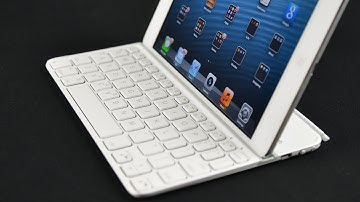
hey guys my Keerthi detorri Borg with a look at the Logitech ultrathin keyboard mini so this is for the iPad Mini now there is a version for the full-size iPad which is a very popular product I've done a review on that before so I'll put a link in the description below so you can take a look at that so they've basically shrunken down that design for the iPad Mini which does mean some significant changes to the keyboard layout and we'll explore that once we take a look around but basically this is a Bluetooth keyboard with a built in battery that's rechargeable via USB it connects to the edge of the iPad Mini just like the Apple Smart Cover has the same hinge design and everything so it basically works on that principle and it adheres to the front or protects the front of the display when it's not in use so this retails for $79.99 from Logitech it's available in two colors black or white

Similar products