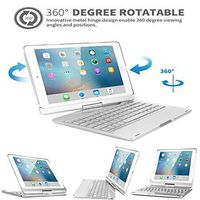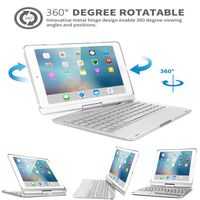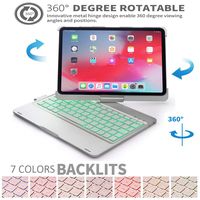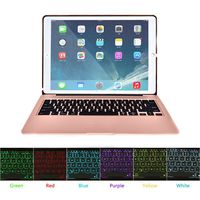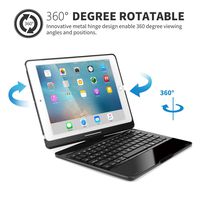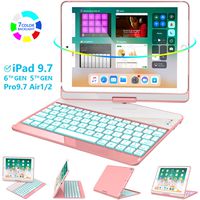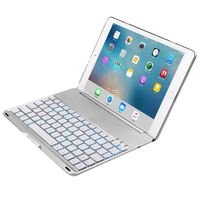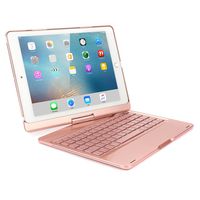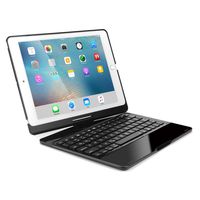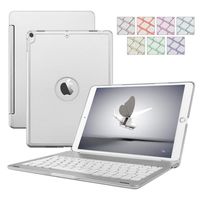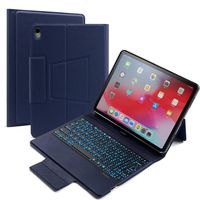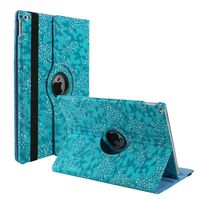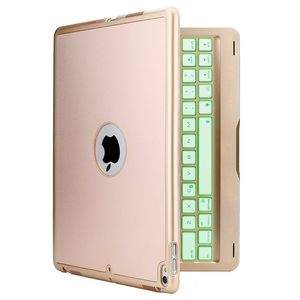
Description
How to connect the Bluetooth?
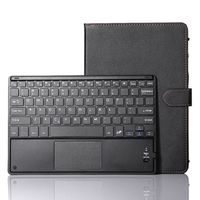
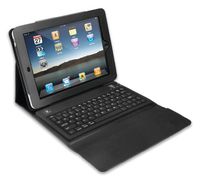
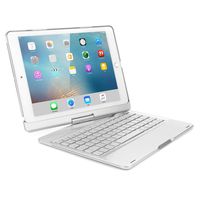
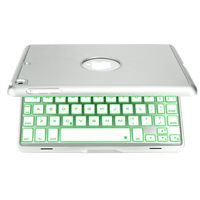
Open the cover, the keyboard will be turned on automatically. Turn on the Bluetooth of your iPad Pro 9.7. Click "fn" + "C" keys to open the Bluetooth of the keyboard. Open the iPad Pro 9.7 Bluetooth Search when the Bluetooth lights twinkling. Then there will be "Bluetooth 3.0 Keyboard" comes up in the searching page. Just select it. The Bluetooth will be connected automatically.
Technical parameters:
1.material:Aluminum+plastic 2.key life:2-3 years 3.charging cable:include 4.power:1.2 mA 5.battery capcity:150 mAh 6.working current:2.5 mAh 7.standby time :300 hours 8.working time:60 hours 9.charging time:<2hours 10.charging voltage:3.7 V 11.charging current:≤200mA 12.Bluetooth version:3.0 Packing details:
1.Bluetooth keyboard 2.USB Charging Cable 3.User's Manual Size Guide:
On the back of the tablet, near the bottom, you will find the Model No.. Check the Model No. below to confirm if you viewed the right item. iPad Pro 9.7 inch: A1674 or A1673
Thank you for your browse.If you need any help or give us any advice,contact us anytime.Hope to see your shares on SNS platforms and let more customers know our products. For your convenience, please search "TechCode + your product" to take the fastest way to buy other products you want and have a clear view of other products we offer in store. Thank you very much.
Open the cover, the keyboard will be turned on automatically. Turn on the Bluetooth of your iPad Pro 9.7. Click "fn" + "C" keys to open the Bluetooth of the keyboard. Open the iPad Pro 9.7 Bluetooth Search when the Bluetooth lights twinkling. Then there will be "Bluetooth 3.0 Keyboard" comes up in the searching page. Just select it. The Bluetooth will be connected automatically.
Technical parameters:
1.material:Aluminum+plastic 2.key life:2-3 years 3.charging cable:include 4.power:1.2 mA 5.battery capcity:150 mAh 6.working current:2.5 mAh 7.standby time :300 hours 8.working time:60 hours 9.charging time:<2hours 10.charging voltage:3.7 V 11.charging current:≤200mA 12.Bluetooth version:3.0 Packing details:
1.Bluetooth keyboard 2.USB Charging Cable 3.User's Manual Size Guide:
On the back of the tablet, near the bottom, you will find the Model No.. Check the Model No. below to confirm if you viewed the right item. iPad Pro 9.7 inch: A1674 or A1673
Thank you for your browse.If you need any help or give us any advice,contact us anytime.Hope to see your shares on SNS platforms and let more customers know our products. For your convenience, please search "TechCode + your product" to take the fastest way to buy other products you want and have a clear view of other products we offer in store. Thank you very much.
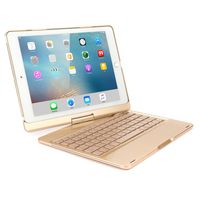
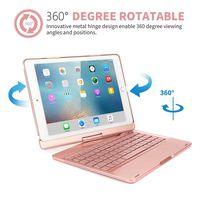
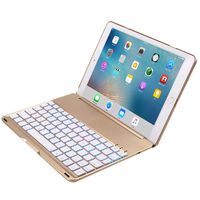
iPad Pro 9.7 Keyboard Case,TechCode 7 Colors LED Backlit Wireless Bluetooth Keyboard Case Smart Stand Colorful with Executive Multi Function Case for iPad Pro 9.7 inch Tablet(Gold)
Current Price
$55.99
Average
$49.65
Min Price
$24.95
Max Price
$55.99
Price dynamics
11%
Description
How to connect the Bluetooth?
Open the cover, the keyboard will be turned on automatically. Turn on the Bluetooth of your iPad Pro 9.7. Click "fn" + "C" keys to open the Bluetooth of the keyboard. Open the iPad Pro 9.7 Bluetooth Search when the Bluetooth lights twinkling. Then there will be "Bluetooth 3.0 Keyboard" comes up in the searching page. Just select it. The Bluetooth will be connected automatically.
Technical parameters:
1.material:Aluminum+plastic 2.key life:2-3 years 3.charging cable:include 4.power:1.2 mA 5.battery capcity:150 mAh 6.working current:2.5 mAh 7.standby time :300 hours 8.working time:60 hours 9.charging time:<2hours 10.charging voltage:3.7 V 11.charging current:≤200mA 12.Bluetooth version:3.0 Packing details:
1.Bluetooth keyboard 2.USB Charging Cable 3.User's Manual Size Guide:
On the back of the tablet, near the bottom, you will find the Model No.. Check the Model No. below to confirm if you viewed the right item. iPad Pro 9.7 inch: A1674 or A1673
Thank you for your browse.If you need any help or give us any advice,contact us anytime.Hope to see your shares on SNS platforms and let more customers know our products. For your convenience, please search "TechCode + your product" to take the fastest way to buy other products you want and have a clear view of other products we offer in store. Thank you very much.
Open the cover, the keyboard will be turned on automatically. Turn on the Bluetooth of your iPad Pro 9.7. Click "fn" + "C" keys to open the Bluetooth of the keyboard. Open the iPad Pro 9.7 Bluetooth Search when the Bluetooth lights twinkling. Then there will be "Bluetooth 3.0 Keyboard" comes up in the searching page. Just select it. The Bluetooth will be connected automatically.
Technical parameters:
1.material:Aluminum+plastic 2.key life:2-3 years 3.charging cable:include 4.power:1.2 mA 5.battery capcity:150 mAh 6.working current:2.5 mAh 7.standby time :300 hours 8.working time:60 hours 9.charging time:<2hours 10.charging voltage:3.7 V 11.charging current:≤200mA 12.Bluetooth version:3.0 Packing details:
1.Bluetooth keyboard 2.USB Charging Cable 3.User's Manual Size Guide:
On the back of the tablet, near the bottom, you will find the Model No.. Check the Model No. below to confirm if you viewed the right item. iPad Pro 9.7 inch: A1674 or A1673
Thank you for your browse.If you need any help or give us any advice,contact us anytime.Hope to see your shares on SNS platforms and let more customers know our products. For your convenience, please search "TechCode + your product" to take the fastest way to buy other products you want and have a clear view of other products we offer in store. Thank you very much.
Price will be lower
in next 2 weeks
in next 2 weeks
According to the data, price will be lower in next two weeks, so not waste your money and track better price!
Product review & video
so you have an iPad whether it's the iPad pro or the $329 iPad and you're looking for a keyboard case well you came to the right video and you don't even want to spend that much money on the keyboard case you see the prices there hundred and eighty two hundred it's an arm and a leg this is the inner deck storage I hope I said that right but uh I'm here to unbox it shout to them they send it out to me for review so let's open this bad boy up my favorite part of the day okay I think this is the wrong way but whatever Wow nice box this is kind of a big box to be a case but yeah this is it nice simple box you guys know me and yeah let's open this up slide it out and books we're gonna figure out everything on our own yeah so this is a Bluetooth keyboard it is not utilizing the smart connectors on the iPad pro well you guys think about my new unboxing nice pretty dope huh yeah sharp okay it's


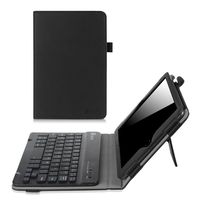
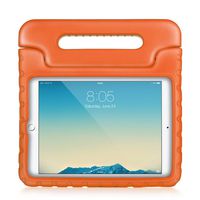
Similar products