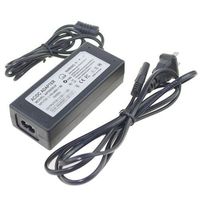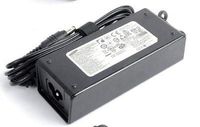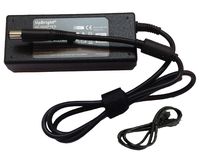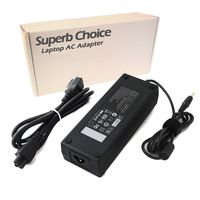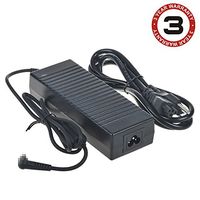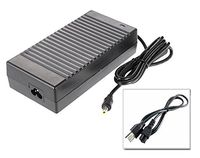
Description
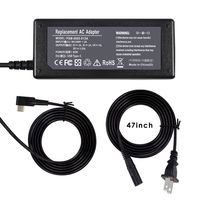
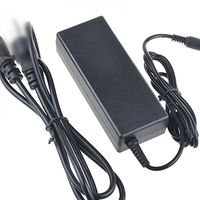
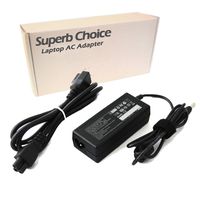
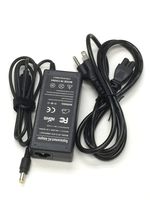
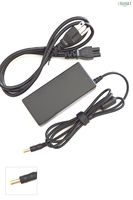
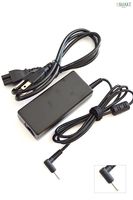
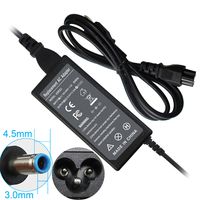
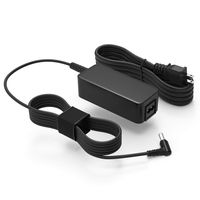
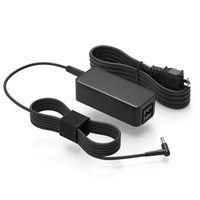
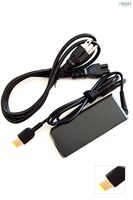
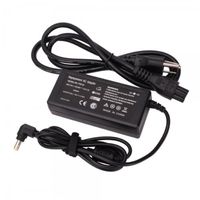
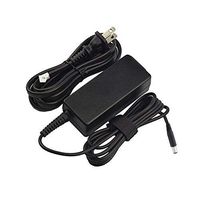
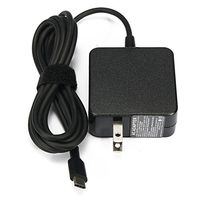
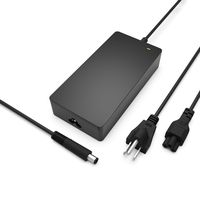
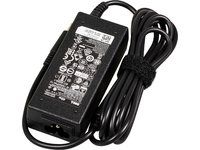
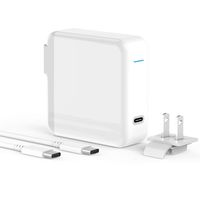
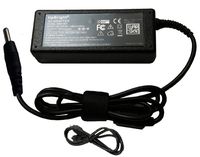
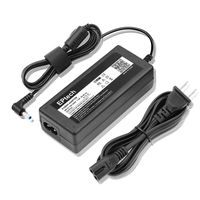
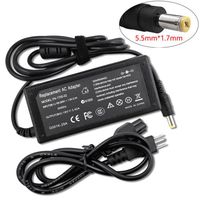
Products trademarked iTEKIRO are marketed and sold exclusively by EPMUSA at Amazon.com. When attached to the electrical outlet, this laptop AC adapter notebook charger powers your laptop and charges your notebook battery whether your laptop is on or off.
Specifications:
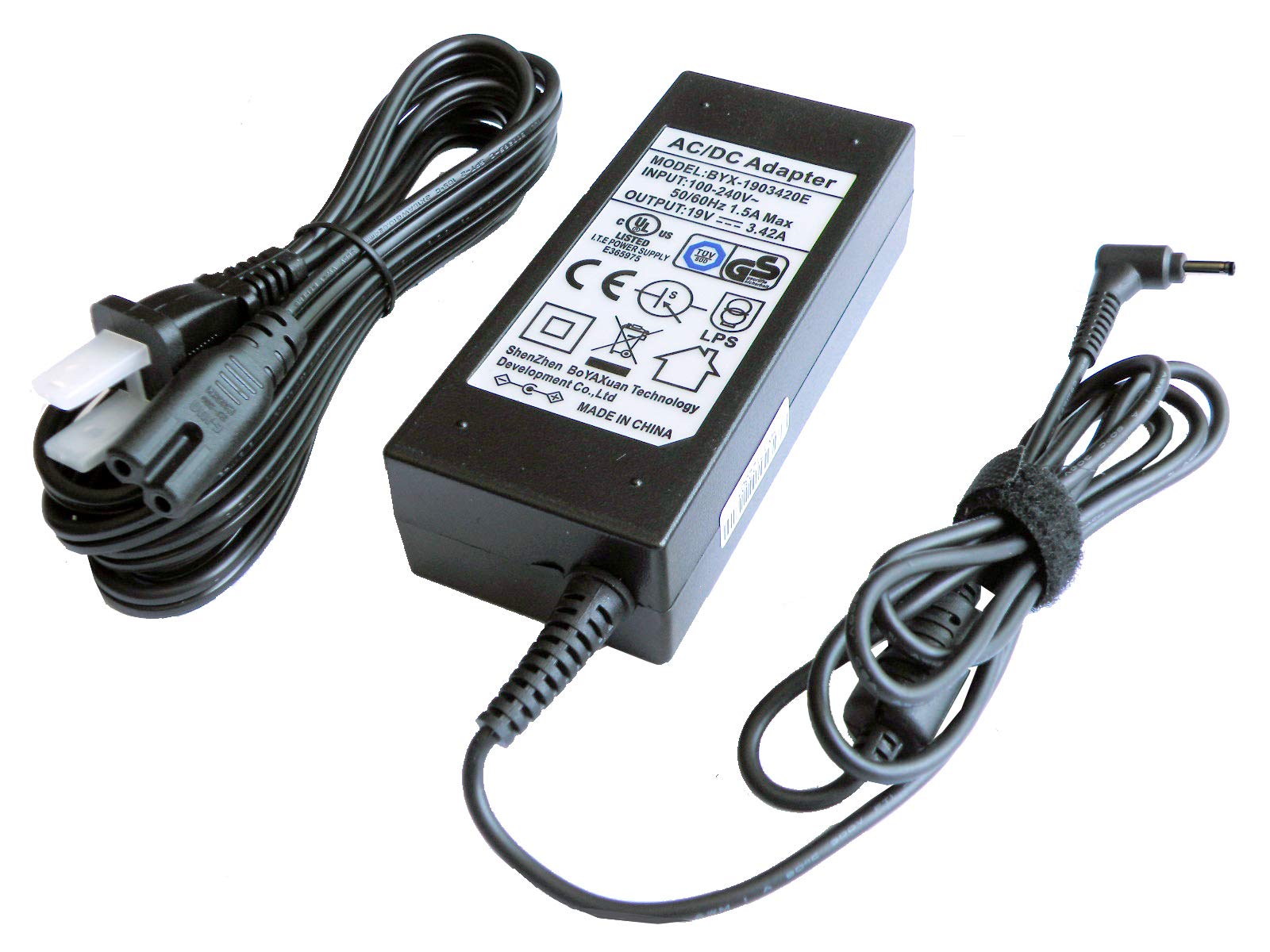
Input: AC 100 ~ 240V / 50 ~ 60Hz, worldwide compatible
Output: 19VDC 2.37A - 3.42A, 65W Max (Replacing genuine Acer 19V 40W, 45W, 65W adapter)
Dimensions: 3.74" x 1.69" x 1.10"
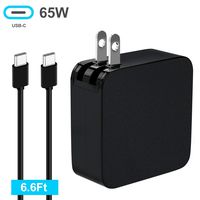
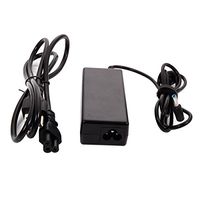
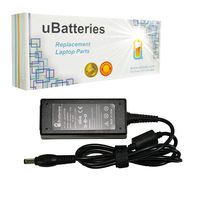
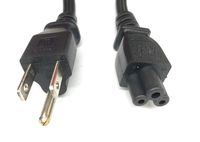
Weight: 8.5 oz (Extra long 6 feet UL listed 2-prong AC power cord included, plus 6 feet adapter DC power cord, you can reach more space with ease)
Color: Black
The 65W adapter replaces genuine Acer 40W, 45W, 65W charger. Higher power adapter has no impact on your laptop because the laptop draws as many amps and watts as it needs while the adapter just provides as much power as the laptop draws. Moreover, higher power adapter charges your laptop battery quickly and avoids adapter-overheating problem when your laptop is fully loaded with working applications.
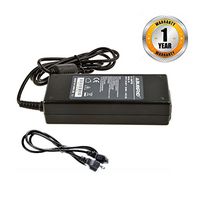
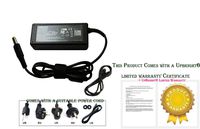
Please note this adapter is not original, it is a replacement made by iTEKIRO. Your purchase of this adapter comes with 100% satisfaction of 90-day money back guarantee and 1 year replacement warranty.
We have been selling laptop power accessories for more than 10 years and your satisfaction is very important to us. If you have any questions or concerns, please email to us at any time, we will definitely respond to your inquiry in a timely fashion.
Specifications:
Input: AC 100 ~ 240V / 50 ~ 60Hz, worldwide compatible
Output: 19VDC 2.37A - 3.42A, 65W Max (Replacing genuine Acer 19V 40W, 45W, 65W adapter)
Dimensions: 3.74" x 1.69" x 1.10"
Weight: 8.5 oz (Extra long 6 feet UL listed 2-prong AC power cord included, plus 6 feet adapter DC power cord, you can reach more space with ease)
Color: Black
The 65W adapter replaces genuine Acer 40W, 45W, 65W charger. Higher power adapter has no impact on your laptop because the laptop draws as many amps and watts as it needs while the adapter just provides as much power as the laptop draws. Moreover, higher power adapter charges your laptop battery quickly and avoids adapter-overheating problem when your laptop is fully loaded with working applications.
Please note this adapter is not original, it is a replacement made by iTEKIRO. Your purchase of this adapter comes with 100% satisfaction of 90-day money back guarantee and 1 year replacement warranty.
We have been selling laptop power accessories for more than 10 years and your satisfaction is very important to us. If you have any questions or concerns, please email to us at any time, we will definitely respond to your inquiry in a timely fashion.
iTEKIRO AC Adapter for Acer A515-54, A515-54-30BQ, A515-54-50CY, A515-54-51DJ, Acer One Cloudbook 11.6" 14", AO1-131, AO1-131-C620, AO1-131-C9PM, AO1-131M, AO1-131M-C1T4, AO1-131M-C667, AO1-132-C129
Current Price
$16.99
Average
$16.99
Min Price
$14.99
Max Price
$18.99
Price dynamics
0%
Description
Products trademarked iTEKIRO are marketed and sold exclusively by EPMUSA at Amazon.com. When attached to the electrical outlet, this laptop AC adapter notebook charger powers your laptop and charges your notebook battery whether your laptop is on or off.
Specifications:
Input: AC 100 ~ 240V / 50 ~ 60Hz, worldwide compatible
Output: 19VDC 2.37A - 3.42A, 65W Max (Replacing genuine Acer 19V 40W, 45W, 65W adapter)
Dimensions: 3.74" x 1.69" x 1.10"
Weight: 8.5 oz (Extra long 6 feet UL listed 2-prong AC power cord included, plus 6 feet adapter DC power cord, you can reach more space with ease)
Color: Black
The 65W adapter replaces genuine Acer 40W, 45W, 65W charger. Higher power adapter has no impact on your laptop because the laptop draws as many amps and watts as it needs while the adapter just provides as much power as the laptop draws. Moreover, higher power adapter charges your laptop battery quickly and avoids adapter-overheating problem when your laptop is fully loaded with working applications.
Please note this adapter is not original, it is a replacement made by iTEKIRO. Your purchase of this adapter comes with 100% satisfaction of 90-day money back guarantee and 1 year replacement warranty.
We have been selling laptop power accessories for more than 10 years and your satisfaction is very important to us. If you have any questions or concerns, please email to us at any time, we will definitely respond to your inquiry in a timely fashion.
Specifications:
Input: AC 100 ~ 240V / 50 ~ 60Hz, worldwide compatible
Output: 19VDC 2.37A - 3.42A, 65W Max (Replacing genuine Acer 19V 40W, 45W, 65W adapter)
Dimensions: 3.74" x 1.69" x 1.10"
Weight: 8.5 oz (Extra long 6 feet UL listed 2-prong AC power cord included, plus 6 feet adapter DC power cord, you can reach more space with ease)
Color: Black
The 65W adapter replaces genuine Acer 40W, 45W, 65W charger. Higher power adapter has no impact on your laptop because the laptop draws as many amps and watts as it needs while the adapter just provides as much power as the laptop draws. Moreover, higher power adapter charges your laptop battery quickly and avoids adapter-overheating problem when your laptop is fully loaded with working applications.
Please note this adapter is not original, it is a replacement made by iTEKIRO. Your purchase of this adapter comes with 100% satisfaction of 90-day money back guarantee and 1 year replacement warranty.
We have been selling laptop power accessories for more than 10 years and your satisfaction is very important to us. If you have any questions or concerns, please email to us at any time, we will definitely respond to your inquiry in a timely fashion.
Price will be lower
in next 2 weeks
in next 2 weeks
According to the data, price will be lower in next two weeks, so not waste your money and track better price!
Product review & video
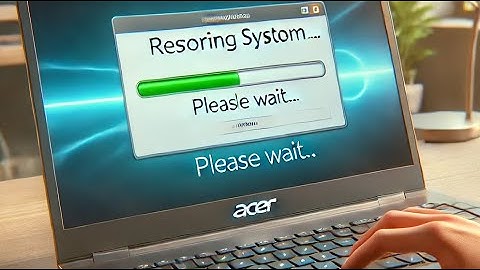
this video we're going to show you how to do a full factory restore on an Acer Cloud book this particular one is a was the cloud book with a 32 gigabyte storage space in it and so what you want to do is you want to power it on and you're going to hold down the alt button the a the alt and then the f10 button so you're gonna hold both of those down at the same time and you what I would recommend is just hold down the all and then just tap the f10 multiple times so let's go ahead and do it as soon as you turn it on and you wanna make sure you have it plugged up because it'll take about 30 minutes to restore so let's go forward alright says please wait okay come here it says choose an option it's what you want to do is you want to choose troubleshoot and it says reset this PC or advanced option you want to say reset this PC and that what you want to do is you want to do keep my files and r

Similar products