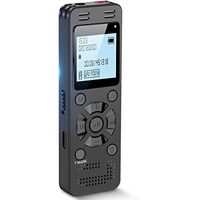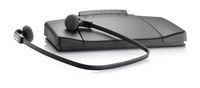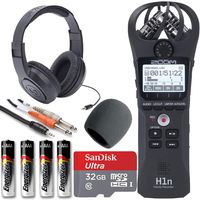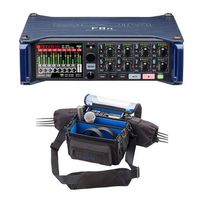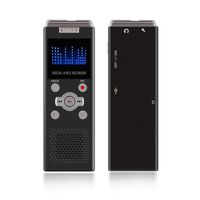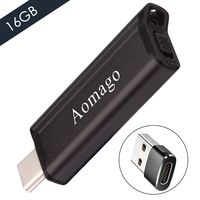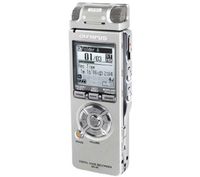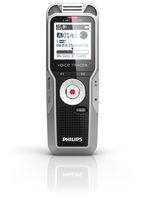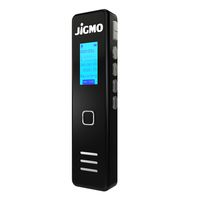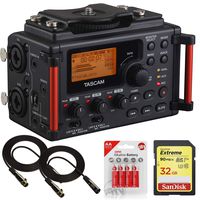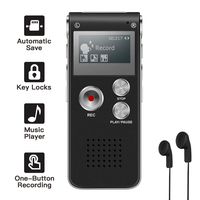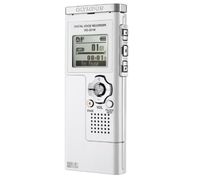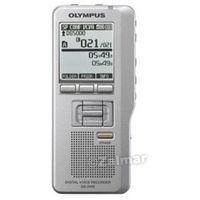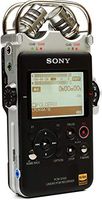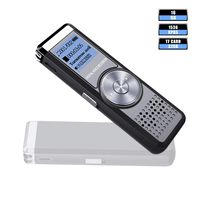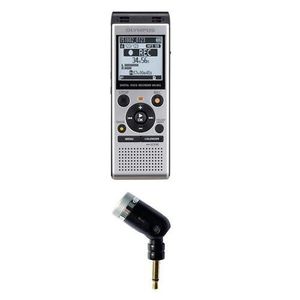
Adorama Olympus 4GB Stereo Digital Voice Recorder, Micro SD Card Slot, AAA Battery
Price is below average
Current Price
$69.99
Average
$71.86
Min Price
$63.99
Max Price
$92.1
Price dynamics
3%
Price will be lower
in next 2 weeks
in next 2 weeks
According to the data, price will be lower in next two weeks, so not waste your money and track better price!
Product review & video
How to Use an SD Card Reader. If you need to get files off your camera and
onto your computer, you might need to know how to use an SD card reader. You will need SD card SD card reader and computer. Step 1. Slip the SD card into the SD card reader. The card will only fit in one way, and should
slide in easily. Step 2. Plug the card reader into any available USB
drive on your computer. Step 3. Click on View in New Window when prompted
by the computer. Step 4. Double-click on DCIM. Step 5. Highlight all of the files that you want to
copy onto your computer. Step 6. Right-click and select Move To in order to
move your files wherever you like. Step 7. Remove the card reader by clicking on the
Safely Remove Hardware icon at the bottom right corner of the screen, and you're done. Did you know The world's first digital camera
weighed 8 pounds.