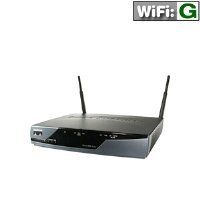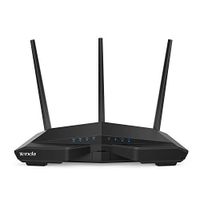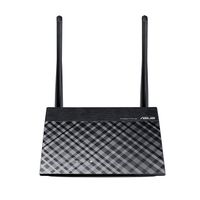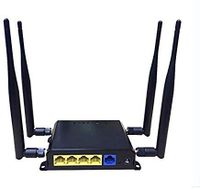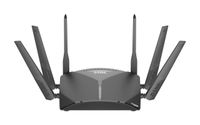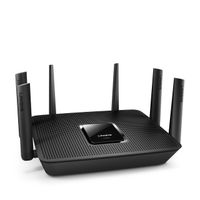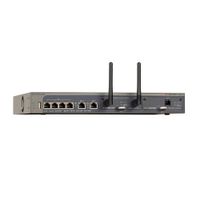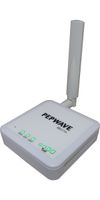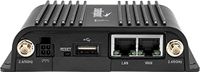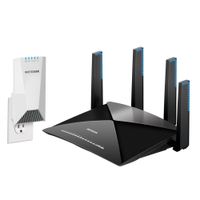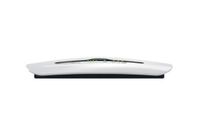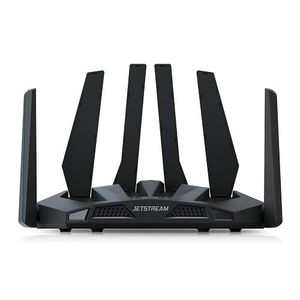
Jetstream AC1900 Dual Band Wi-Fi Router
Price is below average
Current Price
$66
Average
$95.37
Min Price
$47.05
Max Price
$139.99
Price dynamics
31%
Price will be lower
in next 2 weeks
in next 2 weeks
According to the data, price will be lower in next two weeks, so not waste your money and track better price!
Product review & video
Thank you for your purchase. This video
will show you how to set up Jetstream's AC1900 Smart Gigabit Router via cell
phone or computer configuration. To begin connection, place the router on a
horizontal surface and extend the antennas to the maximum angle. Using an Ethernet cable, connect your modem to the WAN port on your router. Power on the router, and
wait approximately 1 minute for it to start up. The 2.4G/5G WiFi indicators
will turn blue when ready. To start cellphone configuration, open the WiFi settings on your mobile phone. Find the WiFi name that matches the SSID found on the bottom of your router. Use the username and password located on the
bottom of the router to sign into the setup page. Select the recommended Auto Detect feature, then click on Reconnect, Save/Apply to complete the connection. Congratulations! You are now ready to use your AC1900 router. To configure via