Description
International Version, unlimited upgradeable firmware from hikvision website.
V5.5.0, ONVIF function is disabled by default.
ONVIF user accounts need to be created for application of ONVIF.
Three ONVIF user levels of Administrator, User and Operator are selectable, with up to 32 user accounts.
Web component, iVMS-4200 and Batch Configuration tool are available for ONVIF configuration.
Note
Use reset button to reset the camera: Press and hold the reset button about 10s when the camera is powering on or rebooting to restore the default settings, including the user name, password, IP address, port No., etc.
V5.5.0, ONVIF function is disabled by default.
ONVIF user accounts need to be created for application of ONVIF.
Three ONVIF user levels of Administrator, User and Operator are selectable, with up to 32 user accounts.
Web component, iVMS-4200 and Batch Configuration tool are available for ONVIF configuration.
Note
Use reset button to reset the camera: Press and hold the reset button about 10s when the camera is powering on or rebooting to restore the default settings, including the user name, password, IP address, port No., etc.
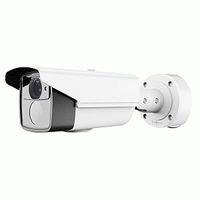
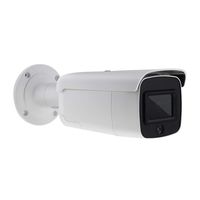
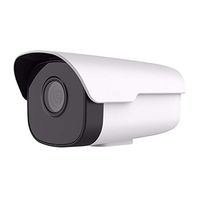
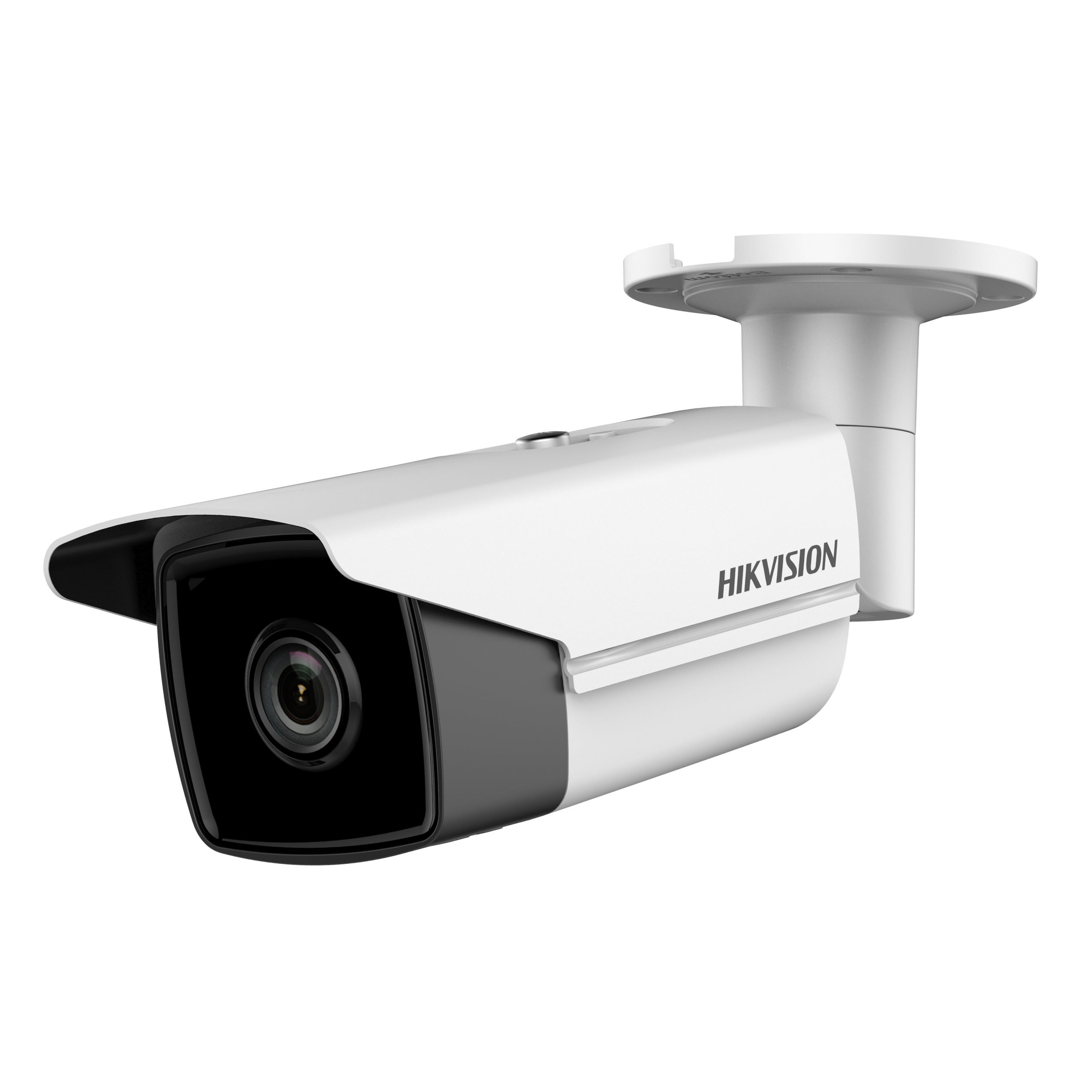
HIKVISION 5MP H.265+ EXIR Network Bullet Camera - DS-2CD2T55FWD-I5 4mm
Current Price
$255
Average
$226.97
Min Price
$167.99
Max Price
$271.93
Price dynamics
11%
Description
International Version, unlimited upgradeable firmware from hikvision website.
V5.5.0, ONVIF function is disabled by default.
ONVIF user accounts need to be created for application of ONVIF.
Three ONVIF user levels of Administrator, User and Operator are selectable, with up to 32 user accounts.
Web component, iVMS-4200 and Batch Configuration tool are available for ONVIF configuration.
Note
Use reset button to reset the camera: Press and hold the reset button about 10s when the camera is powering on or rebooting to restore the default settings, including the user name, password, IP address, port No., etc.
V5.5.0, ONVIF function is disabled by default.
ONVIF user accounts need to be created for application of ONVIF.
Three ONVIF user levels of Administrator, User and Operator are selectable, with up to 32 user accounts.
Web component, iVMS-4200 and Batch Configuration tool are available for ONVIF configuration.
Note
Use reset button to reset the camera: Press and hold the reset button about 10s when the camera is powering on or rebooting to restore the default settings, including the user name, password, IP address, port No., etc.
Price will be lower
in next 2 weeks
in next 2 weeks
According to the data, price will be lower in next two weeks, so not waste your money and track better price!
Similar products