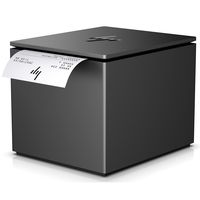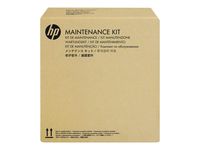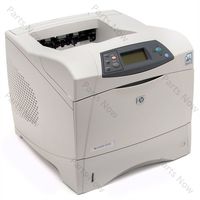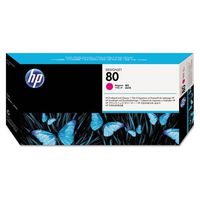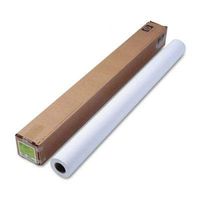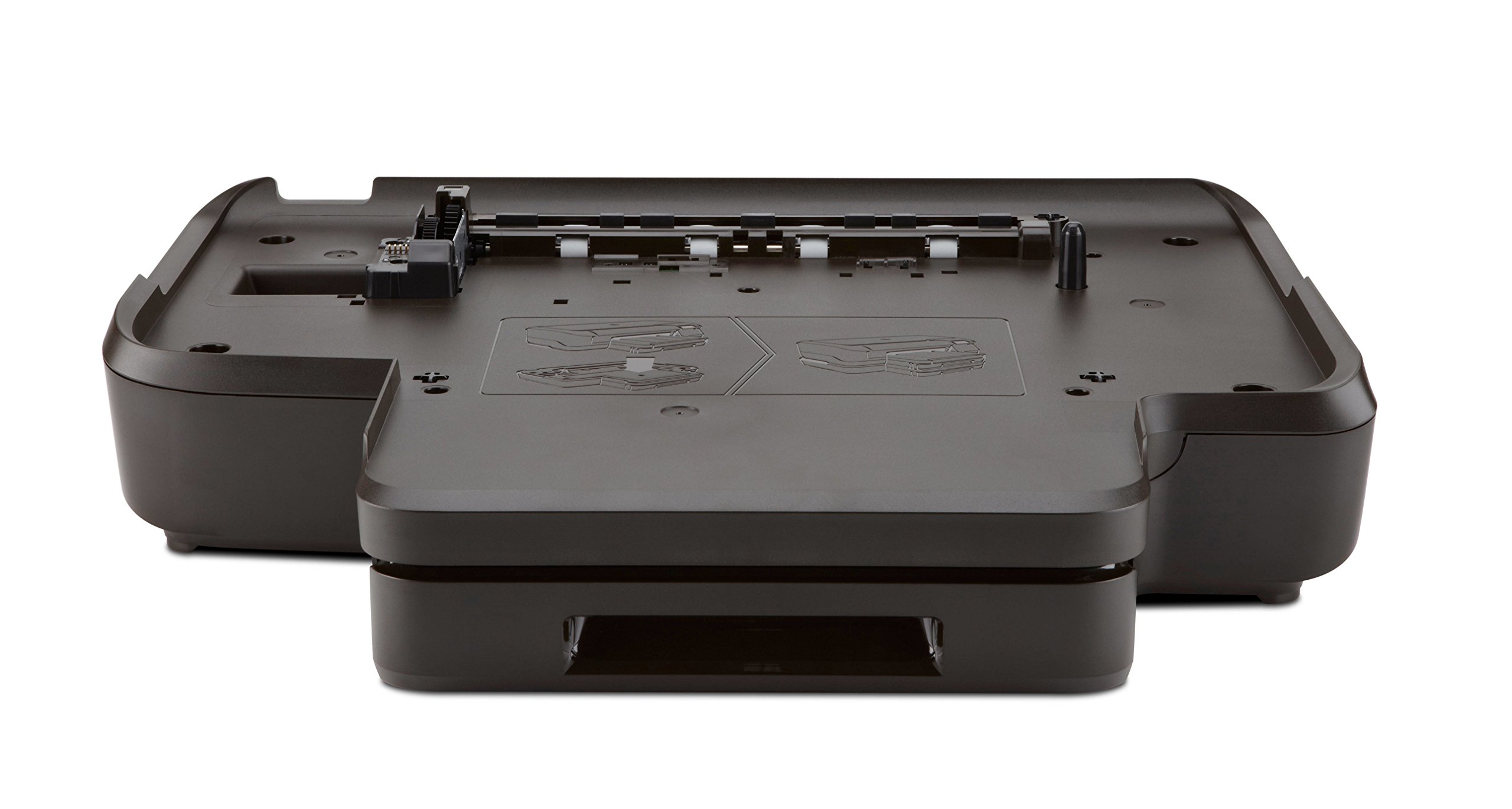
250-Sheet for Officejet Pro 8100
Current Price
$99.99
Average
$71.59
Min Price
$49.99
Max Price
$99.99
Price dynamics
28%
Price will be lower
in next 2 weeks
in next 2 weeks
According to the data, price will be lower in next two weeks, so not waste your money and track better price!
Product review & video
This video shows how to print a test page for your HP printer. A test page provides useful information about your printer. In addition, printing a test page from the
printer's control panel is often a helpful troubleshooting step. First, slide out the input tray. Align a stack of paper by tapping it on a flat surface. Load paper into the input tray until it stops. Slide the paper width and length guides inward
until they stop at the edge of the paper. Do not push the guides in so tightly that
they start to bend the paper. Slide in the input tray. Press the power button to turn on the printer. On the printer's control panel, press and
hold the Cancel button for three seconds. The test page prints. The test page can provide helpful information about your printer. For example, if the test page prints successfully,
you know the printer is working correctly. However, if you are still having