Description
KAKUSIGA
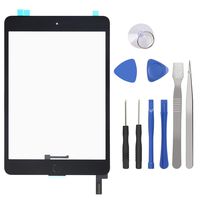
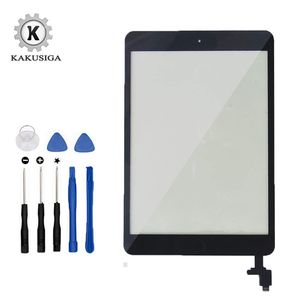
Fix your damaged/not working/bad: Touch Function (Digitizer), scratched/broken glass screen and cosmetic imperfections. Buy today and save money by doing a DIY (Do it yourself) repair.
Compatible models:
Compatible with Ipad Mini and Ipad Mini 2 models: A1432 A1454 A1455 A1489 A1490 A1491
Package includes:
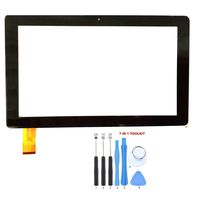
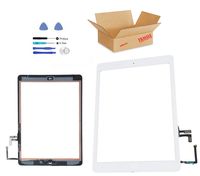
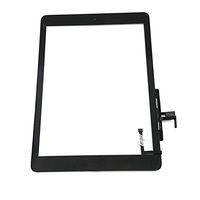
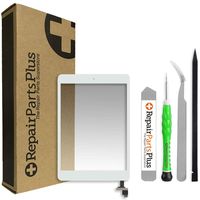
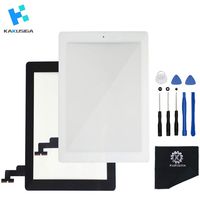
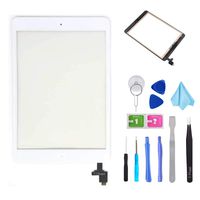
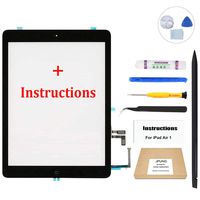
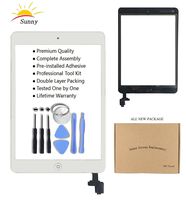
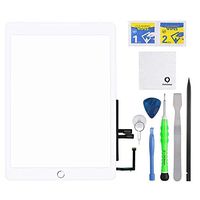
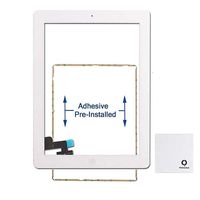
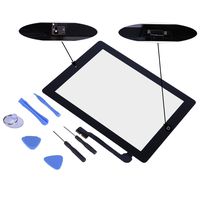
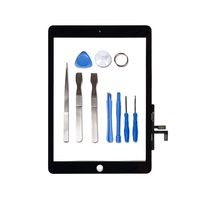
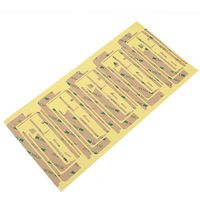
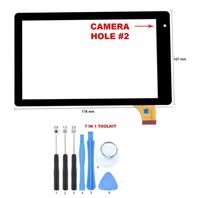
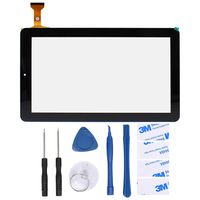
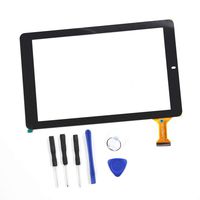
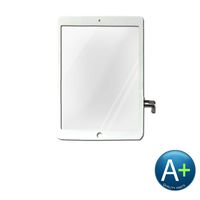
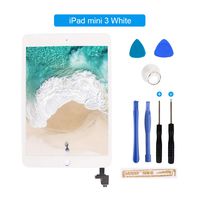
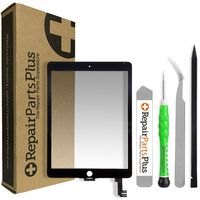
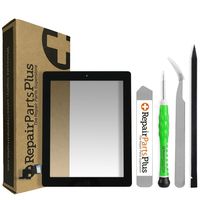
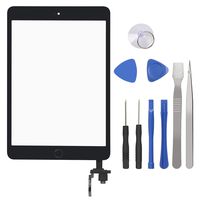
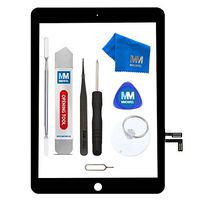
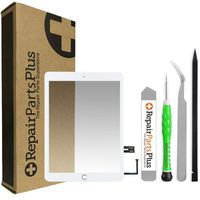
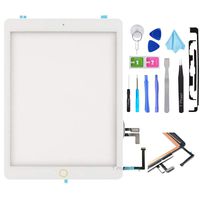
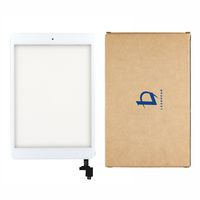
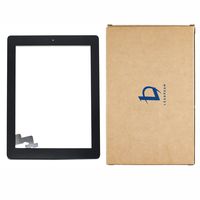
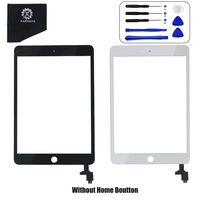
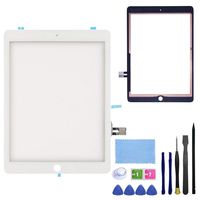
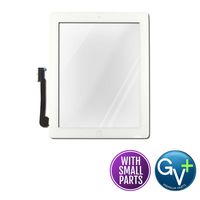
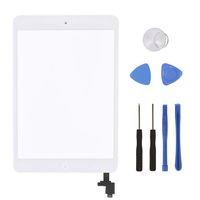
1x Ipad Mini and Ipad Mini 2 CompleteTouch Screen Digitizer (home button + Camera Holder +Pre-installed Adhesive Stickers)
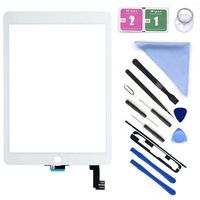
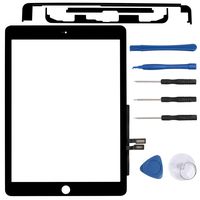
1x Professional tool kit
Warranty:
Every product we have been tested, if you buy any problems in the product, please contact us by email, we will reply to your email at the first time, and give you technical support and after-sales protection, will certainly let you 100% satisfaction.
installation:
We recommend that you watch online video installation(Ex YouTube) or consult professionals for help to ensure a successful installation, However DIYS (do it yourself) installers/repairs are always welcome and we will gladly assist you in any way we can.If you have any problems during installation, please contact us as soon as possible.
Thanks:
For any inquiries regarding the product or service, please contact us and we will do our best to solve your problem within 24 Hours.Thank you for your co-operation. Thank you for shopping in our store!
Fix your damaged/not working/bad: Touch Function (Digitizer), scratched/broken glass screen and cosmetic imperfections. Buy today and save money by doing a DIY (Do it yourself) repair.
Compatible models:
Compatible with Ipad Mini and Ipad Mini 2 models: A1432 A1454 A1455 A1489 A1490 A1491
Package includes:
1x Ipad Mini and Ipad Mini 2 CompleteTouch Screen Digitizer (home button + Camera Holder +Pre-installed Adhesive Stickers)
1x Professional tool kit
Warranty:
Every product we have been tested, if you buy any problems in the product, please contact us by email, we will reply to your email at the first time, and give you technical support and after-sales protection, will certainly let you 100% satisfaction.
installation:
We recommend that you watch online video installation(Ex YouTube) or consult professionals for help to ensure a successful installation, However DIYS (do it yourself) installers/repairs are always welcome and we will gladly assist you in any way we can.If you have any problems during installation, please contact us as soon as possible.
Thanks:
For any inquiries regarding the product or service, please contact us and we will do our best to solve your problem within 24 Hours.Thank you for your co-operation. Thank you for shopping in our store!
Kakusiga Compatible with ipad Mini/iPad Mini 2 Touch Screen Digitizer Complete Assembly with IC Chip Flex Cable Home Button Camera Bracket Pre Assembled, Adhesive and Repair Tool Kits(Black)
Price is below average
Current Price
$19.99
Average
$22.99
Min Price
$19.99
Max Price
$28.99
Price dynamics
13%
Description
KAKUSIGA
Fix your damaged/not working/bad: Touch Function (Digitizer), scratched/broken glass screen and cosmetic imperfections. Buy today and save money by doing a DIY (Do it yourself) repair.
Compatible models:
Compatible with Ipad Mini and Ipad Mini 2 models: A1432 A1454 A1455 A1489 A1490 A1491
Package includes:
1x Ipad Mini and Ipad Mini 2 CompleteTouch Screen Digitizer (home button + Camera Holder +Pre-installed Adhesive Stickers)
1x Professional tool kit
Warranty:
Every product we have been tested, if you buy any problems in the product, please contact us by email, we will reply to your email at the first time, and give you technical support and after-sales protection, will certainly let you 100% satisfaction.
installation:
We recommend that you watch online video installation(Ex YouTube) or consult professionals for help to ensure a successful installation, However DIYS (do it yourself) installers/repairs are always welcome and we will gladly assist you in any way we can.If you have any problems during installation, please contact us as soon as possible.
Thanks:
For any inquiries regarding the product or service, please contact us and we will do our best to solve your problem within 24 Hours.Thank you for your co-operation. Thank you for shopping in our store!
Fix your damaged/not working/bad: Touch Function (Digitizer), scratched/broken glass screen and cosmetic imperfections. Buy today and save money by doing a DIY (Do it yourself) repair.
Compatible models:
Compatible with Ipad Mini and Ipad Mini 2 models: A1432 A1454 A1455 A1489 A1490 A1491
Package includes:
1x Ipad Mini and Ipad Mini 2 CompleteTouch Screen Digitizer (home button + Camera Holder +Pre-installed Adhesive Stickers)
1x Professional tool kit
Warranty:
Every product we have been tested, if you buy any problems in the product, please contact us by email, we will reply to your email at the first time, and give you technical support and after-sales protection, will certainly let you 100% satisfaction.
installation:
We recommend that you watch online video installation(Ex YouTube) or consult professionals for help to ensure a successful installation, However DIYS (do it yourself) installers/repairs are always welcome and we will gladly assist you in any way we can.If you have any problems during installation, please contact us as soon as possible.
Thanks:
For any inquiries regarding the product or service, please contact us and we will do our best to solve your problem within 24 Hours.Thank you for your co-operation. Thank you for shopping in our store!
Price will be lower
in next 2 weeks
in next 2 weeks
According to the data, price will be lower in next two weeks, so not waste your money and track better price!
Product review & video
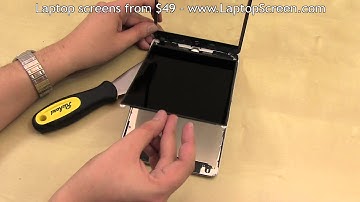
this is a guide on replacing the front glass digitizer and the LCD on the Apple iPad Mini make sure to turn off the device by holding the power button at the top and confirming the shutdown on screen the front glass which is also the touch sensitive digitizer is glued on and requires some heating prior to opening using a heat gun or a hairdryer thoroughly warm up the edges of the front glass make sure to be consistent and go around the entire perimeter focusing heat on one point for too long may cause further damage to the glass or the LCD underneath once properly warmed up place a suction cup at the top left corner and gently pull away this will expose the left edge sufficiently enough to get in with a flat metal tool like a putty knife continue opening by sliding the putty knife across the top edge it is advised to use the heat gun to keep the glue soft as you move along the edge with