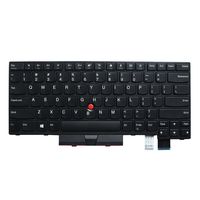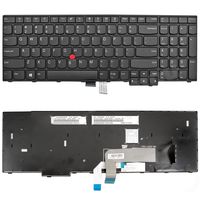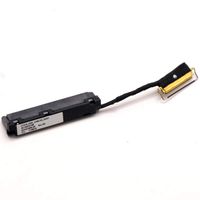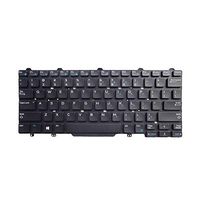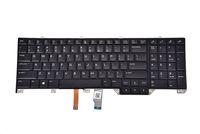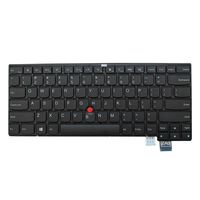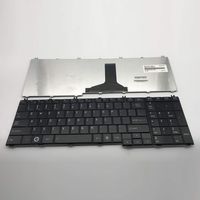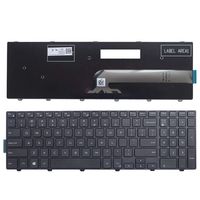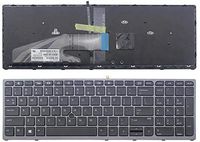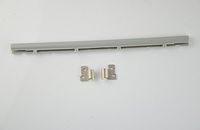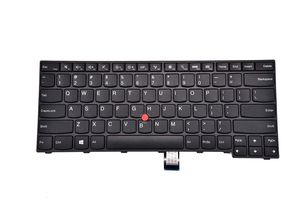
KBR Replacement Keyboard for Lenovo Thinkpad E450 E450C E455 E460 E465 W450 Laptop
Price is below average
Current Price
$27.95
Average
$29.65
Min Price
$27.95
Max Price
$36.99
Price dynamics
6%
Price will be lower
in next 2 weeks
in next 2 weeks
According to the data, price will be lower in next two weeks, so not waste your money and track better price!
Product review & video
Disconnect the AC adapter from the computer. Power on the system and continuously tap F1 to enter the BIOS. If you receive a general help window, press ENTER to continue. Use the right arrow key to select the configuration menu. Use the down arrow key to highlight the power menu, and press ENTER. The power sub-menu will be displayed. Use the down arrow keys to highlight the disable built in battery option, and press ENTER. Assure that ‘yes’ is highlighted and press ENTER again to power off the system. Allow your system three to five minutes to cool before you open up the cover. Loosen three captive screws from the DIMM Door. Grasp the cover at the access notch, and lift the cover to release the clips and remove the cover. Remove two screws from the bottom of the system. Turn the system over and, slide the keyboard toward the rear of the computer. Lift the front edge then pull the keyboa