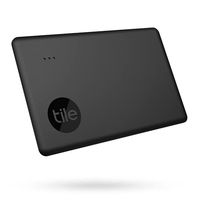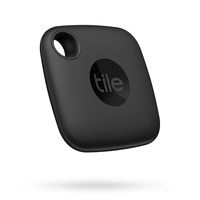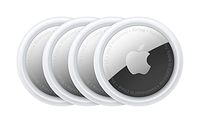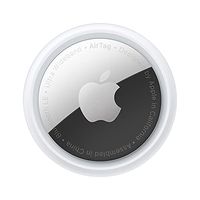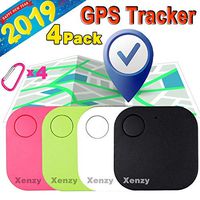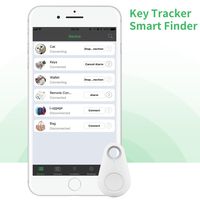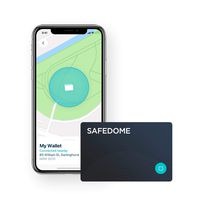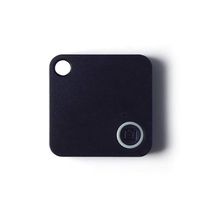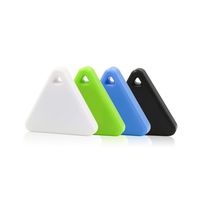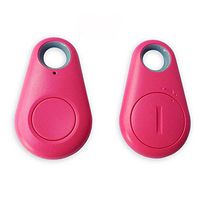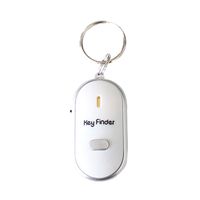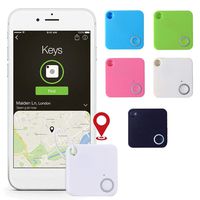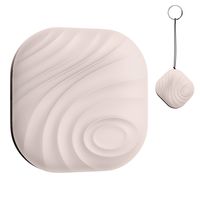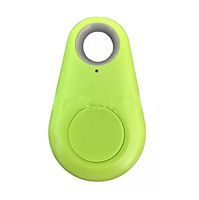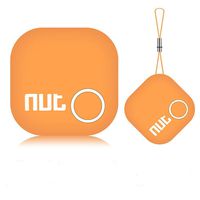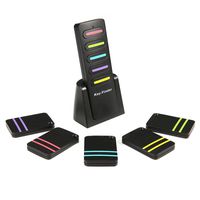
Description
How to use it
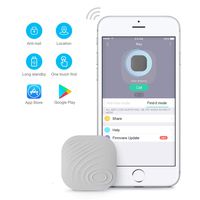
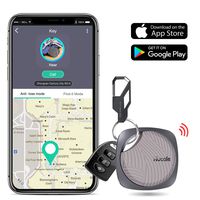
1.Download the SwiftFinder app from the Apple App Store or the Google Play Store
2.Make sure your Bluetooth on the phone is on
3.Open the SwiftFinder app
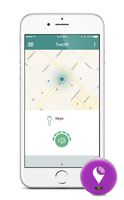
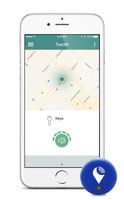
4.Follow the prompts to allow SwiftFinder access to Bluetooth and Location Service so you can see your things on a map
Activate Smart Tag
Your smart tag is on the sleep mode when you open the packing box.You just quick press the button,it will ring and be activate.You should connect it with your phone in a minute.Or it will be on the sleep mode again automatic.
Attaching Your Smart Tags to Things
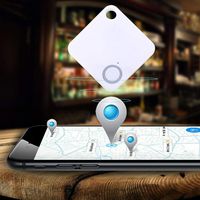
It can be anything that you want to track, like keys, bags, purses, etc. Linking Your Smart Tags to the App
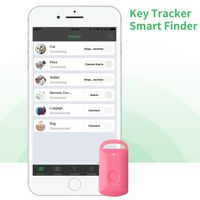
1.Tap the + button on the Things tab of the app
2.Wait for the app to discover and connect the smart tag
3.Tap the save button on upper right corner of the app
4.Optionally you can take a picture of the thing that the smart tag is attached to and name it
5.Be happy because now you can always find your stuff!
Replacing Battery
The pre-inserted CR2032 button cell battery is user replaceable. In case your smart tag runs out of power, please follow the following instructions to replace the battery.
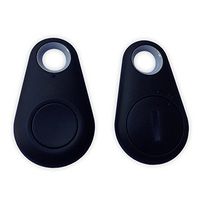
1.Open the case from the corner as shown in the image illustrated
2.Remove old battery and insert new battery with + sign facing up
3.Close the case
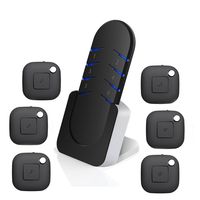
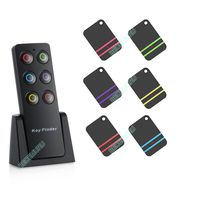
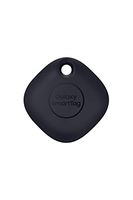
Package 1.Black Smart tag *1
2. user manual*1
1.Download the SwiftFinder app from the Apple App Store or the Google Play Store
2.Make sure your Bluetooth on the phone is on
3.Open the SwiftFinder app
4.Follow the prompts to allow SwiftFinder access to Bluetooth and Location Service so you can see your things on a map
Activate Smart Tag
Your smart tag is on the sleep mode when you open the packing box.You just quick press the button,it will ring and be activate.You should connect it with your phone in a minute.Or it will be on the sleep mode again automatic.
Attaching Your Smart Tags to Things
It can be anything that you want to track, like keys, bags, purses, etc. Linking Your Smart Tags to the App
1.Tap the + button on the Things tab of the app
2.Wait for the app to discover and connect the smart tag
3.Tap the save button on upper right corner of the app
4.Optionally you can take a picture of the thing that the smart tag is attached to and name it
5.Be happy because now you can always find your stuff!
Replacing Battery
The pre-inserted CR2032 button cell battery is user replaceable. In case your smart tag runs out of power, please follow the following instructions to replace the battery.
1.Open the case from the corner as shown in the image illustrated
2.Remove old battery and insert new battery with + sign facing up
3.Close the case
Package 1.Black Smart tag *1
2. user manual*1
Key Finder, SwiftFinder Item Finder Bluetooth Tracker Wireless Anti-Lost Locator for Key/Phone/Wallets/Purse/Luggage and Bags with APP Control White
Current Price
$13.99
Average
$13.13
Min Price
$8
Max Price
$15.99
Price dynamics
6%
Description
How to use it
1.Download the SwiftFinder app from the Apple App Store or the Google Play Store
2.Make sure your Bluetooth on the phone is on
3.Open the SwiftFinder app
4.Follow the prompts to allow SwiftFinder access to Bluetooth and Location Service so you can see your things on a map
Activate Smart Tag
Your smart tag is on the sleep mode when you open the packing box.You just quick press the button,it will ring and be activate.You should connect it with your phone in a minute.Or it will be on the sleep mode again automatic.
Attaching Your Smart Tags to Things
It can be anything that you want to track, like keys, bags, purses, etc. Linking Your Smart Tags to the App
1.Tap the + button on the Things tab of the app
2.Wait for the app to discover and connect the smart tag
3.Tap the save button on upper right corner of the app
4.Optionally you can take a picture of the thing that the smart tag is attached to and name it
5.Be happy because now you can always find your stuff!
Replacing Battery
The pre-inserted CR2032 button cell battery is user replaceable. In case your smart tag runs out of power, please follow the following instructions to replace the battery.
1.Open the case from the corner as shown in the image illustrated
2.Remove old battery and insert new battery with + sign facing up
3.Close the case
Package 1.Black Smart tag *1
2. user manual*1
1.Download the SwiftFinder app from the Apple App Store or the Google Play Store
2.Make sure your Bluetooth on the phone is on
3.Open the SwiftFinder app
4.Follow the prompts to allow SwiftFinder access to Bluetooth and Location Service so you can see your things on a map
Activate Smart Tag
Your smart tag is on the sleep mode when you open the packing box.You just quick press the button,it will ring and be activate.You should connect it with your phone in a minute.Or it will be on the sleep mode again automatic.
Attaching Your Smart Tags to Things
It can be anything that you want to track, like keys, bags, purses, etc. Linking Your Smart Tags to the App
1.Tap the + button on the Things tab of the app
2.Wait for the app to discover and connect the smart tag
3.Tap the save button on upper right corner of the app
4.Optionally you can take a picture of the thing that the smart tag is attached to and name it
5.Be happy because now you can always find your stuff!
Replacing Battery
The pre-inserted CR2032 button cell battery is user replaceable. In case your smart tag runs out of power, please follow the following instructions to replace the battery.
1.Open the case from the corner as shown in the image illustrated
2.Remove old battery and insert new battery with + sign facing up
3.Close the case
Package 1.Black Smart tag *1
2. user manual*1
Price will be lower
in next 2 weeks
in next 2 weeks
According to the data, price will be lower in next two weeks, so not waste your money and track better price!
Product review & video
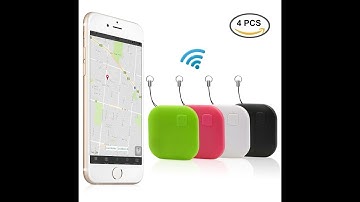
[Music] today I'm taking a look at a device that I personally won't be using but I know some people and one person specifically that can kind of be forgetful at times so I felt this would be useful but before I give it to them of course I want to create this little video so this is the sort of a rounded square set there's some round ones triangle different shapes available so if you check the link below you can find out more information and you can also of course look at the different models available so this is one that has four different colors and they're around its square they come with an additional battery which is nice each battery is supposed to last probably around six months or so that may vary I guess depending on how much you use it I have a small lanyard if you want to attach this you just pop this open the same way you would to change the battery and this goes around a lit

Similar products