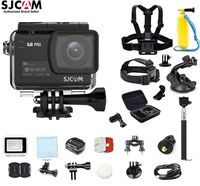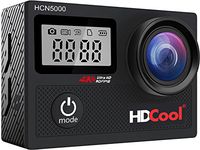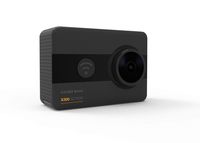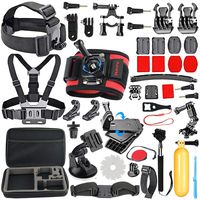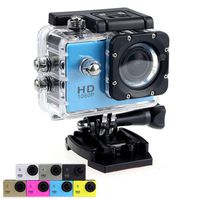
The functions as follows:
1 .Resolution: 12M /10M/8M/5M/3M/2M/1.3M/VGA
2 .Movie size: FHD (1920X1080), HD (1280X720), 640(640X480)
3 .Power frequency: 50HZ, 60HZ
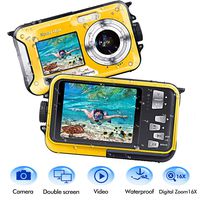
4 .Power save: Select OFF /1 min /3min /5min
5 .Date &Time: Setting the date and time of the cameras
6 .Language: Setting the language of the cameras
7 .Format: Erase all data on the SD Card
8 .Reset all: Reset settings of the camera to factory default
9.Language:EN/Chinese/Fr/Ne/Es/Ita/Po/De/PL/Tu/Ru/Jp/Ko
How to use the memory card
Properly insert the TF card into the card holder as per the instructions indicated near the card holder.
To remove the TF card , press the end of memory card gently ,the card will be ejected .
Note :The camera is equipped with built-in memory .Please insert memory card before using .
The camera has a plug-and-play function .Connect the power-on device to the computer
with the USB cable, and the mode can be automatically switched to the removable hard disk.
Removable disk icon will appear in the "My Computer "window. The pictures and video files
you shot stored in the removable disk H: folder (H is this equipment removable disk )
Note: During file downloading, it is prohibited to disconnect USB connection, and plugging
out the memory card when USB connected is also prohibited to avoid loss of data.
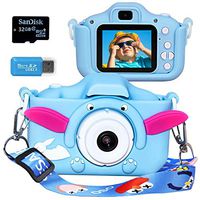
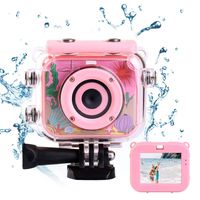
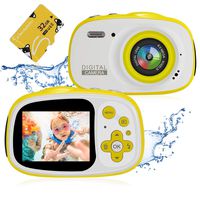
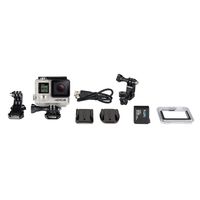
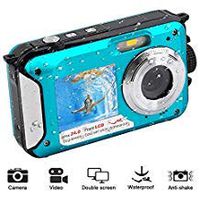
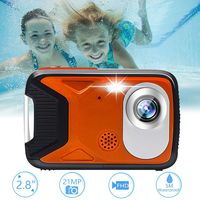
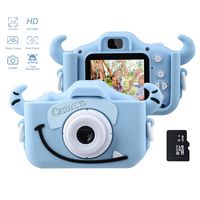
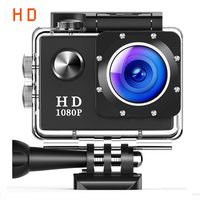
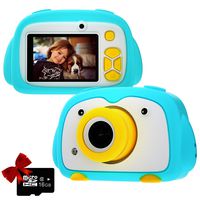
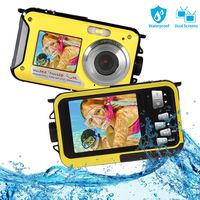
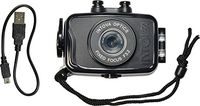
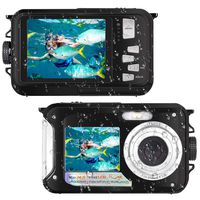
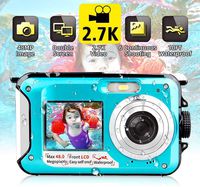
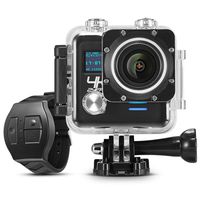
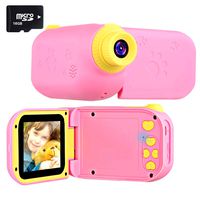
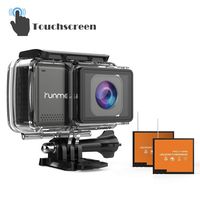
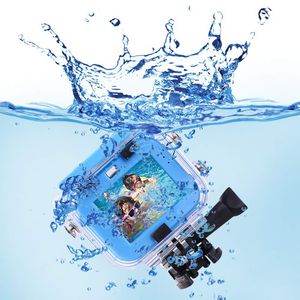
Kids Action Camera, 12MP 1080P HD Waterproof Video Digital Sports Camera with 32G SD Card for Boys Girls, Perfect for Swimming, Travel, Cycling, Outings, Diving, Surfing
The functions as follows:
1 .Resolution: 12M /10M/8M/5M/3M/2M/1.3M/VGA
2 .Movie size: FHD (1920X1080), HD (1280X720), 640(640X480)
3 .Power frequency: 50HZ, 60HZ
4 .Power save: Select OFF /1 min /3min /5min
5 .Date &Time: Setting the date and time of the cameras
6 .Language: Setting the language of the cameras
7 .Format: Erase all data on the SD Card
8 .Reset all: Reset settings of the camera to factory default
9.Language:EN/Chinese/Fr/Ne/Es/Ita/Po/De/PL/Tu/Ru/Jp/Ko
How to use the memory card
Properly insert the TF card into the card holder as per the instructions indicated near the card holder.
To remove the TF card , press the end of memory card gently ,the card will be ejected .
Note :The camera is equipped with built-in memory .Please insert memory card before using .
The camera has a plug-and-play function .Connect the power-on device to the computer
with the USB cable, and the mode can be automatically switched to the removable hard disk.
Removable disk icon will appear in the "My Computer "window. The pictures and video files
you shot stored in the removable disk H: folder (H is this equipment removable disk )
Note: During file downloading, it is prohibited to disconnect USB connection, and plugging
out the memory card when USB connected is also prohibited to avoid loss of data.
in next 2 weeks