NOTE:
(1) Open the dust cover on the lens before use.
(2) The usb of this microscope is 2.0, you need to connect 2.0 usb interface.
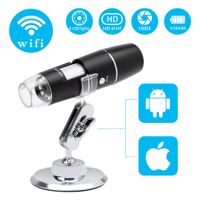
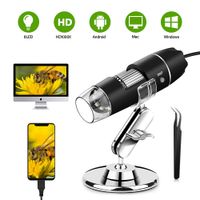
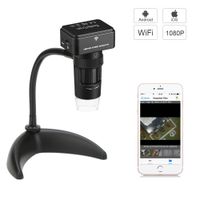
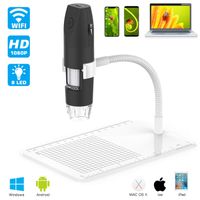
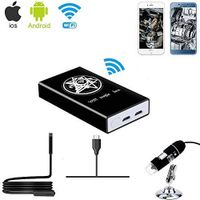
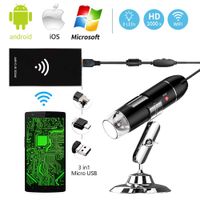
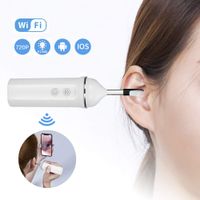
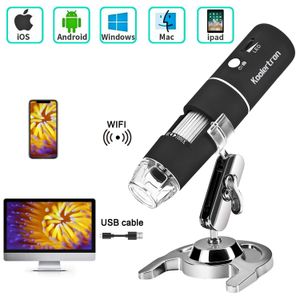
(3)Connect with Phone: This digital microscope equipped with a Wifi hotspot that can connect IOS/Android system phones and tablets by APP Wirelessly.
Connect with Computer: Connect with computer only via USB.(Wireless is not supported)
Features:
Resolution: HD 2MP
Enlarge multiple: 50 to 1000x
Video pixels: 1920x1080P,1280x720P,640x480P
Imaging distance: 3-60mm
WiFi connection: 10m
Power supply: USB(5V DC)
Operating System: Android 4.3,iOS 8.0,Windows vista/7/8/10,MacOSx10.8 or later
How to use ?
WIFI connection for Android and IOS
1. Download the software "Max-see" from Google Play or APP Store;
2. Long press power button to turn on the microscope;
3. Connect the wifi "Max-see"which emits from the microscope;
4. Run the app and it is easy to use.
The USB connection for PC or Laptop
For Windows system:
1. Download the app "Smart Camera" from link www.inskam.com/download/camera.zip ,and install it in your PC;
2. Long press power button to turn on the microscope
3. Connect the microscope to your computer through the data cable
4. Run the app and select the "GENERAL-UVC" in the device.
For MAC system
1. Turn on the microscope and connect it to MAC terminal through the data cable;
2. Open the "Photo Booth" software in the Apple App;
3. Click on the Camera and select the GENERAL-UVC#2(default).
Packing includes:
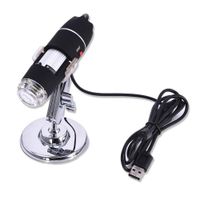
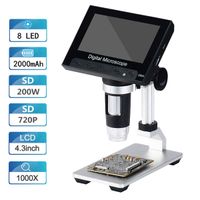
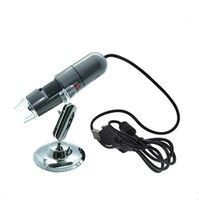
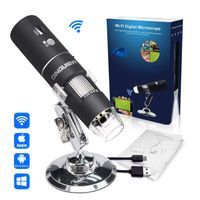
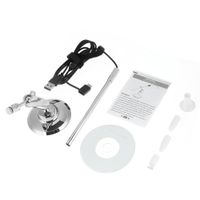
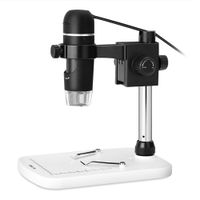
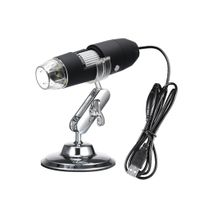
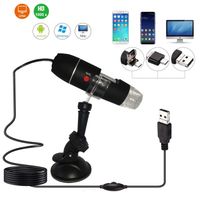
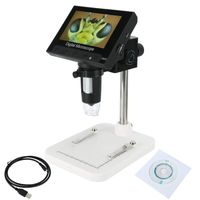
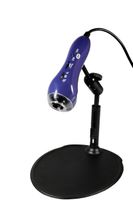
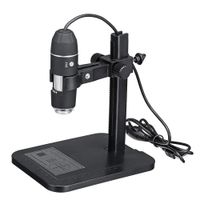
1xWiFi Digital Microscope
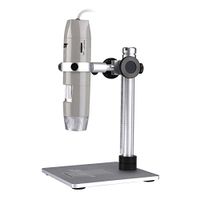
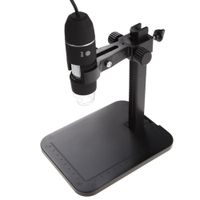
1xMetal Stand
1xUser Manual
1xUSB Charge Data Cable
Koolertron Wireless WiFi Digital USB Microscope,Portable USB Digital Microscope Camera with 1000x Magnification 1080P HD 2MP and 8 LED Adjustable Light for iPhone, iPad, Android Phone, Windows, Mac
NOTE:
(1) Open the dust cover on the lens before use.
(2) The usb of this microscope is 2.0, you need to connect 2.0 usb interface.
(3)Connect with Phone: This digital microscope equipped with a Wifi hotspot that can connect IOS/Android system phones and tablets by APP Wirelessly.
Connect with Computer: Connect with computer only via USB.(Wireless is not supported)
Features:
Resolution: HD 2MP
Enlarge multiple: 50 to 1000x
Video pixels: 1920x1080P,1280x720P,640x480P
Imaging distance: 3-60mm
WiFi connection: 10m
Power supply: USB(5V DC)
Operating System: Android 4.3,iOS 8.0,Windows vista/7/8/10,MacOSx10.8 or later
How to use ?
WIFI connection for Android and IOS
1. Download the software "Max-see" from Google Play or APP Store;
2. Long press power button to turn on the microscope;
3. Connect the wifi "Max-see"which emits from the microscope;
4. Run the app and it is easy to use.
The USB connection for PC or Laptop
For Windows system:
1. Download the app "Smart Camera" from link www.inskam.com/download/camera.zip ,and install it in your PC;
2. Long press power button to turn on the microscope
3. Connect the microscope to your computer through the data cable
4. Run the app and select the "GENERAL-UVC" in the device.
For MAC system
1. Turn on the microscope and connect it to MAC terminal through the data cable;
2. Open the "Photo Booth" software in the Apple App;
3. Click on the Camera and select the GENERAL-UVC#2(default).
Packing includes:
1xWiFi Digital Microscope
1xMetal Stand
1xUser Manual
1xUSB Charge Data Cable
in next 2 weeks