Description
Thank you for choosing LAMONKE smart watch If you have any questions about the operation,please contact us at: zero_toky@163.com How to use it ? After downloading,open the APP and register an account,then complete the connection according to the operating instructions on APP. (1) Download and install the "H-Band" APP on your mobile phone. (2) For Android User: Open all permissions H-Band allows the following permissions: camera,contacts,location,microphone,SMS,memory and phone. (3) Then turn on your phone's Bluetooth and GPS (Pls do not connect to the smart watch directly via Bluetooth.Just connect your device through the APP) (4) Go to the APP → click "My" → click "Connect Device" → find your watch name and connect successfully. NOTE: (1) In order to successfully connect the phone to the smart watch,you need to turn on the bluetooth to your phone and connect to your device through the APP. (2) The first time you connect to the APP,the time on the watch is not consistent with the actual time and all data for steps,calories & distance on the smart watch will be reset. [Let "H Band" run in the background] If the user has no interaction with the H-band,the system determines if the H-band needs to be cleaned to extend the battery life.If you want to use the H-band for a long time without cleaning it up,you should Use power protection set up (HUAWEI) → Settings → Battery → Clean the app while locking the screen → H Band → Not clean (SAMSUNG) → Settings → Battery Management → Unmonitored App → H Band
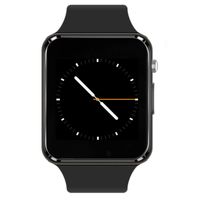
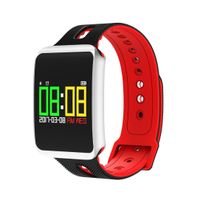
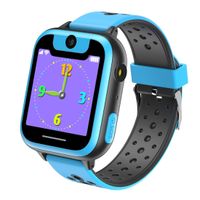
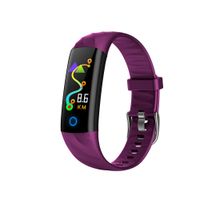
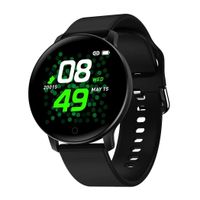
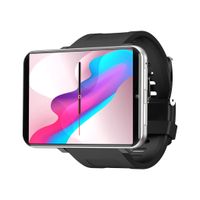
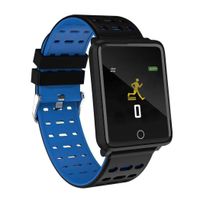
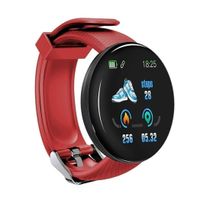
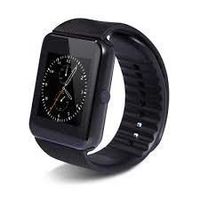
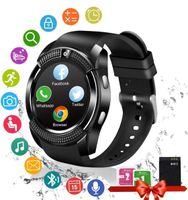
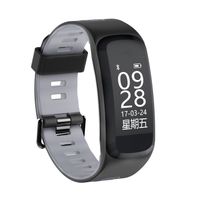
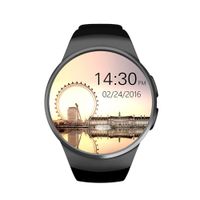
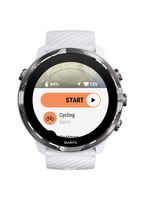
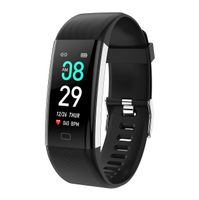
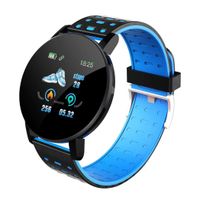
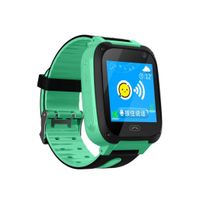
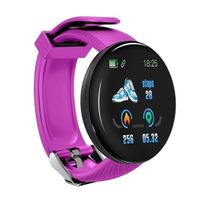
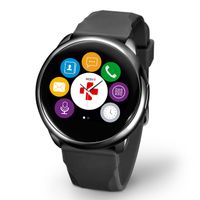
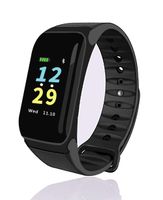
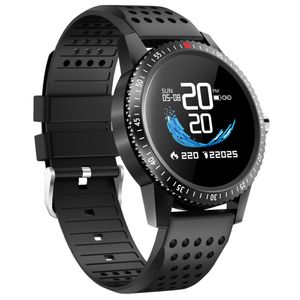
LAMONKE Smart Watch for Android iOS Phones Fitness Tracker Watch with Heart Rate Blood Pressure Monitor Sleep Activity Tracker IP67 Waterproof Smartwatch Compatible with iPhone Samsung for Men Women
Current Price
$45.99
Average
$42.99
Min Price
$39.99
Max Price
$45.99
Price dynamics
7%
Description
Thank you for choosing LAMONKE smart watch If you have any questions about the operation,please contact us at: zero_toky@163.com How to use it ? After downloading,open the APP and register an account,then complete the connection according to the operating instructions on APP. (1) Download and install the "H-Band" APP on your mobile phone. (2) For Android User: Open all permissions H-Band allows the following permissions: camera,contacts,location,microphone,SMS,memory and phone. (3) Then turn on your phone's Bluetooth and GPS (Pls do not connect to the smart watch directly via Bluetooth.Just connect your device through the APP) (4) Go to the APP → click "My" → click "Connect Device" → find your watch name and connect successfully. NOTE: (1) In order to successfully connect the phone to the smart watch,you need to turn on the bluetooth to your phone and connect to your device through the APP. (2) The first time you connect to the APP,the time on the watch is not consistent with the actual time and all data for steps,calories & distance on the smart watch will be reset. [Let "H Band" run in the background] If the user has no interaction with the H-band,the system determines if the H-band needs to be cleaned to extend the battery life.If you want to use the H-band for a long time without cleaning it up,you should Use power protection set up (HUAWEI) → Settings → Battery → Clean the app while locking the screen → H Band → Not clean (SAMSUNG) → Settings → Battery Management → Unmonitored App → H Band
Price will be lower
in next 2 weeks
in next 2 weeks
According to the data, price will be lower in next two weeks, so not waste your money and track better price!
Similar products