Important Note:
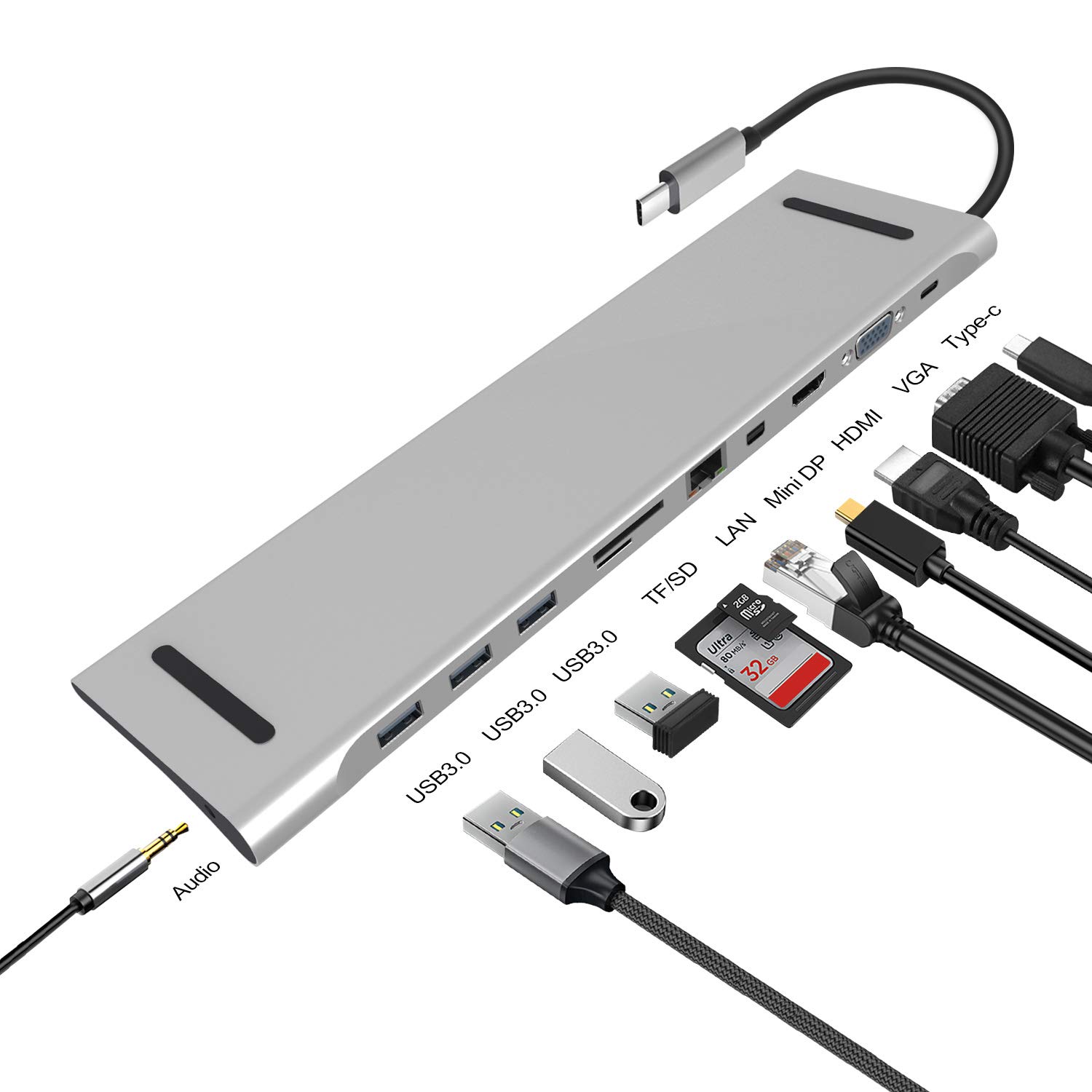
1.(Mini DP+HDMI) and (Mini DP+VGA) can work simultaneously,but HDMI and VGA cannot work at the same time.
2.When connecting Mini DP and HDMI on macOS based system,the computer can read only one EDID (Extended Display Interface Data).So it requests the same highest resolution for using two monitors.Please adjust manually if the resolutions are different.On Windows OS the computer can read two different EDID´s at the same time.
3.When connecting Mini DP and VGA on macOS,the same.Please connect the Mini DP before VGA;otherwise,there might be no sound from the device.And adjust the resolution for both monitors manually.This will not happen on Windows OS.
4.When connecting USB-C female to Chromebook,the mouse to be connected to the USB port will not work immediately with seconds' delay.
5.When connecting to Chromebook,the VGA video signal may not appear on the screen of the VGA monitor under certain resolutions.
6.When plugging in and out to USB-C PD port,the connected USB devices will get disconnected flashily and then reconnect in a few seconds,to prevent possible data loss or corruption,avoid (dis-)connecting the PD adapter from AC power while transferring data.
7.For SD and MicroSD,only read one at once.
Widely Compatible:
Work perfectly for Apple 12 inch new macbook, MacBook Pro 2018 2017 2016
HP Pavlion x2/EliteBook Folio G1
Google Chromebook Pixels/Pixelbook Pen
Lenovo Yoga 5 Pro/C930/730/720/Thinkpad X1
Dell XPS13/XPS15
Please Note: The power supply is not included, please attach your laptop's adapter to this dock for charging, it will also offer power for your laptop.
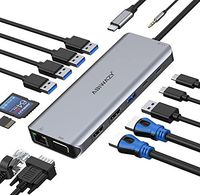
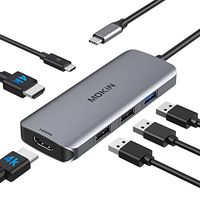
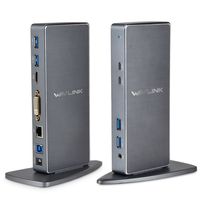
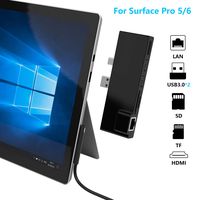
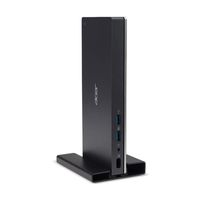
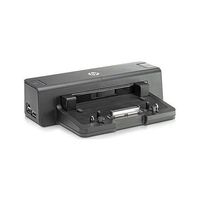
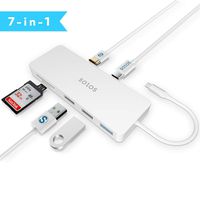
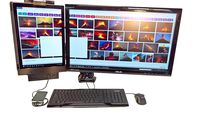
Laptop Docking Station,Dual Monitor USB C Dock for MacBook Pro 2016/2017/2018, ChromeBook, Dell XPS,ASUS and More Type C Laptop
Important Note:
1.(Mini DP+HDMI) and (Mini DP+VGA) can work simultaneously,but HDMI and VGA cannot work at the same time.
2.When connecting Mini DP and HDMI on macOS based system,the computer can read only one EDID (Extended Display Interface Data).So it requests the same highest resolution for using two monitors.Please adjust manually if the resolutions are different.On Windows OS the computer can read two different EDID´s at the same time.
3.When connecting Mini DP and VGA on macOS,the same.Please connect the Mini DP before VGA;otherwise,there might be no sound from the device.And adjust the resolution for both monitors manually.This will not happen on Windows OS.
4.When connecting USB-C female to Chromebook,the mouse to be connected to the USB port will not work immediately with seconds' delay.
5.When connecting to Chromebook,the VGA video signal may not appear on the screen of the VGA monitor under certain resolutions.
6.When plugging in and out to USB-C PD port,the connected USB devices will get disconnected flashily and then reconnect in a few seconds,to prevent possible data loss or corruption,avoid (dis-)connecting the PD adapter from AC power while transferring data.
7.For SD and MicroSD,only read one at once.
Widely Compatible:
Work perfectly for Apple 12 inch new macbook, MacBook Pro 2018 2017 2016
HP Pavlion x2/EliteBook Folio G1
Google Chromebook Pixels/Pixelbook Pen
Lenovo Yoga 5 Pro/C930/730/720/Thinkpad X1
Dell XPS13/XPS15
Please Note: The power supply is not included, please attach your laptop's adapter to this dock for charging, it will also offer power for your laptop.
in next 2 weeks