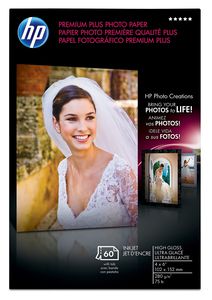
HP Premium Plus Photo Paper, High Gloss (60 Sheets, 4 x 6 Inches with Tab)
Current Price
$11.99
Average
$7.86
Min Price
$0.5
Max Price
$14.99
Price dynamics
34%
Price will be lower
in next 2 weeks
in next 2 weeks
According to the data, price will be lower in next two weeks, so not waste your money and track better price!
Product review & video
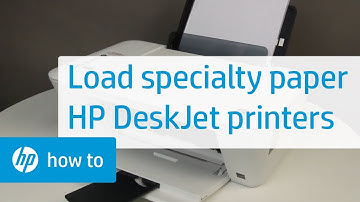
This video shows how to load plain white paper,
photo paper, and envelopes into Deskjet 1510, 2540, Deskjet
Ink Advantage 1510, and the 2540 All-in-One Series. Your model may look different than the model shown, but the steps are the same. Follow these steps to load plain white paper
into the printer. First, raise the input tray. Lower the output tray. Pull out the tray extender. Align a stack of paper by tapping it on a flat surface. Load plain white paper into the input tray with the short edge down and the print side up. Slide the paper width guide inward until it
stops at the edge of the paper. Do not push the guide in so tightly that it
starts to bend the paper. Follow these steps to load photo paper into your printer. First, raise the input tray. Lower the output tray. Pull out the tray extender. Load a stack of photo paper into the input tray with the short edge down and the prin