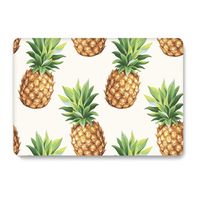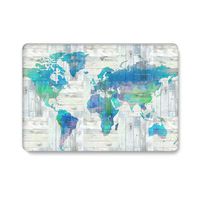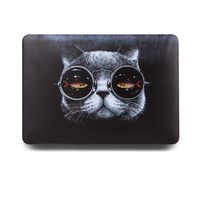
Description
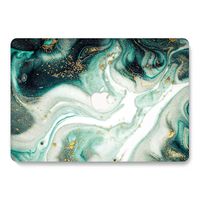
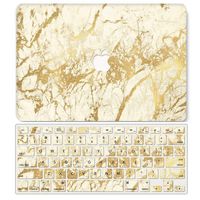
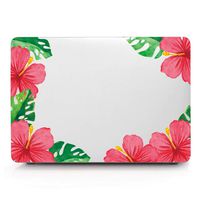
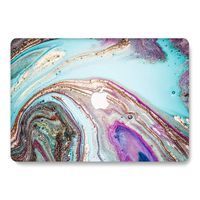
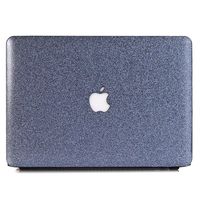
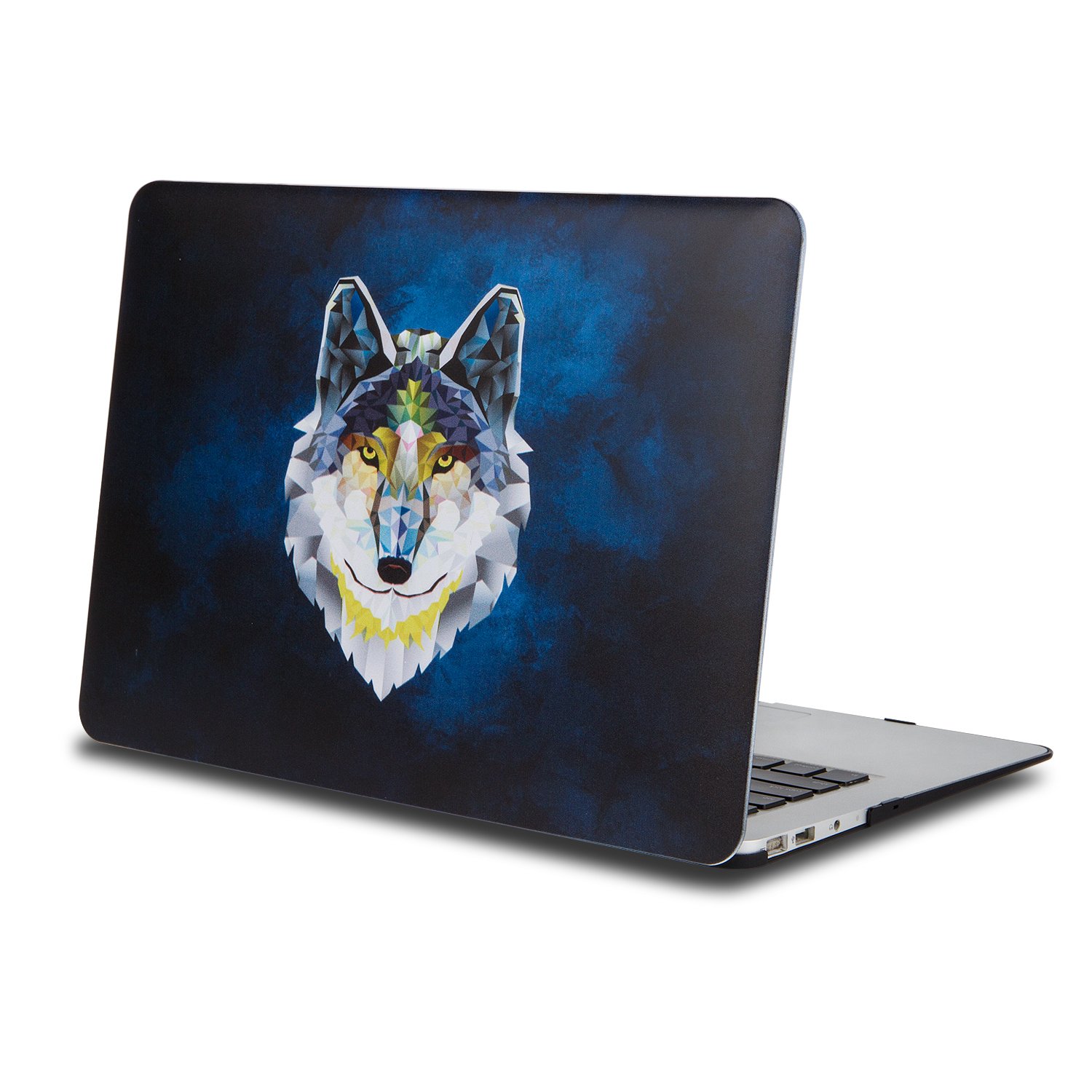
One Micron High Quality Soft Touch Hard Case Crystal Series
Specifications
Designed to fit MacBook 12 Inch (A1534)
Snap on design, easy on easy off
Fully access to all buttons and features
Plug your charger, cable or headset without removing the case
Super light-weight hard shell with exquisite finish protects your MacBook from scrapes and scratches
Material: Polycarbonate
Case Only Compatible with
Model: A1534
Case NOT Compatible with
MacBook Pro 15.6''(A1398)
MacBook Pro13.3''(A1502/A1425)
MacBook Air 13.3'' (A1466/A1369)
Macbook Air 11.6''(A1370/A1465)
Macbook Pro 13.3'' (A1278)
Newest Macbook Pro 13 Inch with/without Touch Bar (A1706 / A1708, Release October 2016)
Newest MacBook Pro 15 Inch with Retina Display (A1707 with Touch Bar, Release October 2016)
Installation
Start with the top cover of the case. Clip the 2 clips at the back of the MacBook first.
Pull the case slightly to the front until the 3 clips "clicking".
Turn around the MacBook. Clip the bottom cover on the back of the MacBook first.
Pull the case slightly to the front until the clips "clicking".
Specifications
Designed to fit MacBook 12 Inch (A1534)
Snap on design, easy on easy off
Fully access to all buttons and features
Plug your charger, cable or headset without removing the case
Super light-weight hard shell with exquisite finish protects your MacBook from scrapes and scratches
Material: Polycarbonate
Case Only Compatible with
Model: A1534
Case NOT Compatible with
MacBook Pro 15.6''(A1398)
MacBook Pro13.3''(A1502/A1425)
MacBook Air 13.3'' (A1466/A1369)
Macbook Air 11.6''(A1370/A1465)
Macbook Pro 13.3'' (A1278)
Newest Macbook Pro 13 Inch with/without Touch Bar (A1706 / A1708, Release October 2016)
Newest MacBook Pro 15 Inch with Retina Display (A1707 with Touch Bar, Release October 2016)
Installation
Start with the top cover of the case. Clip the 2 clips at the back of the MacBook first.
Pull the case slightly to the front until the 3 clips "clicking".
Turn around the MacBook. Clip the bottom cover on the back of the MacBook first.
Pull the case slightly to the front until the clips "clicking".
One Micron Macbook 12" Case, Soft-Touch Smooth Lightweight Macbook Cover for MacBook 12 Inch (A1534)-Wolf
Current Price
$17.99
Average
$17.99
Min Price
$17.99
Max Price
$17.99
Price dynamics
0%
Description
One Micron High Quality Soft Touch Hard Case Crystal Series
Specifications
Designed to fit MacBook 12 Inch (A1534)
Snap on design, easy on easy off
Fully access to all buttons and features
Plug your charger, cable or headset without removing the case
Super light-weight hard shell with exquisite finish protects your MacBook from scrapes and scratches
Material: Polycarbonate
Case Only Compatible with
Model: A1534
Case NOT Compatible with
MacBook Pro 15.6''(A1398)
MacBook Pro13.3''(A1502/A1425)
MacBook Air 13.3'' (A1466/A1369)
Macbook Air 11.6''(A1370/A1465)
Macbook Pro 13.3'' (A1278)
Newest Macbook Pro 13 Inch with/without Touch Bar (A1706 / A1708, Release October 2016)
Newest MacBook Pro 15 Inch with Retina Display (A1707 with Touch Bar, Release October 2016)
Installation
Start with the top cover of the case. Clip the 2 clips at the back of the MacBook first.
Pull the case slightly to the front until the 3 clips "clicking".
Turn around the MacBook. Clip the bottom cover on the back of the MacBook first.
Pull the case slightly to the front until the clips "clicking".
Specifications
Designed to fit MacBook 12 Inch (A1534)
Snap on design, easy on easy off
Fully access to all buttons and features
Plug your charger, cable or headset without removing the case
Super light-weight hard shell with exquisite finish protects your MacBook from scrapes and scratches
Material: Polycarbonate
Case Only Compatible with
Model: A1534
Case NOT Compatible with
MacBook Pro 15.6''(A1398)
MacBook Pro13.3''(A1502/A1425)
MacBook Air 13.3'' (A1466/A1369)
Macbook Air 11.6''(A1370/A1465)
Macbook Pro 13.3'' (A1278)
Newest Macbook Pro 13 Inch with/without Touch Bar (A1706 / A1708, Release October 2016)
Newest MacBook Pro 15 Inch with Retina Display (A1707 with Touch Bar, Release October 2016)
Installation
Start with the top cover of the case. Clip the 2 clips at the back of the MacBook first.
Pull the case slightly to the front until the 3 clips "clicking".
Turn around the MacBook. Clip the bottom cover on the back of the MacBook first.
Pull the case slightly to the front until the clips "clicking".
Price will be lower
in next 2 weeks
in next 2 weeks
According to the data, price will be lower in next two weeks, so not waste your money and track better price!
Product review & video
hey everybody this is Erica the technology nerd likes to film stuff and today I want to review the 12-inch MacBook this is the 2016 version that came out not very long ago about a month or so ago I want to review this from my individual perspective my individual use perspective just to show who this computer is going to be useful for I realize that this is a very polarizing device and this is not a device that's going to be good for everybody so I'd like to say why it works for me why I've been able to switch from a netbook pro over to this one as my daily computer and I've been using this faithfully I had my MacBook Pro my 13-inch one and was using that everyday pick this guy up and have not put it down since my MacBook Pro is sitting somewhere in my apartment along a wall I literally have not touched it and also I've pretty confident to talk about this now because I've been using this



Similar products