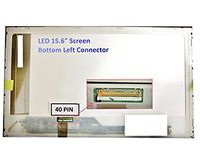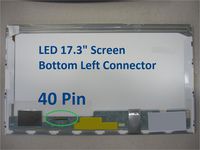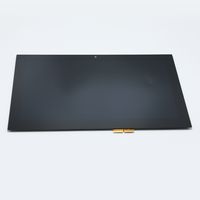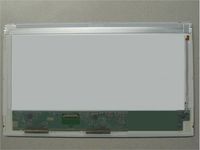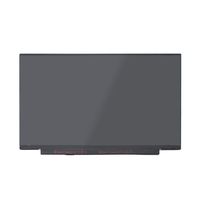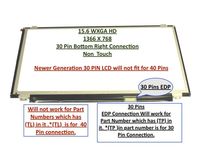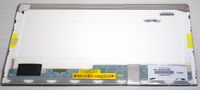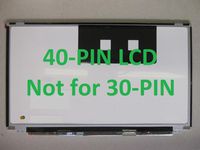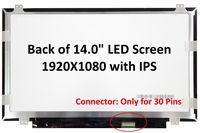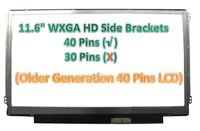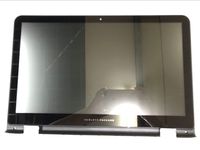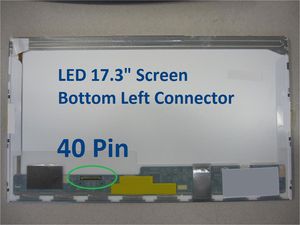
TOSHIBA SATELLITE L675D-S7022 Laptop Screen 17.3 LED BOTTOM LEFT WXGA++ 1600x900
Current Price
$64.09
Average
$62.54
Min Price
$55.93
Max Price
$79.98
Price dynamics
2%
Price will be lower
in next 2 weeks
in next 2 weeks
According to the data, price will be lower in next two weeks, so not waste your money and track better price!
Product review & video
accessing the BIOS on your Toshiba laptop can allow you to make changes that may remedy certain issues in some troubleshooting procedures you may be required to change the boot order and the BIOS as part of the process the following video will show you how to access the BIOS and change the boot order on a Toshiba laptop with windows 7 pre-installed this procedure is similar on Toshiba laptops with Windows XP and Windows Vista pre-installed first shut down the laptop by opening the Start menu and selecting shut down next we'll start the laptop and enter the BIOS press the power button to start the laptop when the Toshiba splash screen appears press the appropriate key displayed at the bottom edge of the screen to enter setup this will be either the f2 or f8 key on the laptop being used in this video its f8 the BIOS screen will display to change the boot priority use the left and right ar