Description
Feature:
1.Superior quality,and durability
2.Protection against scratches,dirt and grime
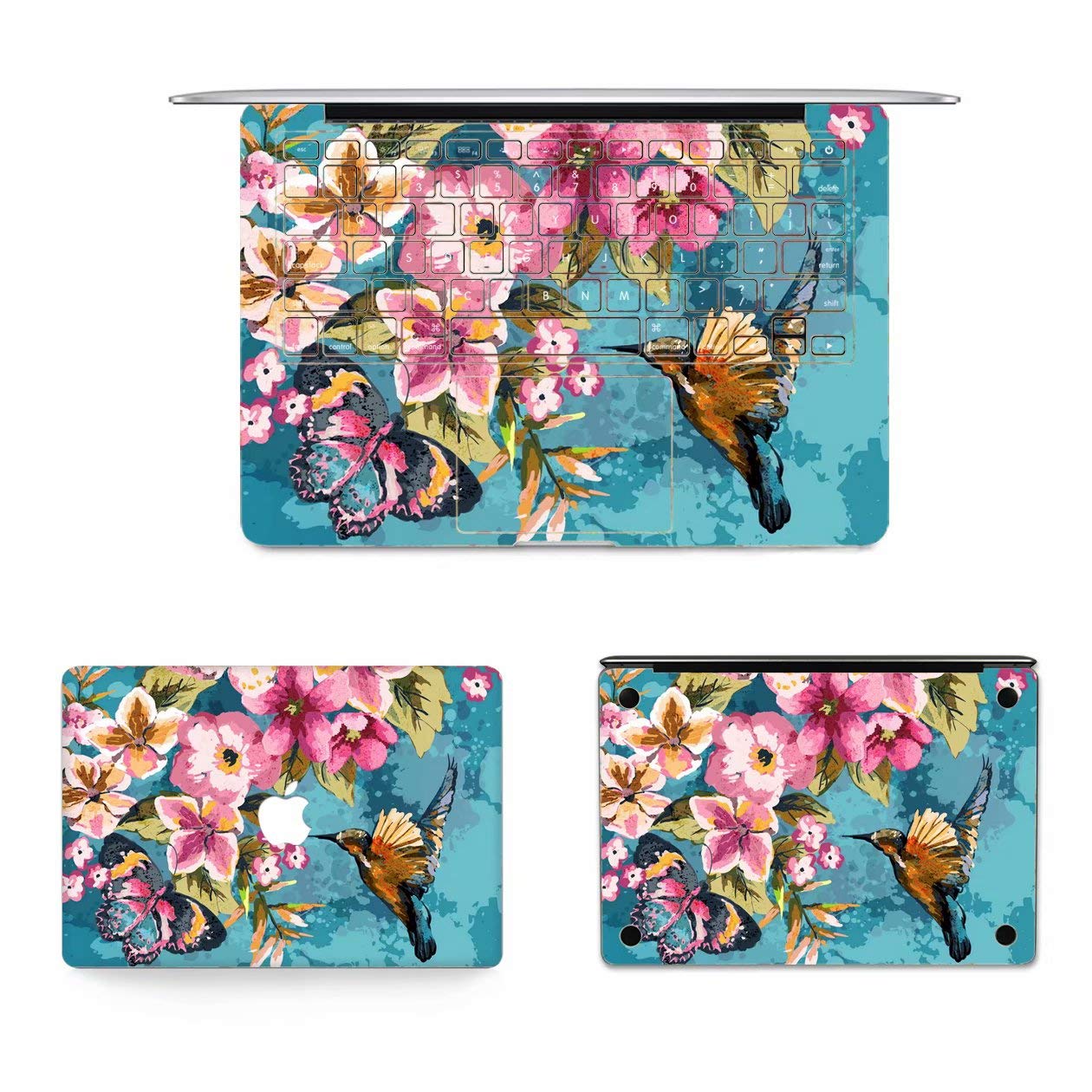
3.Quick and Easy, Bubble-Free Installation, with no sticky adhesive
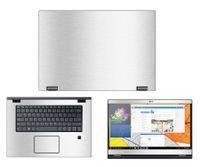
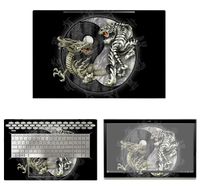
4.Package Include: 1 x upper cover sticker, 1 x bottom cover sticker, 1 x palmrest sticker, 1 x anti-static cleaning cloth
How to apply ?
1. Please use wiping cloth to clean surface before pasting stickers
2. Align UPPER sticker LOGO hole>edges>corners to the laptop body
3. Peel off and cut half side of backing paper; Align upper sticker to LOGO hole mainly, then edges/corners of laptop body, paste it on laptop easily
4. Slowly peel off the rest of backing paper, paste the other half skin at the same time
4-1.If the alignment process is not good, you can slowly take it away, then re-alignment, paste again
5. Use wiping cloth wipe the laptop and squeeze out bubbles. Finally, Bubbles be disappeared; sticker fit laptop LOGO hole and laptop UPPER side well
Paste other pieces in the same way
6. If stickers do not paste well, please contact seller at the first time. We can help you to solve it soon
1.Superior quality,and durability
2.Protection against scratches,dirt and grime
3.Quick and Easy, Bubble-Free Installation, with no sticky adhesive
4.Package Include: 1 x upper cover sticker, 1 x bottom cover sticker, 1 x palmrest sticker, 1 x anti-static cleaning cloth
How to apply ?
1. Please use wiping cloth to clean surface before pasting stickers
2. Align UPPER sticker LOGO hole>edges>corners to the laptop body
3. Peel off and cut half side of backing paper; Align upper sticker to LOGO hole mainly, then edges/corners of laptop body, paste it on laptop easily
4. Slowly peel off the rest of backing paper, paste the other half skin at the same time
4-1.If the alignment process is not good, you can slowly take it away, then re-alignment, paste again
5. Use wiping cloth wipe the laptop and squeeze out bubbles. Finally, Bubbles be disappeared; sticker fit laptop LOGO hole and laptop UPPER side well
Paste other pieces in the same way
6. If stickers do not paste well, please contact seller at the first time. We can help you to solve it soon
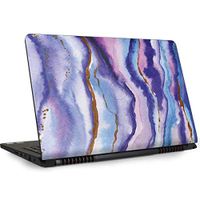
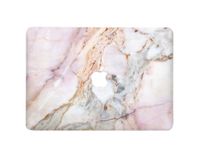
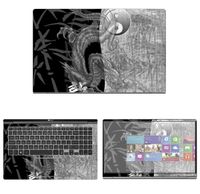
MacBook Air 13 Inch 2018 Skin, soundmae Ultra Slim 3 in 1 Decal Vinyl PVC Full Body Skin Sticker Cover for Apple MacBook Air 13 Inch 2018 Release A1932, Bird Flower
Current Price
$9.99
Average
$9.99
Min Price
$9.99
Max Price
$9.99
Description
Feature:
1.Superior quality,and durability
2.Protection against scratches,dirt and grime
3.Quick and Easy, Bubble-Free Installation, with no sticky adhesive
4.Package Include: 1 x upper cover sticker, 1 x bottom cover sticker, 1 x palmrest sticker, 1 x anti-static cleaning cloth
How to apply ?
1. Please use wiping cloth to clean surface before pasting stickers
2. Align UPPER sticker LOGO hole>edges>corners to the laptop body
3. Peel off and cut half side of backing paper; Align upper sticker to LOGO hole mainly, then edges/corners of laptop body, paste it on laptop easily
4. Slowly peel off the rest of backing paper, paste the other half skin at the same time
4-1.If the alignment process is not good, you can slowly take it away, then re-alignment, paste again
5. Use wiping cloth wipe the laptop and squeeze out bubbles. Finally, Bubbles be disappeared; sticker fit laptop LOGO hole and laptop UPPER side well
Paste other pieces in the same way
6. If stickers do not paste well, please contact seller at the first time. We can help you to solve it soon
1.Superior quality,and durability
2.Protection against scratches,dirt and grime
3.Quick and Easy, Bubble-Free Installation, with no sticky adhesive
4.Package Include: 1 x upper cover sticker, 1 x bottom cover sticker, 1 x palmrest sticker, 1 x anti-static cleaning cloth
How to apply ?
1. Please use wiping cloth to clean surface before pasting stickers
2. Align UPPER sticker LOGO hole>edges>corners to the laptop body
3. Peel off and cut half side of backing paper; Align upper sticker to LOGO hole mainly, then edges/corners of laptop body, paste it on laptop easily
4. Slowly peel off the rest of backing paper, paste the other half skin at the same time
4-1.If the alignment process is not good, you can slowly take it away, then re-alignment, paste again
5. Use wiping cloth wipe the laptop and squeeze out bubbles. Finally, Bubbles be disappeared; sticker fit laptop LOGO hole and laptop UPPER side well
Paste other pieces in the same way
6. If stickers do not paste well, please contact seller at the first time. We can help you to solve it soon
Price will be lower
in next 2 weeks
in next 2 weeks
According to the data, price will be lower in next two weeks, so not waste your money and track better price!
Similar products