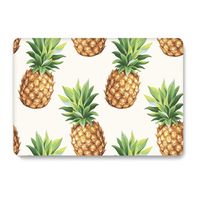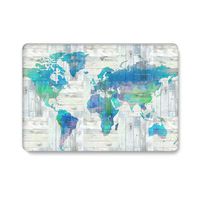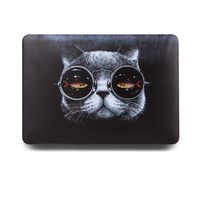
Description
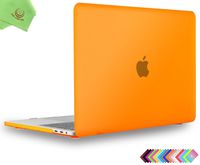
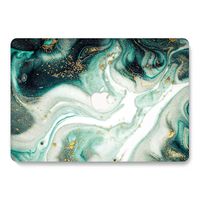
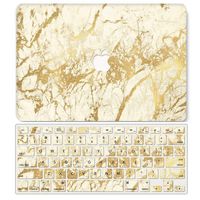
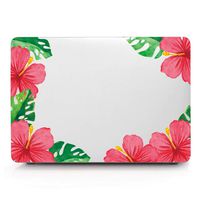
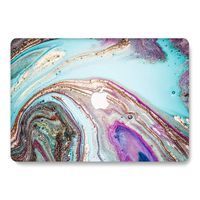
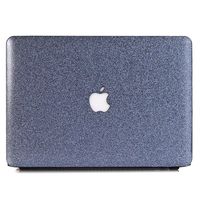
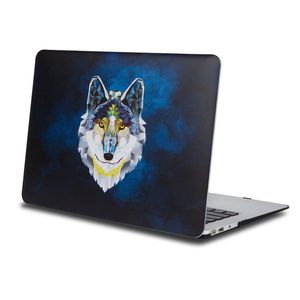
One Micron High Quality Soft Touch Hard Case Crystal Series
Specifications
Designed to fit MacBook Pro 13 Inch (A1278)
Snap on design, easy on easy off
Fully access to all buttons and features
Plug your charger, cable or headset without removing the case
Super light-weight hard shell with exquisite finish protects your MacBook from scrapes and scratches
Material: Polycarbonate
Case Only Compatible with
Model: A1278
Case NOT Compatible with
MacBook Air 13.3'' (A1466/A1369)
Macbook Air 11.6''(A1370/A1465)
Old Macbook Pro 13.3'' with Retina Display (A1502/A1425)
Old Macbook Pro 15 '' with Retina Display Retina (A1398)
Macbook 12 Inch with Retina Display (A1534)
Newest Macbook Pro 13 Inch with/without Touch Bar (A1706 / A1708, Release October 2016)
Newest MacBook Pro 15 Inch with Retina Display (A1707 with Touch Bar, Release October 2016)
Installation
Start with the top cover of the case. Clip the 2 clips at the back of the MacBook first.
Pull the case slightly to the front until the 3 clips "clicking".
Turn around the MacBook. Clip the bottom cover on the back of the MacBook first.
Pull the case slightly to the front until the clips "clicking".
Specifications
Designed to fit MacBook Pro 13 Inch (A1278)
Snap on design, easy on easy off
Fully access to all buttons and features
Plug your charger, cable or headset without removing the case
Super light-weight hard shell with exquisite finish protects your MacBook from scrapes and scratches
Material: Polycarbonate
Case Only Compatible with
Model: A1278
Case NOT Compatible with
MacBook Air 13.3'' (A1466/A1369)
Macbook Air 11.6''(A1370/A1465)
Old Macbook Pro 13.3'' with Retina Display (A1502/A1425)
Old Macbook Pro 15 '' with Retina Display Retina (A1398)
Macbook 12 Inch with Retina Display (A1534)
Newest Macbook Pro 13 Inch with/without Touch Bar (A1706 / A1708, Release October 2016)
Newest MacBook Pro 15 Inch with Retina Display (A1707 with Touch Bar, Release October 2016)
Installation
Start with the top cover of the case. Clip the 2 clips at the back of the MacBook first.
Pull the case slightly to the front until the 3 clips "clicking".
Turn around the MacBook. Clip the bottom cover on the back of the MacBook first.
Pull the case slightly to the front until the clips "clicking".
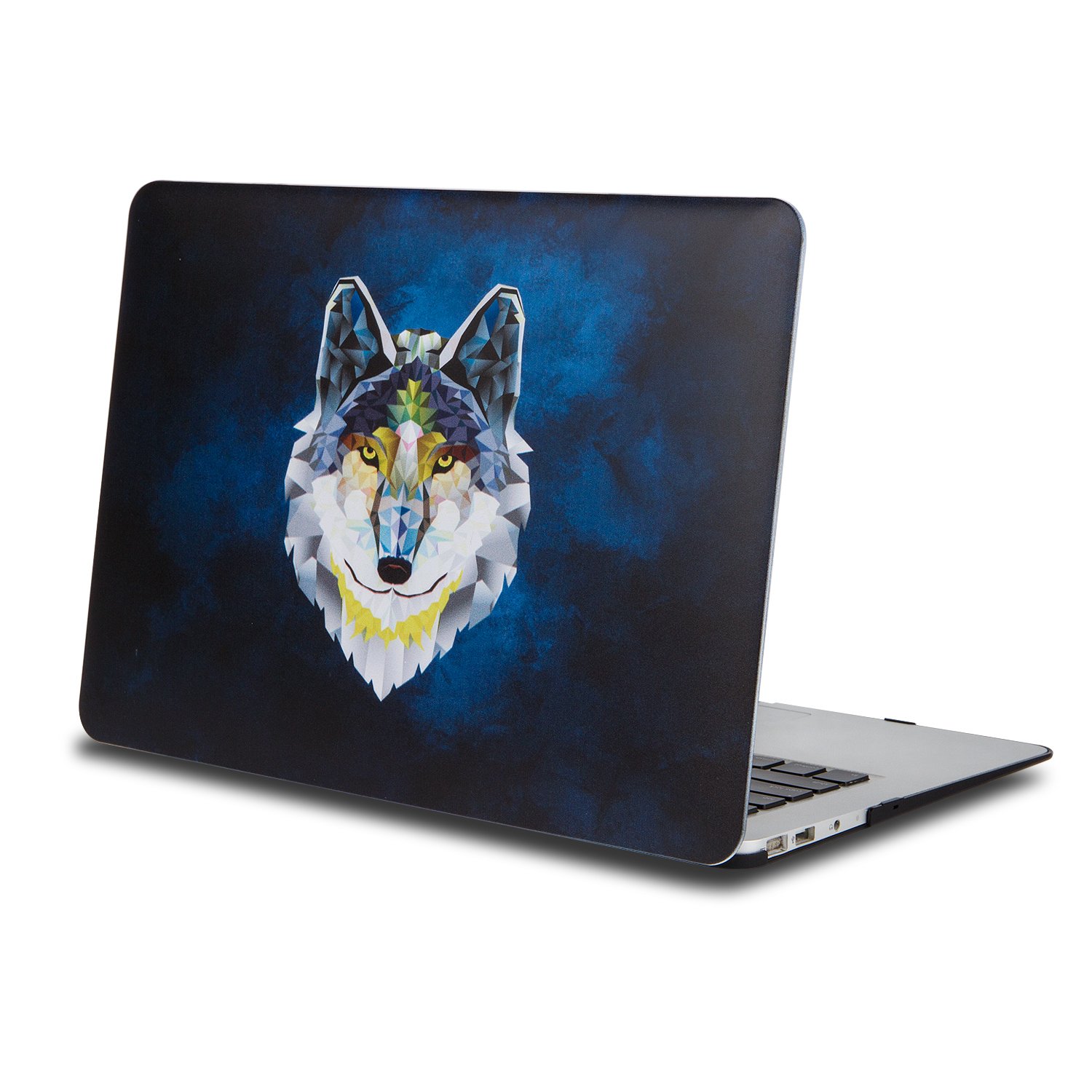
Macbook Pro 13.3"Case, One Micron Soft-Touch Smooth Lightweight Macbook Cover for MacBook Pro 13 Inch(A1278)-Wolf
Price is below average
Current Price
$14.99
Average
$17.59
Min Price
$14.99
Max Price
$18.99
Price dynamics
15%
Description
One Micron High Quality Soft Touch Hard Case Crystal Series
Specifications
Designed to fit MacBook Pro 13 Inch (A1278)
Snap on design, easy on easy off
Fully access to all buttons and features
Plug your charger, cable or headset without removing the case
Super light-weight hard shell with exquisite finish protects your MacBook from scrapes and scratches
Material: Polycarbonate
Case Only Compatible with
Model: A1278
Case NOT Compatible with
MacBook Air 13.3'' (A1466/A1369)
Macbook Air 11.6''(A1370/A1465)
Old Macbook Pro 13.3'' with Retina Display (A1502/A1425)
Old Macbook Pro 15 '' with Retina Display Retina (A1398)
Macbook 12 Inch with Retina Display (A1534)
Newest Macbook Pro 13 Inch with/without Touch Bar (A1706 / A1708, Release October 2016)
Newest MacBook Pro 15 Inch with Retina Display (A1707 with Touch Bar, Release October 2016)
Installation
Start with the top cover of the case. Clip the 2 clips at the back of the MacBook first.
Pull the case slightly to the front until the 3 clips "clicking".
Turn around the MacBook. Clip the bottom cover on the back of the MacBook first.
Pull the case slightly to the front until the clips "clicking".
Specifications
Designed to fit MacBook Pro 13 Inch (A1278)
Snap on design, easy on easy off
Fully access to all buttons and features
Plug your charger, cable or headset without removing the case
Super light-weight hard shell with exquisite finish protects your MacBook from scrapes and scratches
Material: Polycarbonate
Case Only Compatible with
Model: A1278
Case NOT Compatible with
MacBook Air 13.3'' (A1466/A1369)
Macbook Air 11.6''(A1370/A1465)
Old Macbook Pro 13.3'' with Retina Display (A1502/A1425)
Old Macbook Pro 15 '' with Retina Display Retina (A1398)
Macbook 12 Inch with Retina Display (A1534)
Newest Macbook Pro 13 Inch with/without Touch Bar (A1706 / A1708, Release October 2016)
Newest MacBook Pro 15 Inch with Retina Display (A1707 with Touch Bar, Release October 2016)
Installation
Start with the top cover of the case. Clip the 2 clips at the back of the MacBook first.
Pull the case slightly to the front until the 3 clips "clicking".
Turn around the MacBook. Clip the bottom cover on the back of the MacBook first.
Pull the case slightly to the front until the clips "clicking".
Price will be lower
in next 2 weeks
in next 2 weeks
According to the data, price will be lower in next two weeks, so not waste your money and track better price!
Product review & video
and we can just put this on and clip this into place and man that was easy is this all installed already [Music] wow hey wire noticers shane here coming at you with another awesome technology video and today folks we're going to be unboxing this guy right here the incase hard shell case for none other than the m1 13-inch macbook pro so without further ado let's get to getting this case out of the box here we go so folks here we are up close and personal with this case's box and as you can see it's not actually much of a box because the case is literally just sitting right here out in the open but anyway as you can see on the front of the so-called box if we'll call it that it says in case hard shell case over here on the side in case 13 inch macbook pro over here 13 inch 13 inch definitely wants you to know which computer this is for so that's definitely a good thing make sure you buy t



Similar products