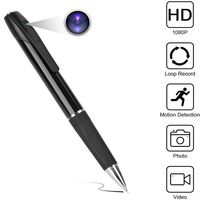
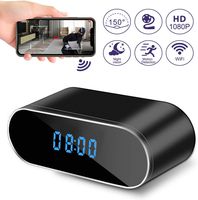
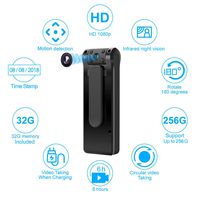
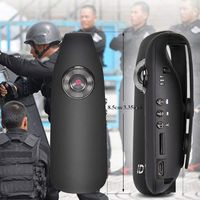
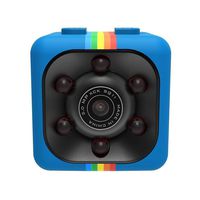
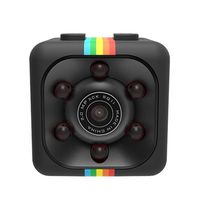
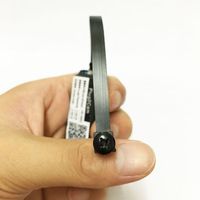
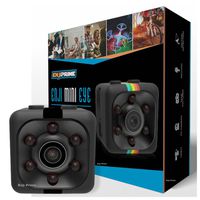
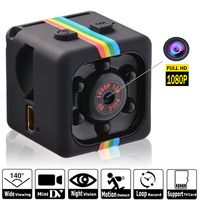
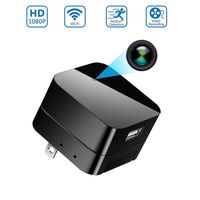
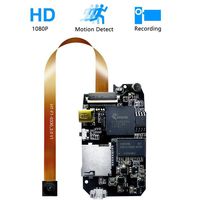
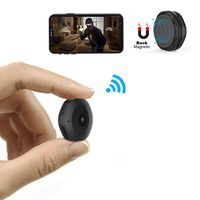
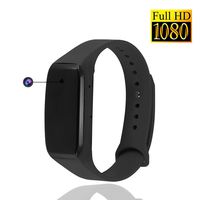
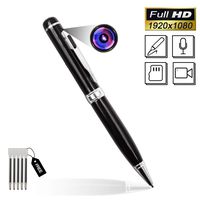
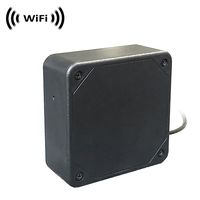
All of our MAGHO products has 15 months guarantee and all life technical support.If you have any questions or problems,please feel free to contact with us,we will reply to you ASAP and try our best to help you solve problem.After sale service email:usnotweall@hotmail.com Main Features:
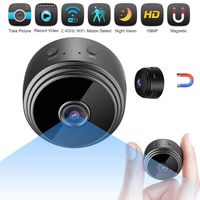
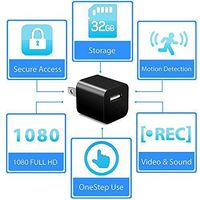
1.Video Resolution:1920x1080/1280x720/640x480/320x240,25fps
2.Lens:Cmos sensor,2mp,OV92710,Angle:90
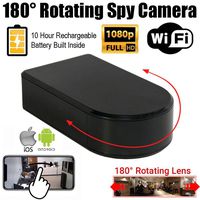
3.Battery Capacity:2200mAh
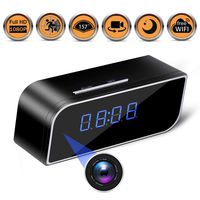
4.Wifi Transmitting Distance:30m straight-line uncovered;IP remote view on mobile app after setting up the camera to your own router
5.Picture Definition:1280x720
6.Battery Working Time:4hrs,support working while charging
7.Usb cable:0.8m,Charging Time:8hrs before full charged
8.Memory:Support External Micro SD card max to 128G
9.Power:DC 5V/2A
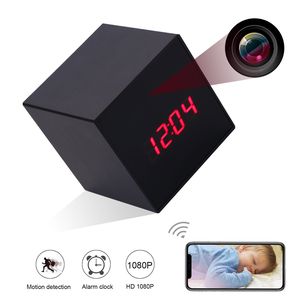
10.Alarm Clock:Support
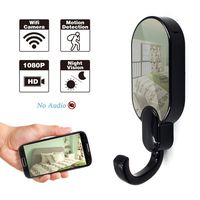
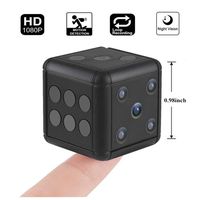
11.Support Motion Detection Recording, Cycle Recording and On-line Monitoring
How to Use It (Only supports 2.4G WIFI network, not support 5G WIFI)
1.Please download the App on your phone , then search the camera Wi-Fi on mobile WLAN setting, click connect.
2.Wait till the WIFI signal logo shows up on the top of phone,open the app, add the camera, then you can native view.
3.If you want Remote View,click:Device Settings - WIFI Config - Select your home WIFI and enter the password on app, then ok.
FAQ:
1: Q:Why can't i find/connect the wifi(CM......)(or can not the find the camera on app)?
A:1st, please wait for a minute;
2nd,Reset the camera, press the "Reset" button about 5secs or until the indicator light goes off.
2:Q:SD card cannot save files.
A:1st: SD must be formatted for first use.2nd: Before Insert the card,turn off the camera 1st.
3:Q:The video in SD card can not be played fluently on APP
A:It is due to different decoding capacity of mobile phones. You can adjust the definition of recording to fit your mobile phone.