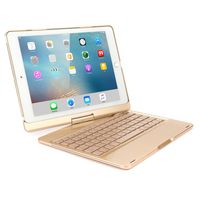
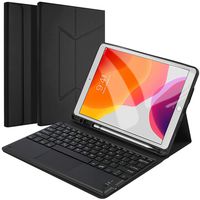
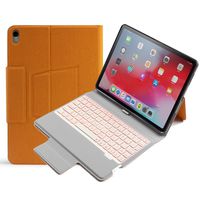
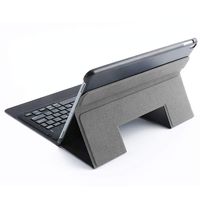
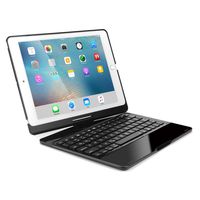
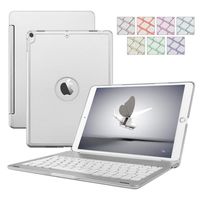
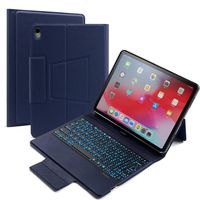
👍Instructions:
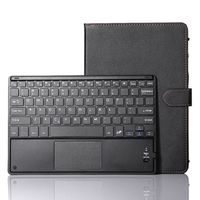
Power on/off: To turn on, slide the power button to right side, the indicator will be green for 10 seconds and then be off. To turn off, slide the power button to left side.
Wireless pairing: Press "Fn + Delete(Wireless icon)" keys together for connecting. Go to your "SETTINGS" screen on your tablets with Wireless-enabled device, activate its Wireless function and search for the keyboard device. "MOKO Keyboard" Should appear. Select "MOKO Keyboard" on your device and the keyboard will be paired. The Wireless indicator will be off.
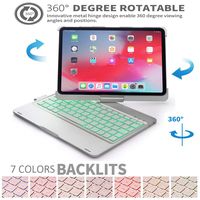
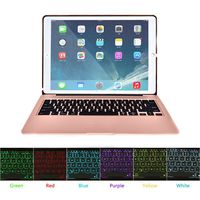
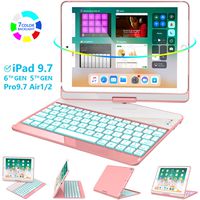
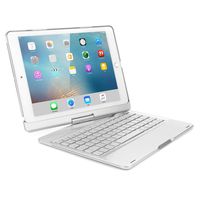
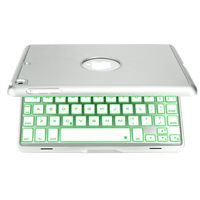
Backlit on : Press "Fn + Alt(Light icon)" keys together for turning on the backlit. Press first time is turning on the light. Press second time is increasing brightness. Press third time is lighting off. Press "Alt (Light Icon) + Up / Down" keys to change the backlit colors (7 optional colors). When the battery is less than 20%, the backlit will be turnt off. The backlit won't work until the keyboard paired with device.
👍Specfiction:
Bluetooth 3.0 standard interface
Effective operating distance: 10 meters
Working voltage: 3.0-4.2V
Working current: <2.5mA
Standby current: <0.3mA
Sleep current: <40uA
Charging current: >200mA
Standby time: 100 days
Charging time: 2-3 hours
Lithium battery capacity: 350mAh
Sustainable working hours: 35 hours
Lithium battery life: 3 years
Button life: 5 million clicks
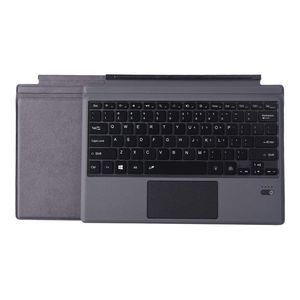
Applicable models: Surface Pro3/Pro4/Pro2017/Pro 6
Product size: 295x220x5mm
![ESSTORE Cases for Galaxy Tab E 9.6" / T560 / T561 - Ultra Slim Lightweight Multi Function Leather Case for Samsung Galaxy Tab E 9.6" / T560 / T561 [Cute Unicorn-4]](https://use4coins.com/thumbs/unsafe/fit-in/200x200/https://images-na.ssl-images-amazon.com/images/I/71UCQLL7poL.jpg)
![iPad 9.7 2017 Case LittleMax(TM) Leather Protective Case [Kickstand] Flip Folio Wallet Case Card Holder Cover for Apple iPad 9.7-Inch 2017 Model [Free Cleaning Cloth,Stylus Pen]-01 Sunglasses Cat](https://use4coins.com/thumbs/unsafe/fit-in/200x200/https://images-na.ssl-images-amazon.com/images/I/81wn55xYOYL.jpg)