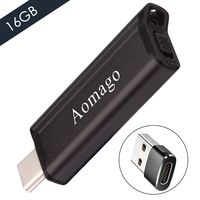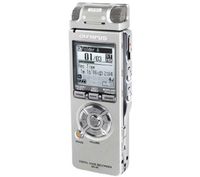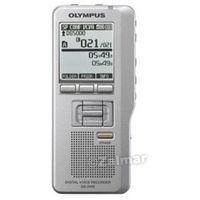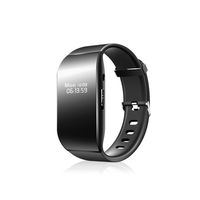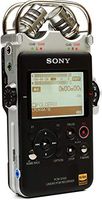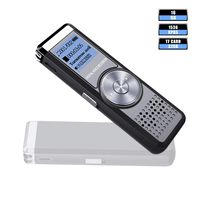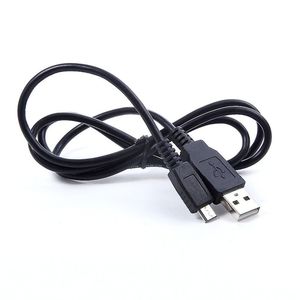
MaxLLTo USB PC Data SYNC Cable for Olympus Voice Recorder DS-5000/iD VN-120PC VN-5200PC
Current Price
$3.98
Average
$3.48
Min Price
$2.98
Max Price
$3.98
Price dynamics
13%
Price will be lower
in next 2 weeks
in next 2 weeks
According to the data, price will be lower in next two weeks, so not waste your money and track better price!
Product review & video
Every so often, you may need to manually remove
a dictation from your recorder. Not a problem. Though this procedure can vary slightly, it's
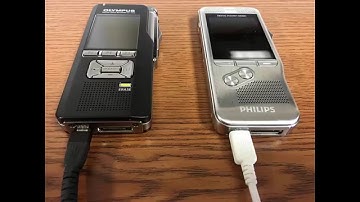
quite simple. Step 1, Connect the recorder to your pc via
docking station, or by plugging the recorder into the computer directly via USB cable. Step 2, Open Windows Explorer by holding down
the 'Windows logo key and pressing E' If your recorder is recognized by your pc,
you should see something like this. Double-click the Appropriate Drive Double-click on the folder containing the
dictation or dictations. Now you can drag the dictations to your computer's
desktop, into a folder, or directly into your Transcription or Dictation software.