- HomeMedical Supplies & EquipmentMobility & Daily Living AidsHearing Aids, Amplifiers & AccessoriesHearing Amplifiers
Description
Question 1 If the sound amplifier does not work solution 1. Make sure it is turned on. 2. When using the battery, remove the adhesive sheet before using it for the first time, and leave the battery for a full minute. 3. Check whether the battery compartment is completely closed. 4. Slowly increase the volume until you hear a comfortable sound. 5. Make sure the battery is inserted correctly. If the device still does not work properly, try replacing with a new battery. Question 2 If the amplifier works, but the volume is too low or too loud solution 1. Try adjusting the volume. If you find it too loud, lower the volume. If it is too low, increase the volume. 2. Try switching to another listening mode. 3. If the volume is still too low, try replacing with a new battery. 4. If the volume is still too high, your hearing may be too sensitive to the device. You can contact us. 5. Check if the handset is locked. Make sure the tip of the handset and the opening in the handle are clean. 6. Consult your doctor or audiologist. Question 3 Howling / disturbing sounds in the background. solution 1. First, decrease the volume. Make sure you always start with the lowest volume, then slowly increase the volume until you feel most comfortable. Make sure the handset is clean and inserted correctly. 2. It is important to get used to paying attention to both types of background noise at the same time. 3. Adjust to the appropriate mode and volume settings. If the sound is still disturbing, you may be too sensitive to the device. You can contact us.
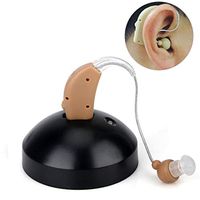
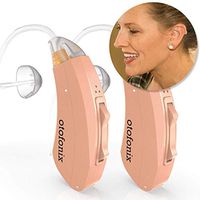
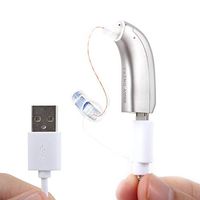
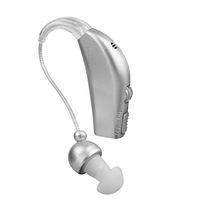
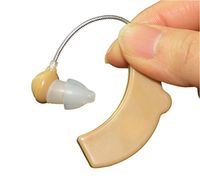
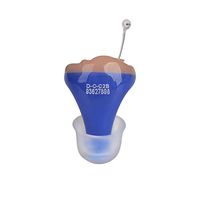
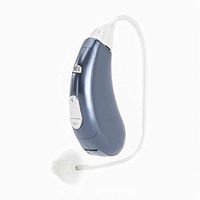
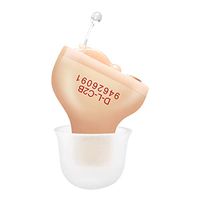
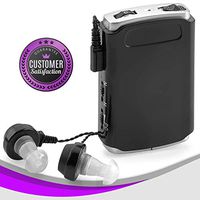
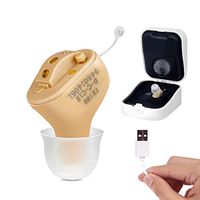
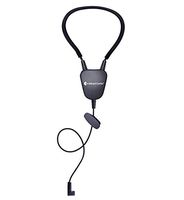
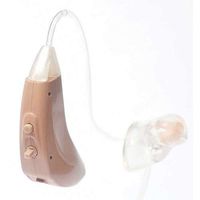
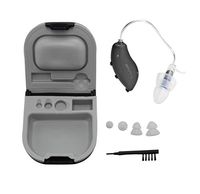
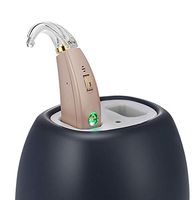
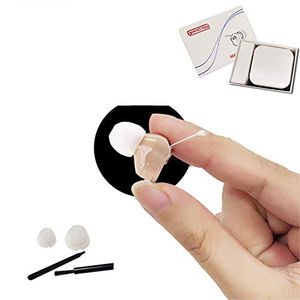
Mini Sound Amplifier, Noise Cancelling Digital Hearing, Comfortable to Wear, Gift Wrapping, Suitable for Adults, Seniors, Children, Left and Right Ears (1 Year Warranty)
Price is below average
Current Price
$18.59
Average
$21.84
Min Price
$18.59
Max Price
$26.55
Price dynamics
15%
Description
Question 1 If the sound amplifier does not work solution 1. Make sure it is turned on. 2. When using the battery, remove the adhesive sheet before using it for the first time, and leave the battery for a full minute. 3. Check whether the battery compartment is completely closed. 4. Slowly increase the volume until you hear a comfortable sound. 5. Make sure the battery is inserted correctly. If the device still does not work properly, try replacing with a new battery. Question 2 If the amplifier works, but the volume is too low or too loud solution 1. Try adjusting the volume. If you find it too loud, lower the volume. If it is too low, increase the volume. 2. Try switching to another listening mode. 3. If the volume is still too low, try replacing with a new battery. 4. If the volume is still too high, your hearing may be too sensitive to the device. You can contact us. 5. Check if the handset is locked. Make sure the tip of the handset and the opening in the handle are clean. 6. Consult your doctor or audiologist. Question 3 Howling / disturbing sounds in the background. solution 1. First, decrease the volume. Make sure you always start with the lowest volume, then slowly increase the volume until you feel most comfortable. Make sure the handset is clean and inserted correctly. 2. It is important to get used to paying attention to both types of background noise at the same time. 3. Adjust to the appropriate mode and volume settings. If the sound is still disturbing, you may be too sensitive to the device. You can contact us.
Price will be lower
in next 2 weeks
in next 2 weeks
According to the data, price will be lower in next two weeks, so not waste your money and track better price!

Similar products