Description
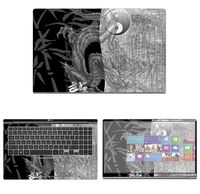
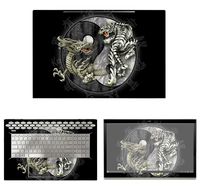
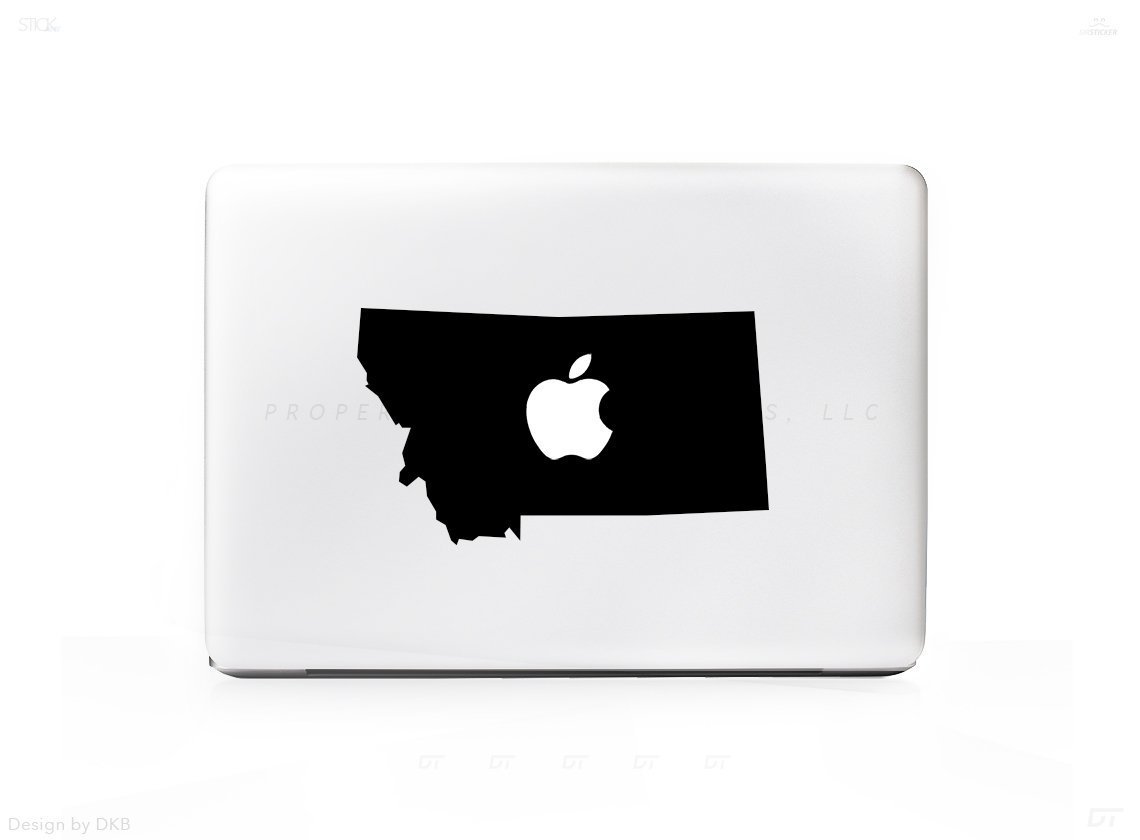
Professional precision die cut sticker, made from high quality vinyl!
What Will I Get?
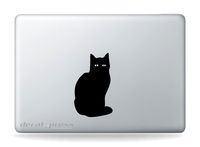
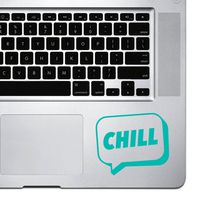
- 1 Premium Mac Sticker shown in photo 1
- 10 Year Guarantee! Indoors & 6 Year Guarantee Outdoors!
- Sticker Insurance - If anything happens just send us a photo and we will send another for free!
- Made from Award winning vinyl by Orafol. Highest Quality on the Market.
-For 13" 15" & 17" Mac Laptops.
STICKER IN PICTURE IS SHOWN ON A 13" MAC
When you receive your brand new sticker/decal you'll notice 3 parts:
1 - Transfer Paper - (This is how you will move the sticker from the packaging to your surface. You can see through this material.)
2 - Your Sticker/Decal - In between the Transfer paper and Sticker Backing.
3 - Sticker/Decal Backing. - This is what is keeping the sticky part of your sticker sticky and ready for action. Its located behind the sticker on the bottom of the trio.
------------
How to apply:
-Start at a corner and pull the Transfer Paper away from the Sticker Backing. The Transfer paper will stick to the Sticker/Decal and the Backing will be discarded at this time.
-Apply your design where you'd like and run your fingers over it to ensure 100% adhesion for about 10-15 seconds.
-Slowly remove the transfer paper and enjoy!
NOTE: Remember we ship one size sticker for this item. Depending on your screen size it will fill up more or take up less space compared to our photo above. (Shown on a 13" Model)
+ 6 Year Indoor/Outdoor Guarantee
+ Super Easy Install
+ Affordable way to personalize your Laptop
+ Super Fast Shipping!
+ 100% Satisfacation Guarantee
What Will I Get?
- 1 Premium Mac Sticker shown in photo 1
- 10 Year Guarantee! Indoors & 6 Year Guarantee Outdoors!
- Sticker Insurance - If anything happens just send us a photo and we will send another for free!
- Made from Award winning vinyl by Orafol. Highest Quality on the Market.
-For 13" 15" & 17" Mac Laptops.
STICKER IN PICTURE IS SHOWN ON A 13" MAC
When you receive your brand new sticker/decal you'll notice 3 parts:
1 - Transfer Paper - (This is how you will move the sticker from the packaging to your surface. You can see through this material.)
2 - Your Sticker/Decal - In between the Transfer paper and Sticker Backing.
3 - Sticker/Decal Backing. - This is what is keeping the sticky part of your sticker sticky and ready for action. Its located behind the sticker on the bottom of the trio.
------------
How to apply:
-Start at a corner and pull the Transfer Paper away from the Sticker Backing. The Transfer paper will stick to the Sticker/Decal and the Backing will be discarded at this time.
-Apply your design where you'd like and run your fingers over it to ensure 100% adhesion for about 10-15 seconds.
-Slowly remove the transfer paper and enjoy!
NOTE: Remember we ship one size sticker for this item. Depending on your screen size it will fill up more or take up less space compared to our photo above. (Shown on a 13" Model)
+ 6 Year Indoor/Outdoor Guarantee
+ Super Easy Install
+ Affordable way to personalize your Laptop
+ Super Fast Shipping!
+ 100% Satisfacation Guarantee
Montana MT Outline Silhouette Sticker Decal For MacBook Pro
Current Price
$9.95
Average
$9.95
Min Price
$9.95
Max Price
$9.95
Price dynamics
0%
Description
Professional precision die cut sticker, made from high quality vinyl!
What Will I Get?
- 1 Premium Mac Sticker shown in photo 1
- 10 Year Guarantee! Indoors & 6 Year Guarantee Outdoors!
- Sticker Insurance - If anything happens just send us a photo and we will send another for free!
- Made from Award winning vinyl by Orafol. Highest Quality on the Market.
-For 13" 15" & 17" Mac Laptops.
STICKER IN PICTURE IS SHOWN ON A 13" MAC
When you receive your brand new sticker/decal you'll notice 3 parts:
1 - Transfer Paper - (This is how you will move the sticker from the packaging to your surface. You can see through this material.)
2 - Your Sticker/Decal - In between the Transfer paper and Sticker Backing.
3 - Sticker/Decal Backing. - This is what is keeping the sticky part of your sticker sticky and ready for action. Its located behind the sticker on the bottom of the trio.
------------
How to apply:
-Start at a corner and pull the Transfer Paper away from the Sticker Backing. The Transfer paper will stick to the Sticker/Decal and the Backing will be discarded at this time.
-Apply your design where you'd like and run your fingers over it to ensure 100% adhesion for about 10-15 seconds.
-Slowly remove the transfer paper and enjoy!
NOTE: Remember we ship one size sticker for this item. Depending on your screen size it will fill up more or take up less space compared to our photo above. (Shown on a 13" Model)
+ 6 Year Indoor/Outdoor Guarantee
+ Super Easy Install
+ Affordable way to personalize your Laptop
+ Super Fast Shipping!
+ 100% Satisfacation Guarantee
What Will I Get?
- 1 Premium Mac Sticker shown in photo 1
- 10 Year Guarantee! Indoors & 6 Year Guarantee Outdoors!
- Sticker Insurance - If anything happens just send us a photo and we will send another for free!
- Made from Award winning vinyl by Orafol. Highest Quality on the Market.
-For 13" 15" & 17" Mac Laptops.
STICKER IN PICTURE IS SHOWN ON A 13" MAC
When you receive your brand new sticker/decal you'll notice 3 parts:
1 - Transfer Paper - (This is how you will move the sticker from the packaging to your surface. You can see through this material.)
2 - Your Sticker/Decal - In between the Transfer paper and Sticker Backing.
3 - Sticker/Decal Backing. - This is what is keeping the sticky part of your sticker sticky and ready for action. Its located behind the sticker on the bottom of the trio.
------------
How to apply:
-Start at a corner and pull the Transfer Paper away from the Sticker Backing. The Transfer paper will stick to the Sticker/Decal and the Backing will be discarded at this time.
-Apply your design where you'd like and run your fingers over it to ensure 100% adhesion for about 10-15 seconds.
-Slowly remove the transfer paper and enjoy!
NOTE: Remember we ship one size sticker for this item. Depending on your screen size it will fill up more or take up less space compared to our photo above. (Shown on a 13" Model)
+ 6 Year Indoor/Outdoor Guarantee
+ Super Easy Install
+ Affordable way to personalize your Laptop
+ Super Fast Shipping!
+ 100% Satisfacation Guarantee
Price will be lower
in next 2 weeks
in next 2 weeks
According to the data, price will be lower in next two weeks, so not waste your money and track better price!
Product review & video
hey everyone Amanda here Oh welcome back to my channel so today's video is gonna be a little bit of a different video I am going to show you how I make stickers so several of you have asked how I make stickers and I figured I would go ahead and take the time to do this video for you so what I'm going to do is it'll sort of be a combination of blog style with the camera here and a combination of the down view so that you can see the entire process of me making stickers from different angles so I'm going to break out my iPad today and it is not a couple of stickers and I will show you the entire process start to finish on how I make my stickers alright so before we get started make sure that you hit the little subscription button if you haven't already so subscribe subscribe subscribe hit the thumbs up if you find this video at all helpful and hit the little notification bell so you are i


Similar products