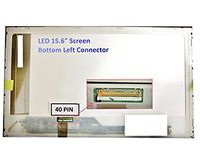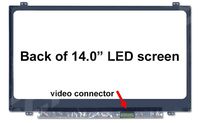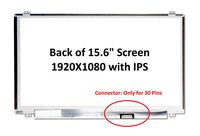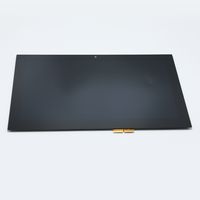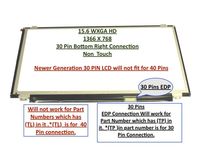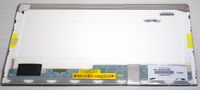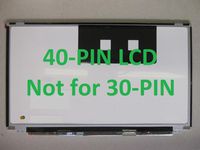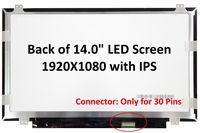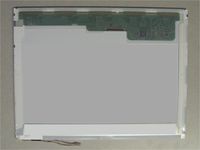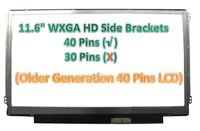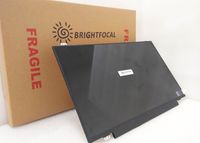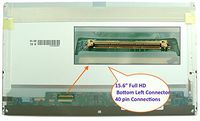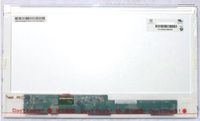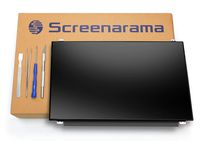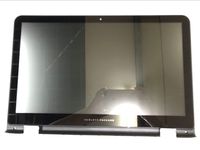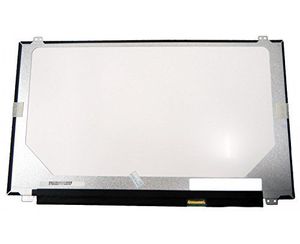
New LCD Panel For HP-Compaq ELITEBOOK 750 G1 SERIES LCD Screen Glossy 15.6 1366X768 Slim HD
Price is below average
Current Price
$43.42
Average
$45.17
Min Price
$32
Max Price
$61.82
Price dynamics
4%
Price will be lower
in next 2 weeks
in next 2 weeks
According to the data, price will be lower in next two weeks, so not waste your money and track better price!
Product review & video
How to Fix a Dim Display on HP Laptops with Windows 10 Adjusting the display brightness using the
keyboard function keys might resolve a dim display. On the laptop keyboard, press the Increase Brightness function key repeatedly. Depending on your settings, you might have to press and hold the function key first, and then press the Increase Brightness function key. If the display is still dim, continue to the
next step. Adjust the display brightness in Windows. Select Start, type Change display settings,
and then select Change display settings or Display settings from the results. Move the brightness slider to increase the
brightness level. You can also adjust the brightness by selecting Notifications and adjusting the brightness slider or brightness tile. If the display is still dim, continue to the
next step. Depending on your version of Windows, your laptop battery might have a bright