Description
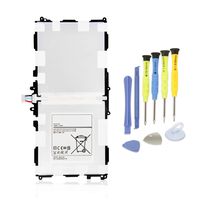
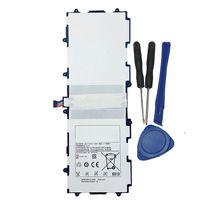
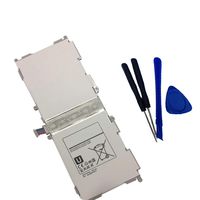
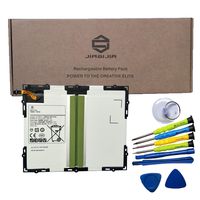
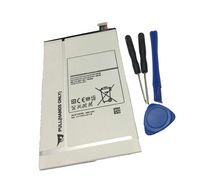
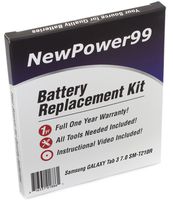
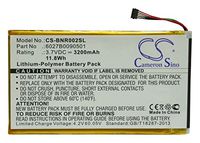
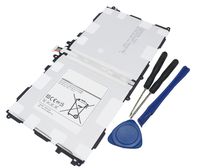
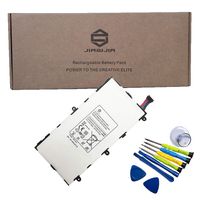
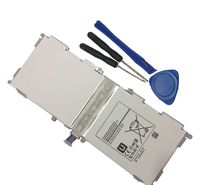
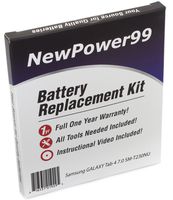
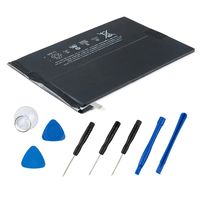
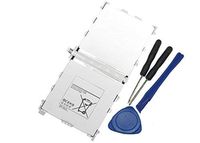
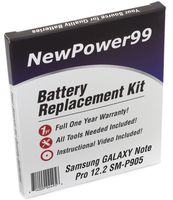
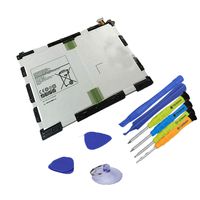
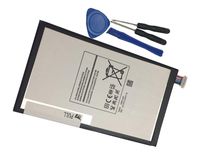
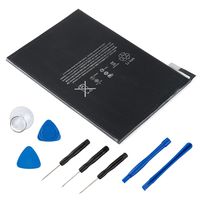
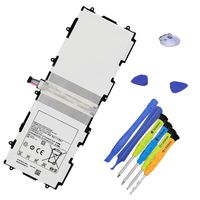
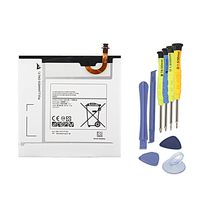
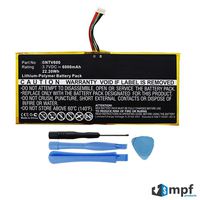
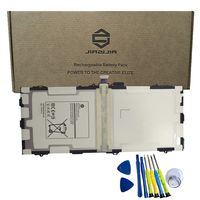
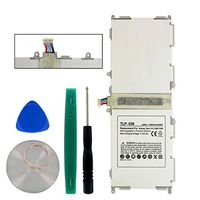
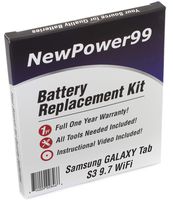
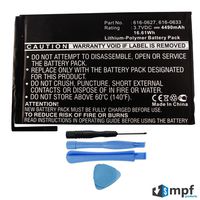
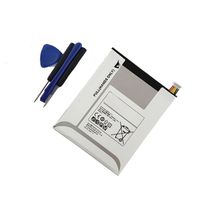
Replace your Samsung GALAXY Tab 2 7.0 GT-P3113 Battery or Keep an Extra Battery on hand as a backup. This kit comes with a 4000 mAh, Lithium-Polymer Battery. Works in your Samsung GALAXY Tab 2 7.0 GT-P3113 Tablet. Simple, Easy and Inexpensive! You get a New Battery, a Video Instruction DVD, Special Tools needed for battery installation, AND You also get a full ONE YEAR Money Back Guarantee exclusively when you purchase Innovate88's Samsung GALAXY Tab 2 7.0 GT-P3113 Battery Replacement Kit. The NewPower99 Battery Kit contains a 3rd party battery along with NewPower99's proprietary instructional video.
NewPower99 Battery Replacement Kit with Battery, Instructions and Tools for Samsung GALAXY Tab 2 7.0 GT-P3113
Current Price
$33.95
Average
$33.95
Min Price
$33.95
Max Price
$33.95
Description
Replace your Samsung GALAXY Tab 2 7.0 GT-P3113 Battery or Keep an Extra Battery on hand as a backup. This kit comes with a 4000 mAh, Lithium-Polymer Battery. Works in your Samsung GALAXY Tab 2 7.0 GT-P3113 Tablet. Simple, Easy and Inexpensive! You get a New Battery, a Video Instruction DVD, Special Tools needed for battery installation, AND You also get a full ONE YEAR Money Back Guarantee exclusively when you purchase Innovate88's Samsung GALAXY Tab 2 7.0 GT-P3113 Battery Replacement Kit. The NewPower99 Battery Kit contains a 3rd party battery along with NewPower99's proprietary instructional video.
Price will be lower
in next 2 weeks
in next 2 weeks
According to the data, price will be lower in next two weeks, so not waste your money and track better price!
Product review & video
To order a complete battery replacement kit. Please visit our website at NewPower99.com NewPower99.com
Giving New Life To Your Old Stuff How To Replace Your Samsung Galaxy Tab 2 (7.0) GT-P3113 Battery. Begin by using the special tool provided in your kit from NewPower99.com to open your Samsung Galaxy Tab 2. Remove the six screws securing the original battery. Disconnect and remove the original battery. Place a new extended live battery from NewPower99.com into your device and connect. Replace the six screws. Replace the cover and snap in place as shown. Turn on your Galaxy Tab 2 with its newly installed battery from NewPower99.com Your Galaxy Tab 2 should now work perfectly. Be sure to charge the least two hours before continuing to use. NewPower99.com
Giving New Life To Your Old Stuff


Similar products