Description
Instructions for use:
a) First, check if your smartphone has NFC function. It can usually be found in the system settings. If no relevant options are found, contact with the manufacturer post-sale support, or search on Google if the smartphone model has NFC function and confirm its NFC area.
b) If your smartphone has NFC function, turn on the NFC switch, search your app store for the software which apply NFC, download and install them.
c) Start the NFC APP, perform actions according to the instructions.
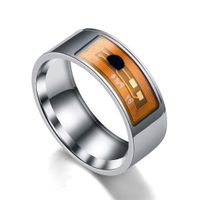
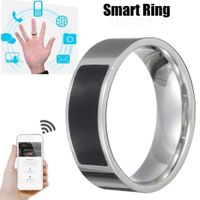
d) Since NFC is a near field communication technology, make sure to place the top side of the ring chip right close to the NFC area when reading any data to avoid the failure in reading and writing.
Package Included:
1*Smart ring
a) First, check if your smartphone has NFC function. It can usually be found in the system settings. If no relevant options are found, contact with the manufacturer post-sale support, or search on Google if the smartphone model has NFC function and confirm its NFC area.
b) If your smartphone has NFC function, turn on the NFC switch, search your app store for the software which apply NFC, download and install them.
c) Start the NFC APP, perform actions according to the instructions.
d) Since NFC is a near field communication technology, make sure to place the top side of the ring chip right close to the NFC area when reading any data to avoid the failure in reading and writing.
Package Included:
1*Smart ring
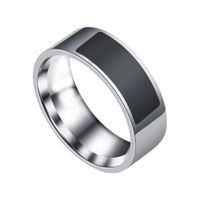
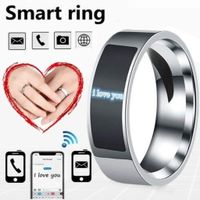
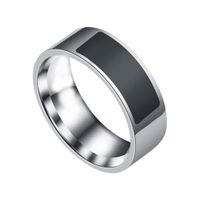
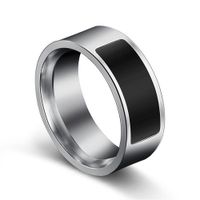
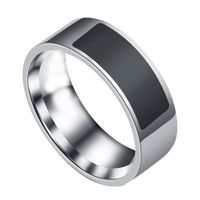
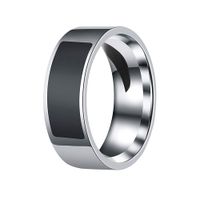
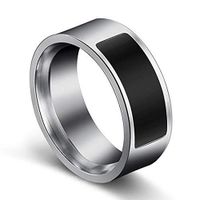
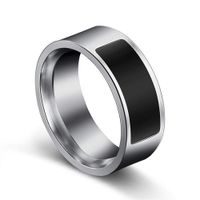
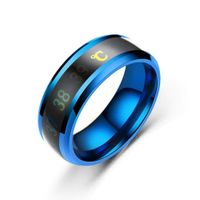
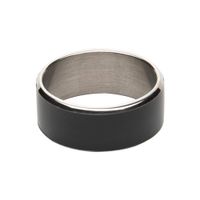
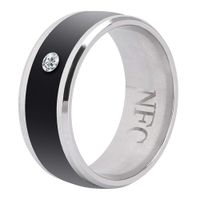
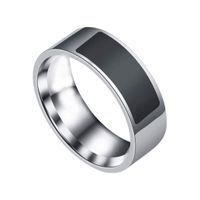
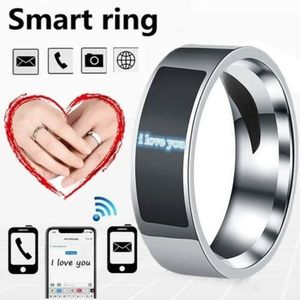
NFC Smart Finger Digital Ring Wear Connect Android Phone Equipment Rings Fashion (Transparent,6)
Current Price
$7.99
Average
$7.99
Min Price
$7.99
Max Price
$7.99
Price dynamics
0%
Description
Instructions for use:
a) First, check if your smartphone has NFC function. It can usually be found in the system settings. If no relevant options are found, contact with the manufacturer post-sale support, or search on Google if the smartphone model has NFC function and confirm its NFC area.
b) If your smartphone has NFC function, turn on the NFC switch, search your app store for the software which apply NFC, download and install them.
c) Start the NFC APP, perform actions according to the instructions.
d) Since NFC is a near field communication technology, make sure to place the top side of the ring chip right close to the NFC area when reading any data to avoid the failure in reading and writing.
Package Included:
1*Smart ring
a) First, check if your smartphone has NFC function. It can usually be found in the system settings. If no relevant options are found, contact with the manufacturer post-sale support, or search on Google if the smartphone model has NFC function and confirm its NFC area.
b) If your smartphone has NFC function, turn on the NFC switch, search your app store for the software which apply NFC, download and install them.
c) Start the NFC APP, perform actions according to the instructions.
d) Since NFC is a near field communication technology, make sure to place the top side of the ring chip right close to the NFC area when reading any data to avoid the failure in reading and writing.
Package Included:
1*Smart ring
Price will be lower
in next 2 weeks
in next 2 weeks
According to the data, price will be lower in next two weeks, so not waste your money and track better price!
Similar products