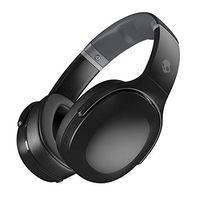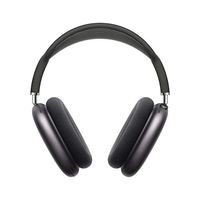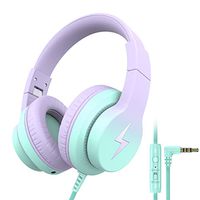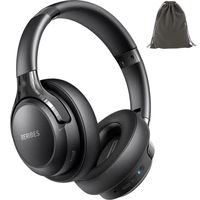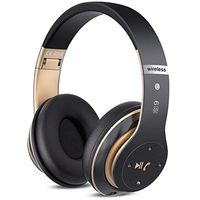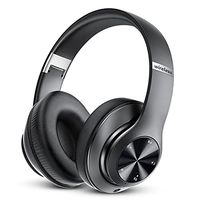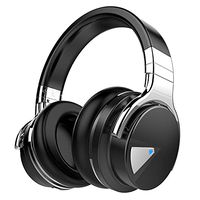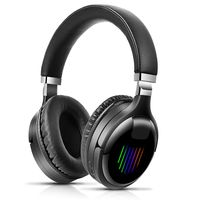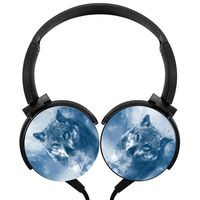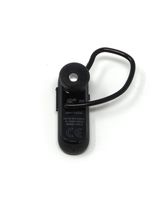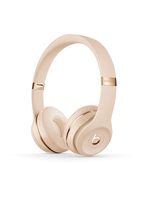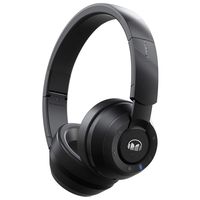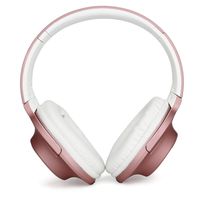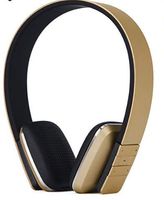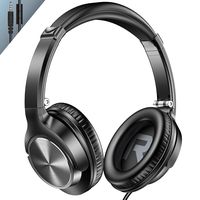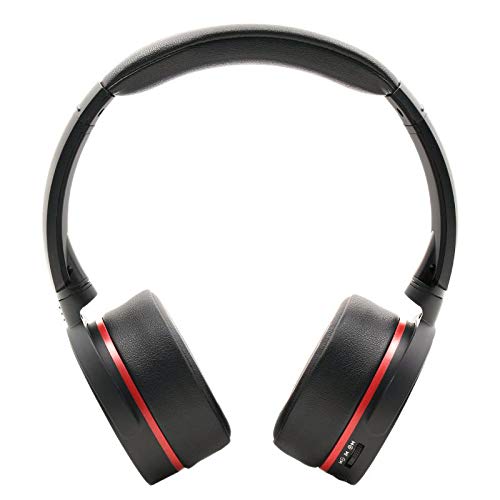
Enjoy Hi-Tech Life with App-Controllable Hi Fidelity Headphones.Best Audio Gift to Friends, Kids and Family.Multifunction Bluetooth Headphones--An Art from Granvela.
Operation Guide:
Turn On: Push On/off switch to "1" side. " Welcome to Enjoy Nia Audio. Bluetooth Mode." Turn Off: Push On/Off switch to "0" side. Bluetooth Paring: First time pairing: Find "Q6" in your Bluetooth device. Connect it. After pairing it says "Bluetooth connected". It automatically pairs for the next time or later on.
Specification
Connectivity Method: Bluetooth 4.2
Maximum Transmission Distance:10m (33 feet)
Compatible : A2DP, AVRCP
Decoding: Mp3/WMA/WAV
Decoding Range:Mp3 8-320kbps ,WMA 5-320kbps and WAV 16-1536kbps.
Radio Frequency :87.5-108MHz.
Speaker Diameter:40mm
Speaker Impedance: 32ohm
Speaker sensibility:108dB+/-3
Frequency Response: 20-20000Hz
Operation Guide:
Turn on: Push the On/Off Switch from "0" to "1". It starts with "Bluetooth mode"
Bluetooth Pairing:Find "Q6" in your Bluetooth device and choose it. It starts to pair. After the first time pairing, it will pair automatically when you turn on the headphones.
FM Radio: Press volume knob down for 1 second. It will switch from Bluetooth mode to FM radio mode.
Radio Station Searching : While Radio on, press Answer button for 1 second, it starts to search stations and store in memeory.
Choose Radio Station: turn the volume knob to + or -, you can switch the stations stored in the headphones.
Mp3 Streaming : Put TF card or MicroSD card into the card slot. when the headphones is truned on,press down the volume knob.
Select Track: Turn the vlomue knob to + or -, you can change to next song or prevvious song.
Volume control: Turn the volume knob to + /- , and hold it,the volume goes up or goes down.
Answer call: In Bluetooth mode, when call comes, press answer button to take the call.
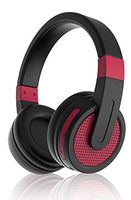
NIA Q6 iOS/Andriod App-Controllable FM Radio/Bluetooth 4.2 Wireless/MicroSD(TF) Card Mp3 Player On-Ear Headphones
Enjoy Hi-Tech Life with App-Controllable Hi Fidelity Headphones.Best Audio Gift to Friends, Kids and Family.Multifunction Bluetooth Headphones--An Art from Granvela.
Operation Guide:
Turn On: Push On/off switch to "1" side. " Welcome to Enjoy Nia Audio. Bluetooth Mode." Turn Off: Push On/Off switch to "0" side. Bluetooth Paring: First time pairing: Find "Q6" in your Bluetooth device. Connect it. After pairing it says "Bluetooth connected". It automatically pairs for the next time or later on.
Specification
Connectivity Method: Bluetooth 4.2
Maximum Transmission Distance:10m (33 feet)
Compatible : A2DP, AVRCP
Decoding: Mp3/WMA/WAV
Decoding Range:Mp3 8-320kbps ,WMA 5-320kbps and WAV 16-1536kbps.
Radio Frequency :87.5-108MHz.
Speaker Diameter:40mm
Speaker Impedance: 32ohm
Speaker sensibility:108dB+/-3
Frequency Response: 20-20000Hz
Operation Guide:
Turn on: Push the On/Off Switch from "0" to "1". It starts with "Bluetooth mode"
Bluetooth Pairing:Find "Q6" in your Bluetooth device and choose it. It starts to pair. After the first time pairing, it will pair automatically when you turn on the headphones.
FM Radio: Press volume knob down for 1 second. It will switch from Bluetooth mode to FM radio mode.
Radio Station Searching : While Radio on, press Answer button for 1 second, it starts to search stations and store in memeory.
Choose Radio Station: turn the volume knob to + or -, you can switch the stations stored in the headphones.
Mp3 Streaming : Put TF card or MicroSD card into the card slot. when the headphones is truned on,press down the volume knob.
Select Track: Turn the vlomue knob to + or -, you can change to next song or prevvious song.
Volume control: Turn the volume knob to + /- , and hold it,the volume goes up or goes down.
Answer call: In Bluetooth mode, when call comes, press answer button to take the call.
in next 2 weeks