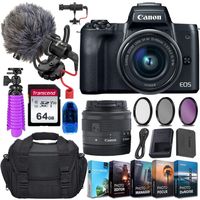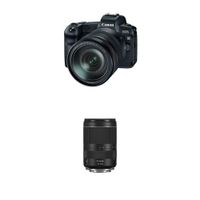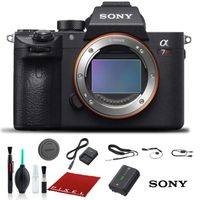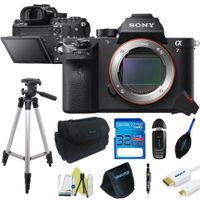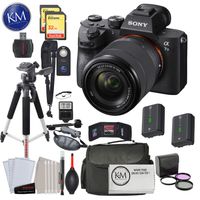
Description
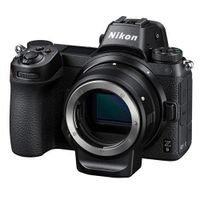
Nikon Z6 FX-format 4K Mirrorless Camera (Body Only)Product Features:All-around performance. All-around amazing.Adaptability. It's about remaining fluid, open. Preparing for nothing, but being ready for anything. Thriving in whatever situation comes along. The Z 6 is perhaps the most adaptable camera we've ever created. It's at the sweet spot of speed, resolution and low-light performance. All combined with the advantages of a lightweight mirrorless design, a revolutionary new full-frame lens mount with matched lenses and seamless integration with Nikon's DSLR system-including the F-Mount NIKKOR lenses you love. This is mirrorless versatility as only Nikon could create.The next generation of NIKKOR glass.Empowered by the larger Z Mount and shorter 16mm flange focal distance, NIKKOR Z lenses gather more light and break traditional rules of the “sweet spot”. Forget about stopping down for maximum sharpness-NIKKOR Z are at their best and deliver corner-to-corner sharpness even at their widest aperture.Greater performance from the lenses you love.When used with the optional Mount Adapter FTZ, more than 90 F-Mount NIKKOR lenses maintain all of their sharpness, resolving power and functionality and gain the advantages of the Z 6's in-body VR, silent shooting, PDAF focusing system*, 4K video and more. Approximately 360 F-Mount NIKKOR lenses can be used. Compatibility as only Nikon can deliver.273-POINT ON-SENSOR PDAF - The points of the story.273* on-sensor A...
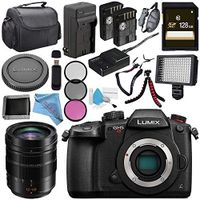
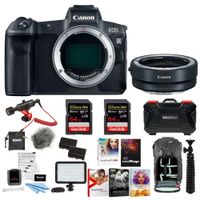
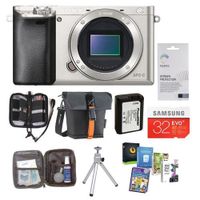
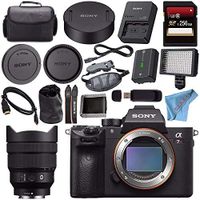
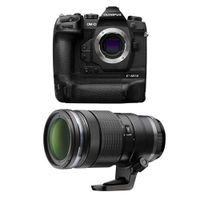
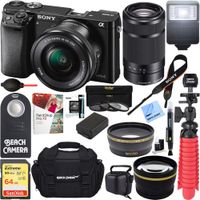
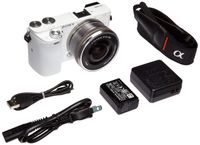
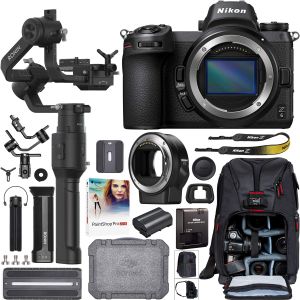
Nikon Z6 Mirrorless Full-Frame 4K Camera Body 1595 Filmmaker's Kit with DJI Ronin-S Essentials Kit 3-Axis Handheld Gimbal Stabilizer Bundle + Mount Adapter FTZ + Deco Photo Backpack Case + Software
Current Price
$2 355.95
Average
$2 250.95
Min Price
$2 175.95
Max Price
$2 355.95
Price dynamics
4%
Description
Nikon Z6 FX-format 4K Mirrorless Camera (Body Only)Product Features:All-around performance. All-around amazing.Adaptability. It's about remaining fluid, open. Preparing for nothing, but being ready for anything. Thriving in whatever situation comes along. The Z 6 is perhaps the most adaptable camera we've ever created. It's at the sweet spot of speed, resolution and low-light performance. All combined with the advantages of a lightweight mirrorless design, a revolutionary new full-frame lens mount with matched lenses and seamless integration with Nikon's DSLR system-including the F-Mount NIKKOR lenses you love. This is mirrorless versatility as only Nikon could create.The next generation of NIKKOR glass.Empowered by the larger Z Mount and shorter 16mm flange focal distance, NIKKOR Z lenses gather more light and break traditional rules of the “sweet spot”. Forget about stopping down for maximum sharpness-NIKKOR Z are at their best and deliver corner-to-corner sharpness even at their widest aperture.Greater performance from the lenses you love.When used with the optional Mount Adapter FTZ, more than 90 F-Mount NIKKOR lenses maintain all of their sharpness, resolving power and functionality and gain the advantages of the Z 6's in-body VR, silent shooting, PDAF focusing system*, 4K video and more. Approximately 360 F-Mount NIKKOR lenses can be used. Compatibility as only Nikon can deliver.273-POINT ON-SENSOR PDAF - The points of the story.273* on-sensor A...
Price will be lower
in next 2 weeks
in next 2 weeks
According to the data, price will be lower in next two weeks, so not waste your money and track better price!
Product review & video
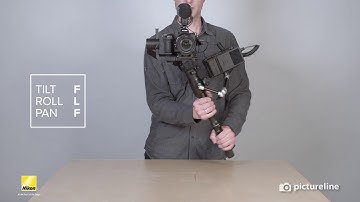
This tutorial will show you how to set
up the Nikon Filmmaker Kit so you're ready to shoot. It comes with the Moza Air 2 Gimbal, the Nikon Z6 camera, the Rode video mic
pro, cables and adapters, media, and the Ninja V Recorder. First off, we are going
to assemble the accessories onto the Moza Air 2 Gimbal. I'll take the Moza
Gimble, I'll take the arm, and I'm going to screw
it into the front of the gimbal until it's tight. You want this to be very firm.
Now I'm going to take the Ninja V and screw it on to the arm. While holding the Ninja V I'm going to
release the arm so that it's loose and you can place it wherever you'd like but I'm going to place it right here on the left side of the gimbal and then tighten
the arm. Finally, take the media and insert it
into the Ninja V. Now take the camera and put the plate on the bottom using your
fingers tighten the screw and then use a coin or a