- HomeElectronicsPortable Audio & VideoMP3 & MP4 Player AccessoriesBluetooth & FM TransmittersFM Transmitters
Description
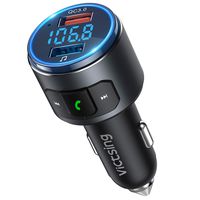
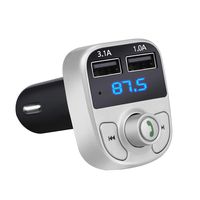
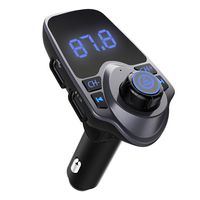
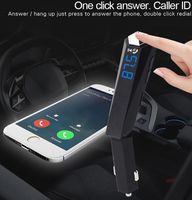
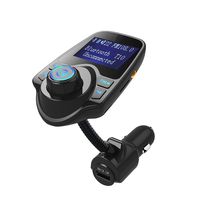
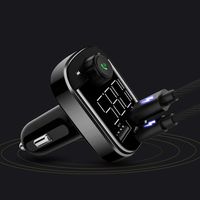
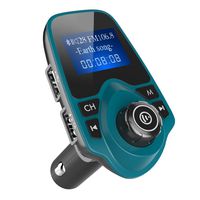
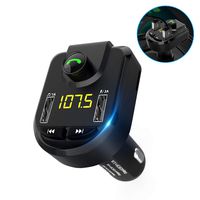
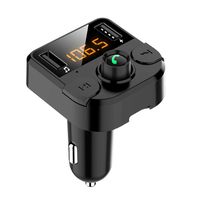
Bring Bluetooth connectivity to almost any car with Nulaxy Bluetooth FM transmitter. Broadcast audio on an FM bandwidth to enjoy your music or make handsfree calls while you drive.
User Tips:
1. Please check if both the car radio and transmitter are on the SAME station. If not, please set both of them on the same station.
2. If there are statics when you listen to music, the key really to find a vacancy frequency which is an isolated fully static (sounds awful but keep going) station before you match the transmitter to the full static radio station. For example, one works best on low frequencies (Colorado) 88.9 or so. The high frequencies (102.5+) do not work as well.
3.If there is no sound when you make a phone call, you can try to turn up the voice call volume on your cell phone and volume of the transmitter.
4. Find a vacant or non-interfered frequency and sync Nulaxy device to that frequency for minimized static noise.
5. To achieve best audio quality, please set the volume on your phone to maximum and then adjust the volume for your car stereo; you are not suggested to adjust volume of your car speaker to maximum (this will bring lot noise).
User Tips:
1. Please check if both the car radio and transmitter are on the SAME station. If not, please set both of them on the same station.
2. If there are statics when you listen to music, the key really to find a vacancy frequency which is an isolated fully static (sounds awful but keep going) station before you match the transmitter to the full static radio station. For example, one works best on low frequencies (Colorado) 88.9 or so. The high frequencies (102.5+) do not work as well.
3.If there is no sound when you make a phone call, you can try to turn up the voice call volume on your cell phone and volume of the transmitter.
4. Find a vacant or non-interfered frequency and sync Nulaxy device to that frequency for minimized static noise.
5. To achieve best audio quality, please set the volume on your phone to maximum and then adjust the volume for your car stereo; you are not suggested to adjust volume of your car speaker to maximum (this will bring lot noise).
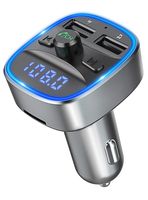
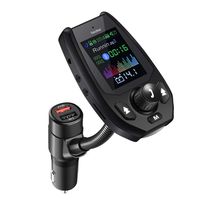
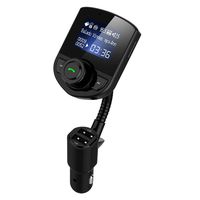
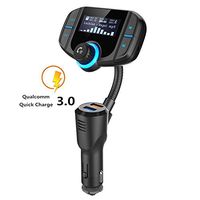
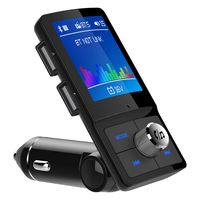
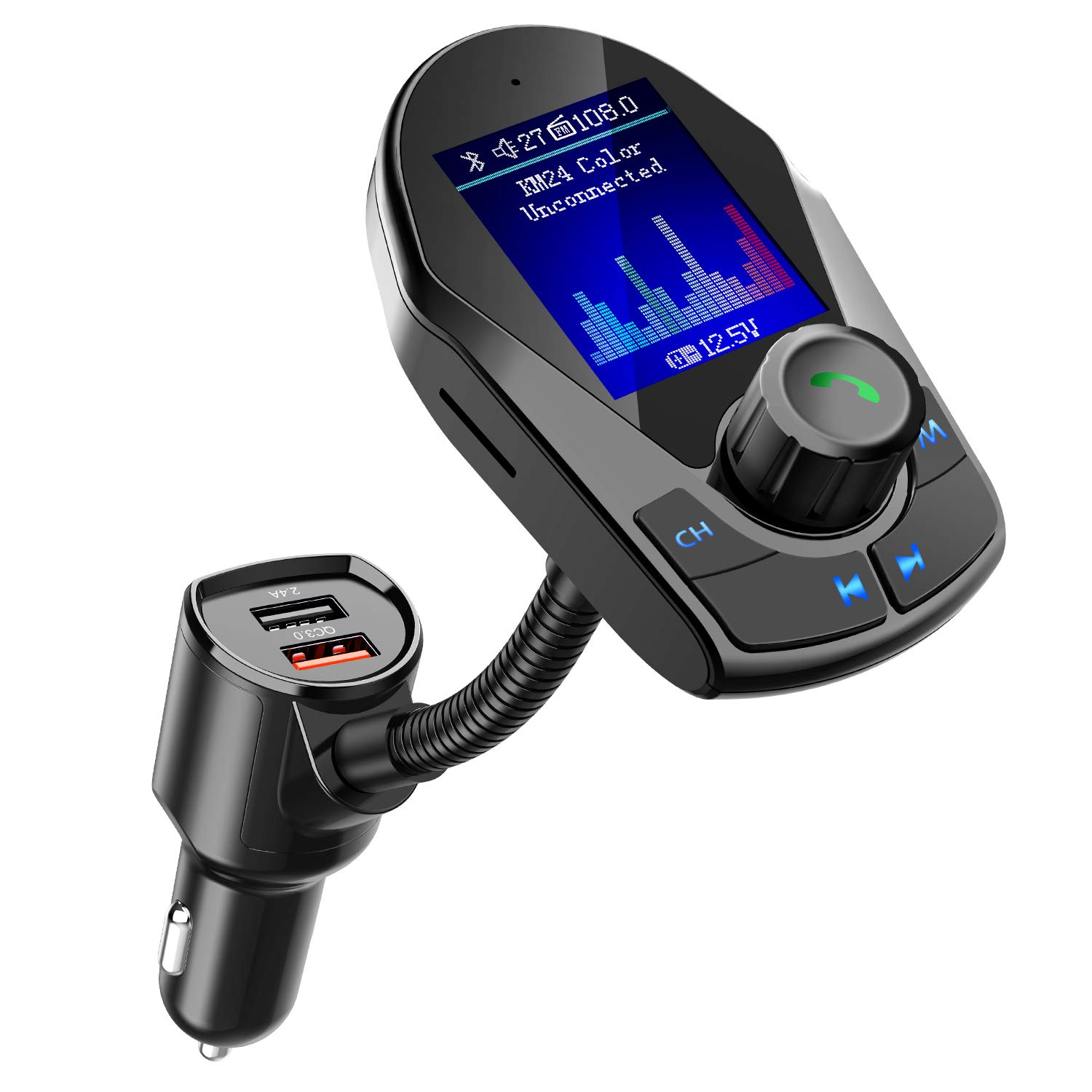
Nulaxy Bluetooth FM Transmitter for Car, Upgraded 1.8" Color Screen Wireless Car Radio Adapter with QC3.0 & 5V/2.4A Charging, Support Handsfree Call, microSD, USB Flash Drive, Aux Play- KM24 Color
Current Price
$22.99
Average
$22.34
Min Price
$19.54
Max Price
$25.99
Price dynamics
3%
Description
Bring Bluetooth connectivity to almost any car with Nulaxy Bluetooth FM transmitter. Broadcast audio on an FM bandwidth to enjoy your music or make handsfree calls while you drive.
User Tips:
1. Please check if both the car radio and transmitter are on the SAME station. If not, please set both of them on the same station.
2. If there are statics when you listen to music, the key really to find a vacancy frequency which is an isolated fully static (sounds awful but keep going) station before you match the transmitter to the full static radio station. For example, one works best on low frequencies (Colorado) 88.9 or so. The high frequencies (102.5+) do not work as well.
3.If there is no sound when you make a phone call, you can try to turn up the voice call volume on your cell phone and volume of the transmitter.
4. Find a vacant or non-interfered frequency and sync Nulaxy device to that frequency for minimized static noise.
5. To achieve best audio quality, please set the volume on your phone to maximum and then adjust the volume for your car stereo; you are not suggested to adjust volume of your car speaker to maximum (this will bring lot noise).
User Tips:
1. Please check if both the car radio and transmitter are on the SAME station. If not, please set both of them on the same station.
2. If there are statics when you listen to music, the key really to find a vacancy frequency which is an isolated fully static (sounds awful but keep going) station before you match the transmitter to the full static radio station. For example, one works best on low frequencies (Colorado) 88.9 or so. The high frequencies (102.5+) do not work as well.
3.If there is no sound when you make a phone call, you can try to turn up the voice call volume on your cell phone and volume of the transmitter.
4. Find a vacant or non-interfered frequency and sync Nulaxy device to that frequency for minimized static noise.
5. To achieve best audio quality, please set the volume on your phone to maximum and then adjust the volume for your car stereo; you are not suggested to adjust volume of your car speaker to maximum (this will bring lot noise).
Price will be lower
in next 2 weeks
in next 2 weeks
According to the data, price will be lower in next two weeks, so not waste your money and track better price!
Product review & video
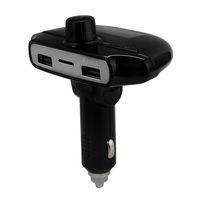
[Music] [Music] the km 18 firstly adapts the big screen technology it has one USB charge port in features with a sleek gooseneck for easier access to the device the km 18 plus is upgraded with on/off switch to avoid draining battery out for some cars the km 19 is the compact version of km 18 it is designed with 2 USB ports one for charging in the other for reading USB file new Lexie driving you safer and better [Music] [Music] [Music] [Music] [Music] [Music] [Music] [Music] [Music] [Music]


Similar products