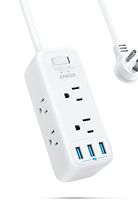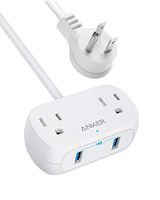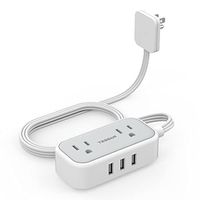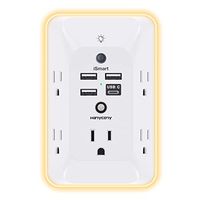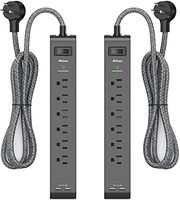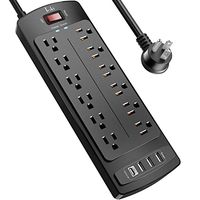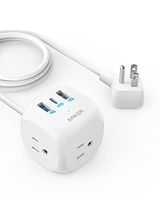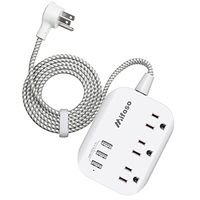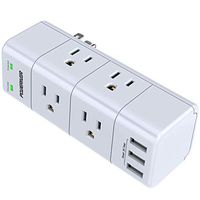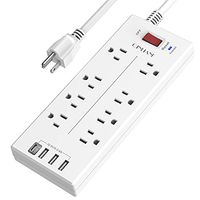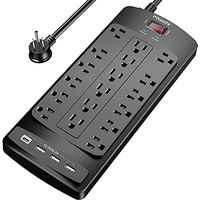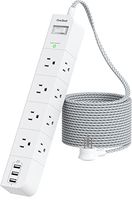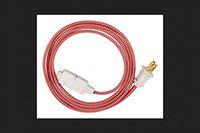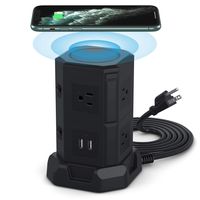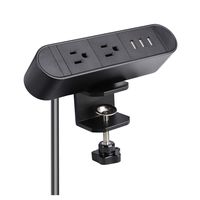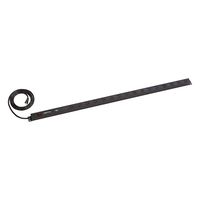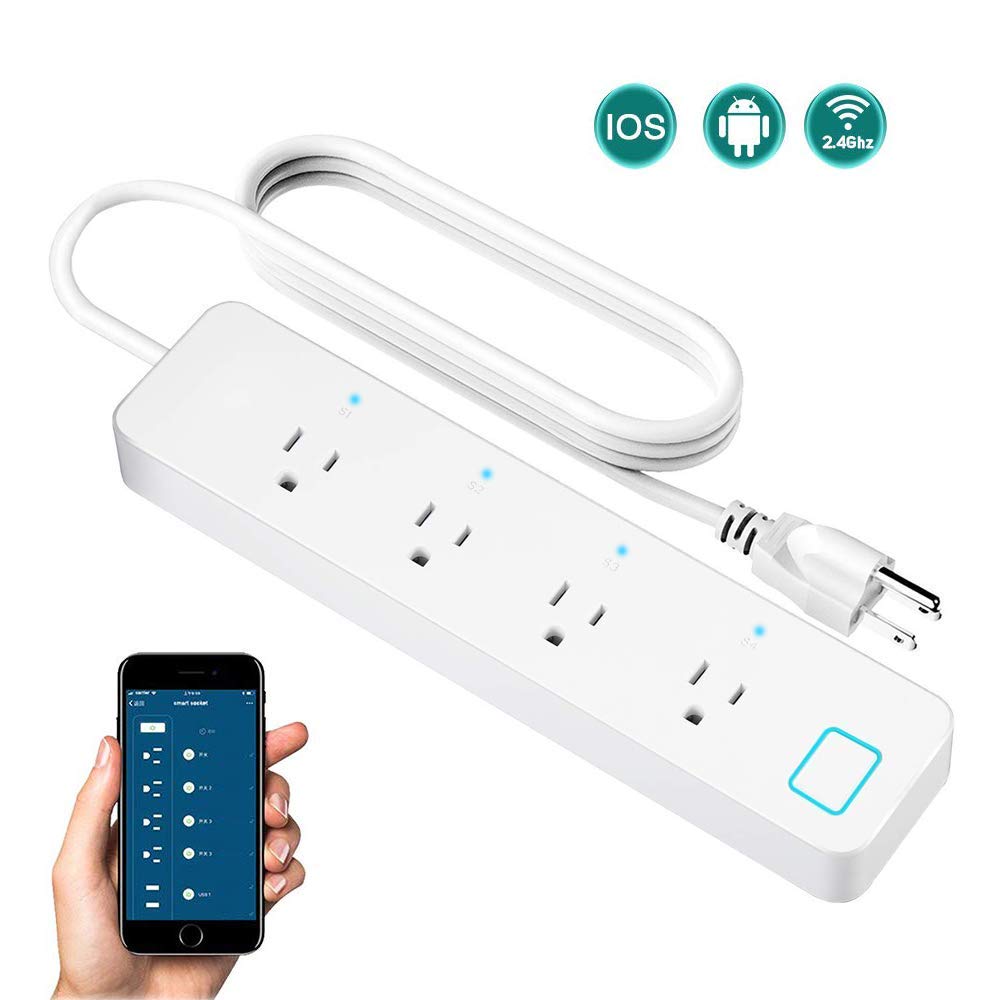
With the "eFamilyCloud" APP,you can control the extension cord individually or create different groups to control your home electrical appliances in your home from anywhere.
Compatible with Alexa-enabled devices
*Log in Amazon Alexa APP.
*Enable skill "Smart Life" in Alexa APP.
*Enter your eFamilyCloud account and password to link the eFamilyCloud account to your Amazon account.
Work with Google Home/Google Assistant
* Log in Google Home APP.
*Search and Add "Smart Life" in Home Control.
*Enter your eFamilyCloud account and password to link the eFamilyCloud account to your Google Home system.
Note: Please note that you are not able to connect wifi power strip directly to your Alexa and Google Home system; Please download and set up eFamilyCloud app first before connecting to Alexa/Echo or Google home.
Before you pair the Wi-Fi smart power strip to the Alexa or Google Home system,you also need to download Amazon Alexa App or Google Home App,and added your own Echo/Google Home speaker according to their app instruction in advance.
Specification:
Material: ABS + PC (750°C flame retardant)
Total Power: 2000W 10A (each outlet support Max 10A current) Rated Voltage: AC 100-240V, 50/60Hz
Security Type: WEP64/WEP128/TKIP/CCMP(AES)
Security Regime: WEP/WPA-PSK/WPA2-PSK OS
Supported: Android 4.2 or above, iOS 8.0 or above Plug
US Quality Certification: FCC
Size: 260x60x26mm
Power Cable Length: Approx. 1.45m / 4.7ft
Package includes:
1 x Smart Power Strip
1 x User Manual
Some question you are interested:
Q: How do I reset the device?
A: Power on device.Power off after 10s and then power on,hold the reset button for 5 seconds until indicator light is quickly flashing.
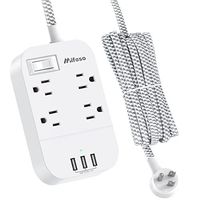
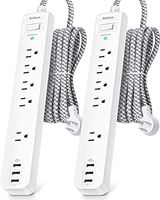
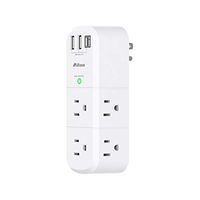
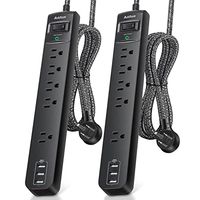
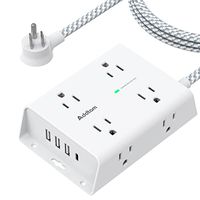
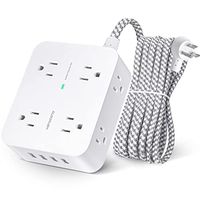
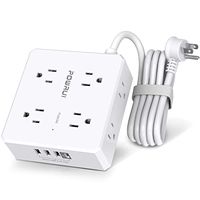
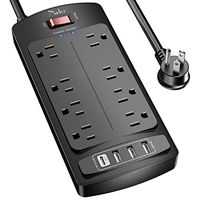
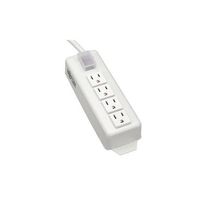
SIPAILING Smart Power Strip WiFi Surge Protector Voice Individual Control with Alexa Google Home, 4 AC Outlets 1.5 Meter Extension Cord, Switch Timer, Remote Control via Smart Phone APP
With the "eFamilyCloud" APP,you can control the extension cord individually or create different groups to control your home electrical appliances in your home from anywhere.
Compatible with Alexa-enabled devices
*Log in Amazon Alexa APP.
*Enable skill "Smart Life" in Alexa APP.
*Enter your eFamilyCloud account and password to link the eFamilyCloud account to your Amazon account.
Work with Google Home/Google Assistant
* Log in Google Home APP.
*Search and Add "Smart Life" in Home Control.
*Enter your eFamilyCloud account and password to link the eFamilyCloud account to your Google Home system.
Note: Please note that you are not able to connect wifi power strip directly to your Alexa and Google Home system; Please download and set up eFamilyCloud app first before connecting to Alexa/Echo or Google home.
Before you pair the Wi-Fi smart power strip to the Alexa or Google Home system,you also need to download Amazon Alexa App or Google Home App,and added your own Echo/Google Home speaker according to their app instruction in advance.
Specification:
Material: ABS + PC (750°C flame retardant)
Total Power: 2000W 10A (each outlet support Max 10A current) Rated Voltage: AC 100-240V, 50/60Hz
Security Type: WEP64/WEP128/TKIP/CCMP(AES)
Security Regime: WEP/WPA-PSK/WPA2-PSK OS
Supported: Android 4.2 or above, iOS 8.0 or above Plug
US Quality Certification: FCC
Size: 260x60x26mm
Power Cable Length: Approx. 1.45m / 4.7ft
Package includes:
1 x Smart Power Strip
1 x User Manual
Some question you are interested:
Q: How do I reset the device?
A: Power on device.Power off after 10s and then power on,hold the reset button for 5 seconds until indicator light is quickly flashing.
in next 2 weeks