Description
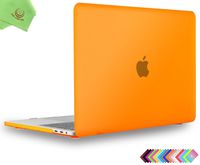
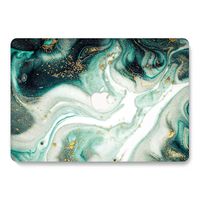
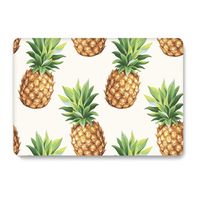
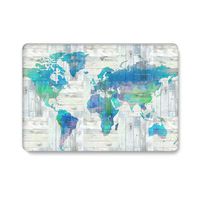
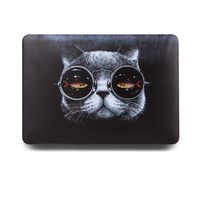
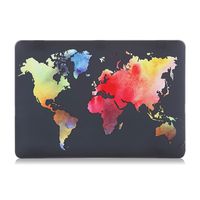
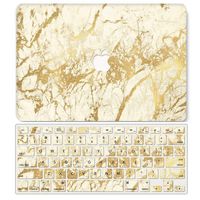
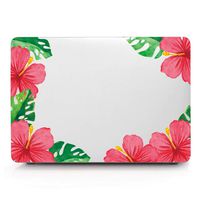
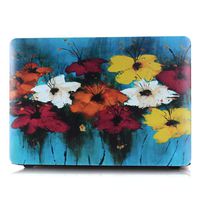
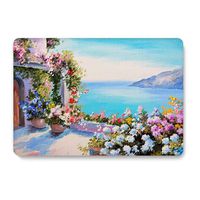
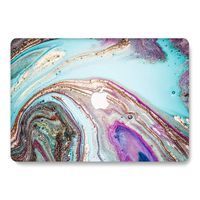
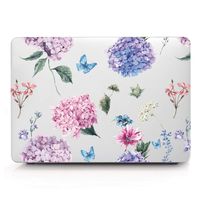
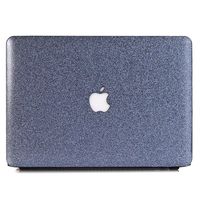
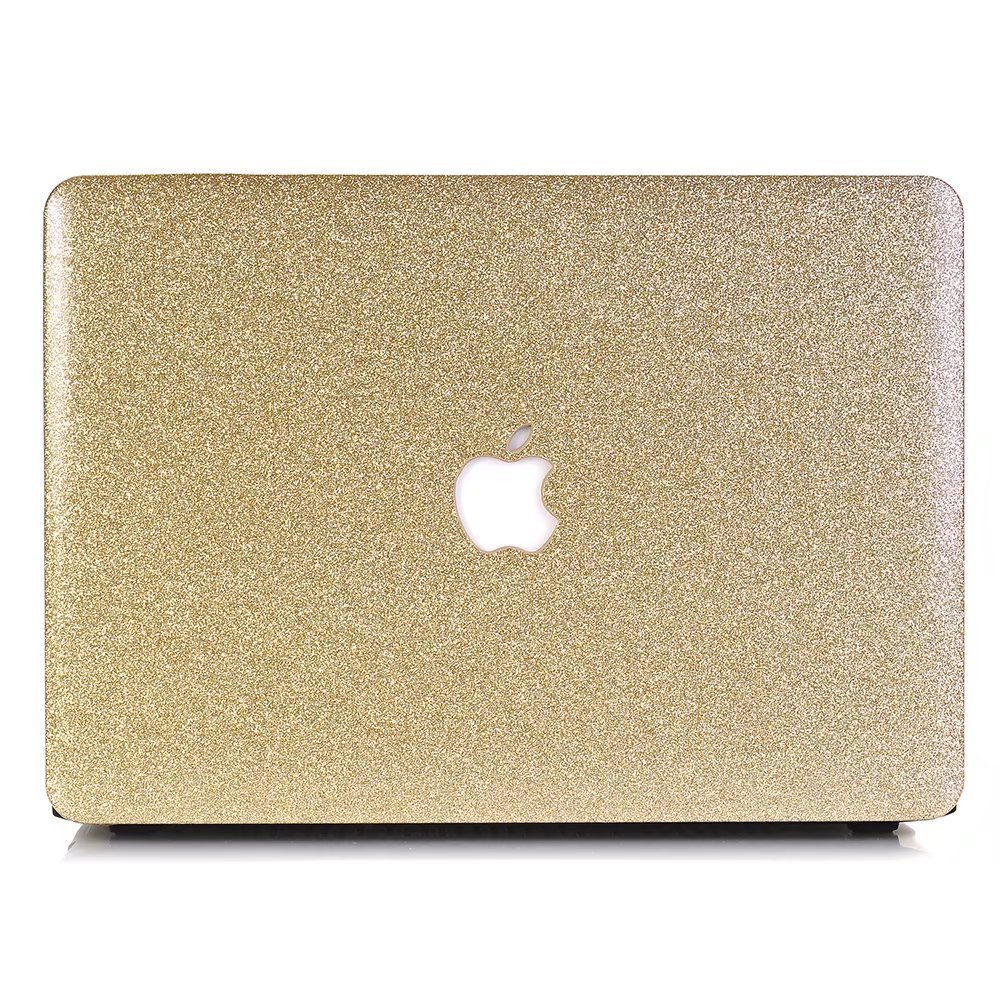
One Micron High Quality Soft Touch Hard Case Crystal Series????
Specifications
Designed to fit MacBook 12 Inch (A1534)
Snap on design, easy on easy off
Fully access to all buttons and features
Plug your charger, cable or headset without removing the case
Super light-weight hard shell with exquisite finish protects your MacBook from scrapes and scratches
Material: Polycarbonate
Case Only Compatible with
Model: A1534
Case NOT Compatible with
MacBook Pro 15.6''(A1398)
MacBook Pro13.3''(A1502/A1425)
MacBook Air 13.3'' (A1466/A1369)
Macbook Air 11.6''(A1370/A1465)
Macbook Pro 13.3'' (A1278)
Newest Macbook Pro 13 Inch with/without Touch Bar (A1706 / A1708, Release October 2016)
Newest MacBook Pro 15 Inch with Retina Display (A1707 with Touch Bar, Release October 2016)
Installation
Start with the top cover of the case. Clip the 2 clips at the back of the MacBook first.
Pull the case slightly to the front until the 3 clips "clicking".
Turn around the MacBook. Clip the bottom cover on the back of the MacBook first.
Pull the case slightly to the front until the clips "clicking".
Specifications
Designed to fit MacBook 12 Inch (A1534)
Snap on design, easy on easy off
Fully access to all buttons and features
Plug your charger, cable or headset without removing the case
Super light-weight hard shell with exquisite finish protects your MacBook from scrapes and scratches
Material: Polycarbonate
Case Only Compatible with
Model: A1534
Case NOT Compatible with
MacBook Pro 15.6''(A1398)
MacBook Pro13.3''(A1502/A1425)
MacBook Air 13.3'' (A1466/A1369)
Macbook Air 11.6''(A1370/A1465)
Macbook Pro 13.3'' (A1278)
Newest Macbook Pro 13 Inch with/without Touch Bar (A1706 / A1708, Release October 2016)
Newest MacBook Pro 15 Inch with Retina Display (A1707 with Touch Bar, Release October 2016)
Installation
Start with the top cover of the case. Clip the 2 clips at the back of the MacBook first.
Pull the case slightly to the front until the 3 clips "clicking".
Turn around the MacBook. Clip the bottom cover on the back of the MacBook first.
Pull the case slightly to the front until the clips "clicking".
One Micron Macbook 12'' Case, Soft-Touch Crystal Smooth Lightweight Macbook Cover for MacBook 12 Inch (A1534) -Yellow
Price is below average
Current Price
$13.99
Average
$15.94
Min Price
$13.99
Max Price
$17.99
Price dynamics
12%
Description
One Micron High Quality Soft Touch Hard Case Crystal Series????
Specifications
Designed to fit MacBook 12 Inch (A1534)
Snap on design, easy on easy off
Fully access to all buttons and features
Plug your charger, cable or headset without removing the case
Super light-weight hard shell with exquisite finish protects your MacBook from scrapes and scratches
Material: Polycarbonate
Case Only Compatible with
Model: A1534
Case NOT Compatible with
MacBook Pro 15.6''(A1398)
MacBook Pro13.3''(A1502/A1425)
MacBook Air 13.3'' (A1466/A1369)
Macbook Air 11.6''(A1370/A1465)
Macbook Pro 13.3'' (A1278)
Newest Macbook Pro 13 Inch with/without Touch Bar (A1706 / A1708, Release October 2016)
Newest MacBook Pro 15 Inch with Retina Display (A1707 with Touch Bar, Release October 2016)
Installation
Start with the top cover of the case. Clip the 2 clips at the back of the MacBook first.
Pull the case slightly to the front until the 3 clips "clicking".
Turn around the MacBook. Clip the bottom cover on the back of the MacBook first.
Pull the case slightly to the front until the clips "clicking".
Specifications
Designed to fit MacBook 12 Inch (A1534)
Snap on design, easy on easy off
Fully access to all buttons and features
Plug your charger, cable or headset without removing the case
Super light-weight hard shell with exquisite finish protects your MacBook from scrapes and scratches
Material: Polycarbonate
Case Only Compatible with
Model: A1534
Case NOT Compatible with
MacBook Pro 15.6''(A1398)
MacBook Pro13.3''(A1502/A1425)
MacBook Air 13.3'' (A1466/A1369)
Macbook Air 11.6''(A1370/A1465)
Macbook Pro 13.3'' (A1278)
Newest Macbook Pro 13 Inch with/without Touch Bar (A1706 / A1708, Release October 2016)
Newest MacBook Pro 15 Inch with Retina Display (A1707 with Touch Bar, Release October 2016)
Installation
Start with the top cover of the case. Clip the 2 clips at the back of the MacBook first.
Pull the case slightly to the front until the 3 clips "clicking".
Turn around the MacBook. Clip the bottom cover on the back of the MacBook first.
Pull the case slightly to the front until the clips "clicking".
Price will be lower
in next 2 weeks
in next 2 weeks
According to the data, price will be lower in next two weeks, so not waste your money and track better price!
Similar products