Description
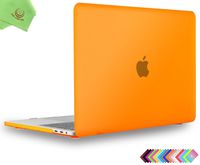
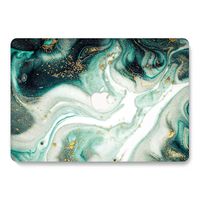
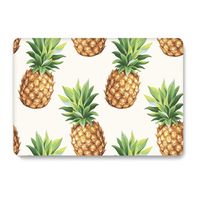
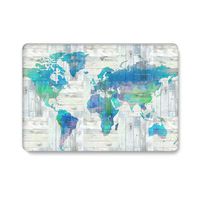
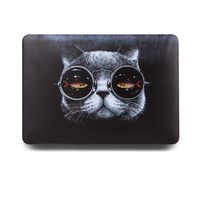
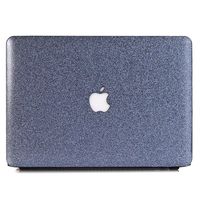
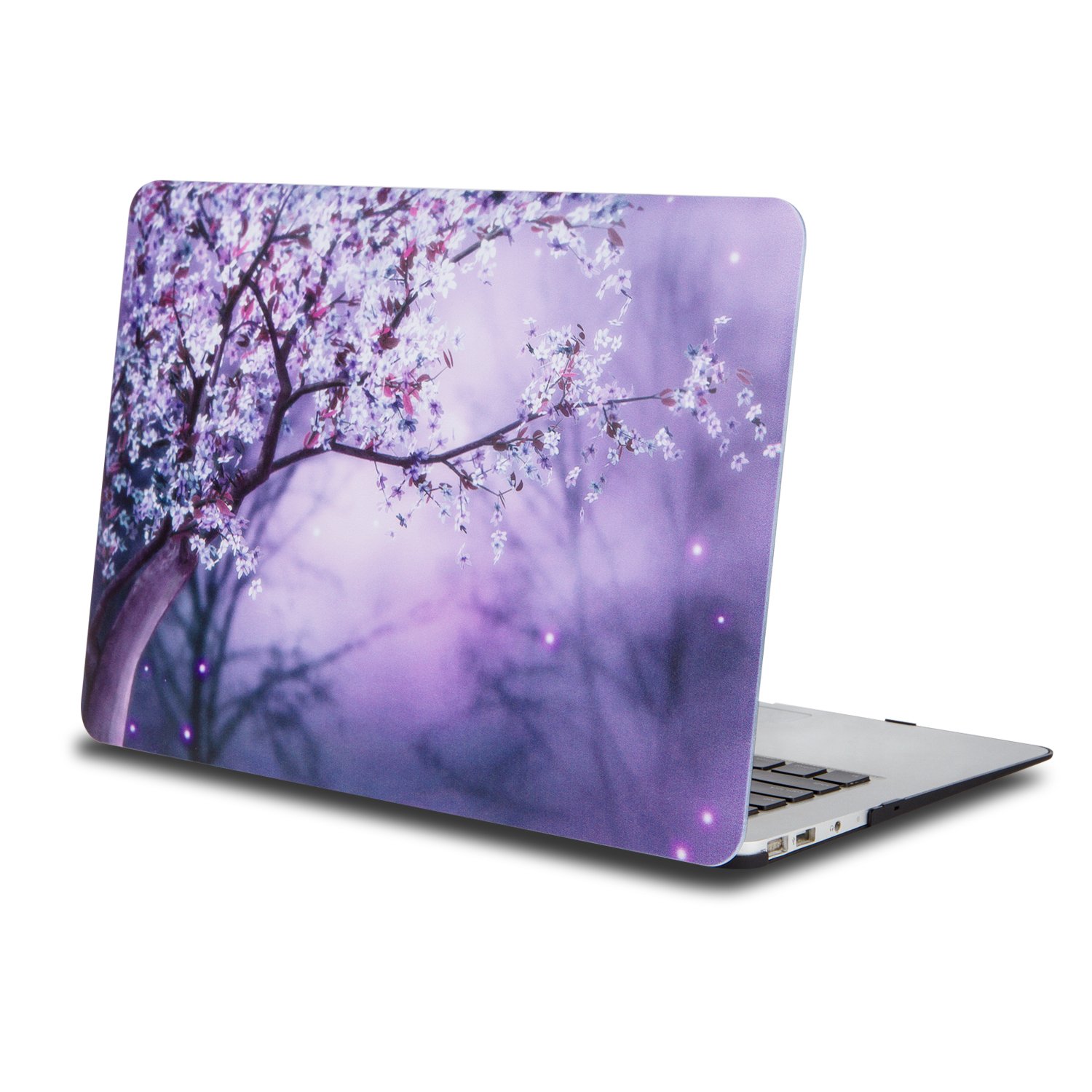
One Micron High Quality Soft Touch Hard Case Crystal Series
Specifications
Designed to fit MacBook Air 11 Inch (A1465/A1370)
Snap on design, easy on easy off
Fully access to all buttons and features
Plug your charger, cable or headset without removing the case
Super light-weight hard shell with exquisite finish protects your MacBook from scrapes and scratches
Material: Polycarbonate
Case Only Compatible with
Model: A1465/A1370
Case NOT Compatible with
Macbook Air 13.3'' (A1466/A1369)
Old Macbook Pro 13 Inch with CD-ROM (A1278)
Old Macbook Pro 13.3'' with Retina Display (A1502/A1425)
Old Macbook Pro 15 '' with Retina Display Retina (A1398)
Macbook 12 Inch with Retina Display (A1534)
Newest Macbook Pro 13 Inch with/without Touch Bar (A1706 / A1708, Release October 2016)
Newest MacBook Pro 15 Inch with Retina Display (A1707 with Touch Bar, Release October 2016)
Installation
Start with the top cover of the case. Clip the 2 clips at the back of the MacBook first.
Pull the case slightly to the front until the 3 clips "clicking".
Turn around the MacBook. Clip the bottom cover on the back of the MacBook first.
Pull the case slightly to the front until the clips "clicking".
Specifications
Designed to fit MacBook Air 11 Inch (A1465/A1370)
Snap on design, easy on easy off
Fully access to all buttons and features
Plug your charger, cable or headset without removing the case
Super light-weight hard shell with exquisite finish protects your MacBook from scrapes and scratches
Material: Polycarbonate
Case Only Compatible with
Model: A1465/A1370
Case NOT Compatible with
Macbook Air 13.3'' (A1466/A1369)
Old Macbook Pro 13 Inch with CD-ROM (A1278)
Old Macbook Pro 13.3'' with Retina Display (A1502/A1425)
Old Macbook Pro 15 '' with Retina Display Retina (A1398)
Macbook 12 Inch with Retina Display (A1534)
Newest Macbook Pro 13 Inch with/without Touch Bar (A1706 / A1708, Release October 2016)
Newest MacBook Pro 15 Inch with Retina Display (A1707 with Touch Bar, Release October 2016)
Installation
Start with the top cover of the case. Clip the 2 clips at the back of the MacBook first.
Pull the case slightly to the front until the 3 clips "clicking".
Turn around the MacBook. Clip the bottom cover on the back of the MacBook first.
Pull the case slightly to the front until the clips "clicking".
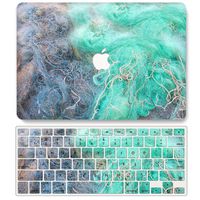
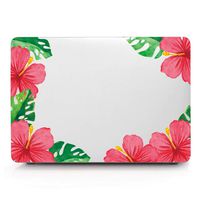
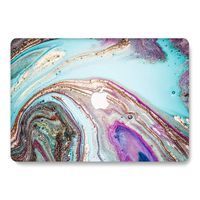
One Micron MacBook Air 11.6" Case, Soft-Touch Smooth Lightweight Macbook Cover for MacBook Air 11 Inch(Model:A1465/A1370)-Purple flowers
Current Price
$17.99
Average
$17.99
Min Price
$17.99
Max Price
$17.99
Price dynamics
0%
Description
One Micron High Quality Soft Touch Hard Case Crystal Series
Specifications
Designed to fit MacBook Air 11 Inch (A1465/A1370)
Snap on design, easy on easy off
Fully access to all buttons and features
Plug your charger, cable or headset without removing the case
Super light-weight hard shell with exquisite finish protects your MacBook from scrapes and scratches
Material: Polycarbonate
Case Only Compatible with
Model: A1465/A1370
Case NOT Compatible with
Macbook Air 13.3'' (A1466/A1369)
Old Macbook Pro 13 Inch with CD-ROM (A1278)
Old Macbook Pro 13.3'' with Retina Display (A1502/A1425)
Old Macbook Pro 15 '' with Retina Display Retina (A1398)
Macbook 12 Inch with Retina Display (A1534)
Newest Macbook Pro 13 Inch with/without Touch Bar (A1706 / A1708, Release October 2016)
Newest MacBook Pro 15 Inch with Retina Display (A1707 with Touch Bar, Release October 2016)
Installation
Start with the top cover of the case. Clip the 2 clips at the back of the MacBook first.
Pull the case slightly to the front until the 3 clips "clicking".
Turn around the MacBook. Clip the bottom cover on the back of the MacBook first.
Pull the case slightly to the front until the clips "clicking".
Specifications
Designed to fit MacBook Air 11 Inch (A1465/A1370)
Snap on design, easy on easy off
Fully access to all buttons and features
Plug your charger, cable or headset without removing the case
Super light-weight hard shell with exquisite finish protects your MacBook from scrapes and scratches
Material: Polycarbonate
Case Only Compatible with
Model: A1465/A1370
Case NOT Compatible with
Macbook Air 13.3'' (A1466/A1369)
Old Macbook Pro 13 Inch with CD-ROM (A1278)
Old Macbook Pro 13.3'' with Retina Display (A1502/A1425)
Old Macbook Pro 15 '' with Retina Display Retina (A1398)
Macbook 12 Inch with Retina Display (A1534)
Newest Macbook Pro 13 Inch with/without Touch Bar (A1706 / A1708, Release October 2016)
Newest MacBook Pro 15 Inch with Retina Display (A1707 with Touch Bar, Release October 2016)
Installation
Start with the top cover of the case. Clip the 2 clips at the back of the MacBook first.
Pull the case slightly to the front until the 3 clips "clicking".
Turn around the MacBook. Clip the bottom cover on the back of the MacBook first.
Pull the case slightly to the front until the clips "clicking".
Price will be lower
in next 2 weeks
in next 2 weeks
According to the data, price will be lower in next two weeks, so not waste your money and track better price!
Product review & video
hey what's up guys today i'm going to do a review on the 2015 macbook air five years after it was released in 2015 and i'm just gonna go over my experience and using this laptop so many years later first off with the design it's an aluminum build it feels really nice really solid here's the ports we've got a usb-a and a thunderbolt 2 port as you can see it's really thin it's really good in the hands super thin and sleek on the other side you got the uh magsafe charging port and then another usb as well as a headphone jack so it has a really premium build that you know macbook airs are known for very thin uh flipping it to the back you see the four foot rests and it's also all aluminum on the back so that's really nice so it definitely has the premium feel and it's only two pounds uh here's a close-up of how thin it really is and that's uh as you see the front is super thin and sleek so



Similar products