Description
Anykit committed to high quality product development and production, pursuing constantly innovation, our mission is to provide the best shopping experience.
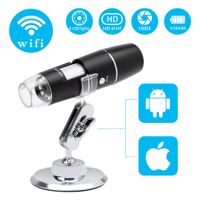
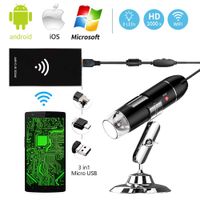
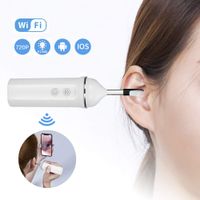
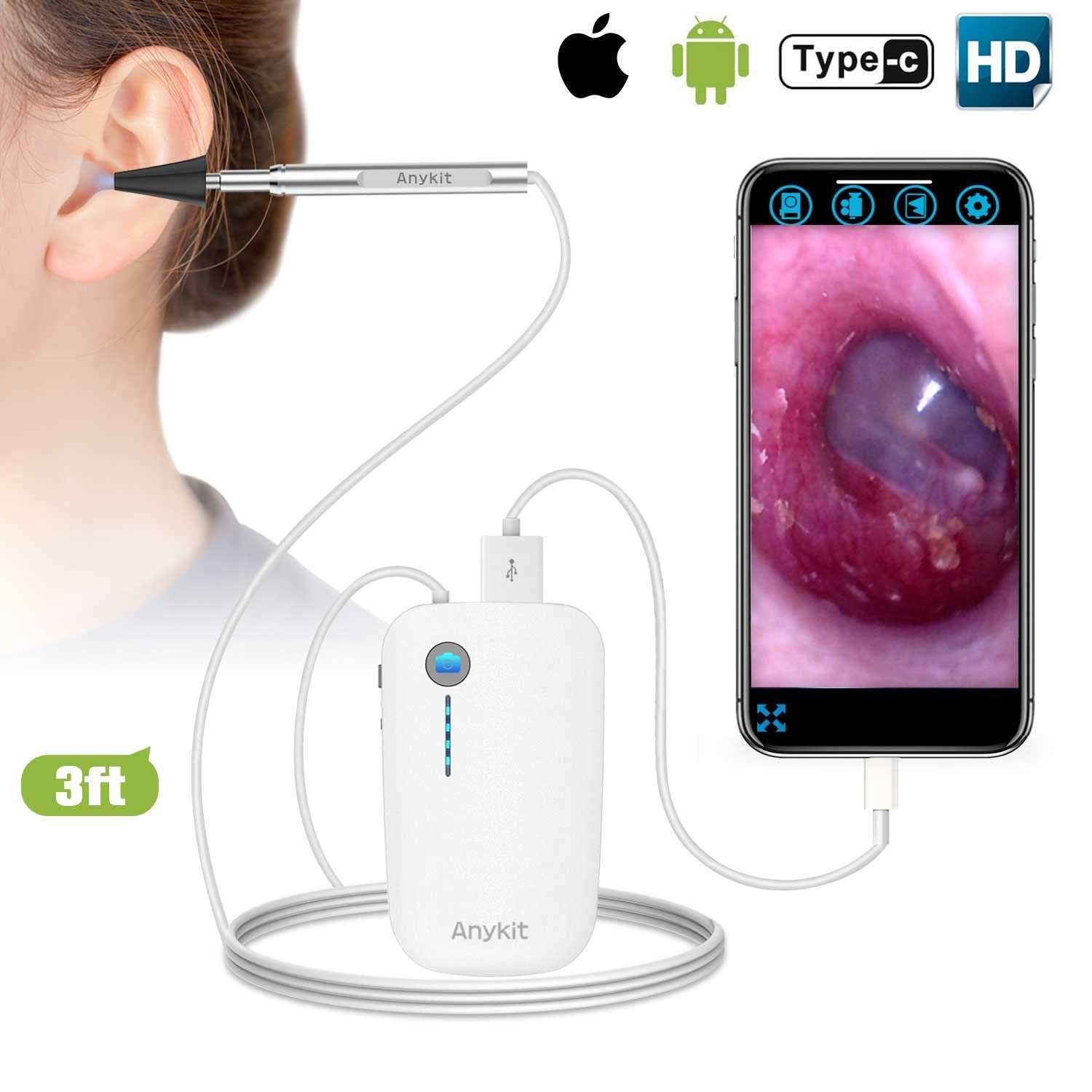
This plug and play otoscope is the easiest way for iPhone/iPad user, no need long time waiting for wifi connection.
For more stable and smooth image, please use the original cable of your phone!!!
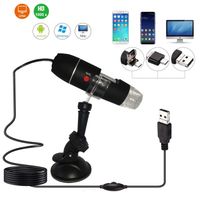
You can also connect the ear scope to your device with the included charging cable and adapters.
Only support iOS 8.0+iPhone/iPad and Android 4.0+ device
NOT support MacBook, Windows PC
How to Use
1.Download and install the [IUVC Pro] software for your device.
2.Connect you device to the otoscope.[The otoscope connected successfully when your device showing it's charging.]
3.Open the installed App, there you go.
4.For Android user, please enter the setting menu, enable [USB tethering], go back and the camera will be recognized by your phone.
Notes:
1.The focal length is fixed at 2-3cm, Please adjust the distance between the camera lens and your ear to get focused if you can not see the image clearly.
2.Ear canal is not perfectly straight, please gently pull the top of your ear up and back to help viewing your eardrum easily.
3.Please adjust the brightness of the LED lights to prevent glare.
4.Please keep the camera clean to avoid blurry image.
This plug and play otoscope is the easiest way for iPhone/iPad user, no need long time waiting for wifi connection.
For more stable and smooth image, please use the original cable of your phone!!!
You can also connect the ear scope to your device with the included charging cable and adapters.
Only support iOS 8.0+iPhone/iPad and Android 4.0+ device
NOT support MacBook, Windows PC
How to Use
1.Download and install the [IUVC Pro] software for your device.
2.Connect you device to the otoscope.[The otoscope connected successfully when your device showing it's charging.]
3.Open the installed App, there you go.
4.For Android user, please enter the setting menu, enable [USB tethering], go back and the camera will be recognized by your phone.
Notes:
1.The focal length is fixed at 2-3cm, Please adjust the distance between the camera lens and your ear to get focused if you can not see the image clearly.
2.Ear canal is not perfectly straight, please gently pull the top of your ear up and back to help viewing your eardrum easily.
3.Please adjust the brightness of the LED lights to prevent glare.
4.Please keep the camera clean to avoid blurry image.
Otoscope iPhone, Anykit Upgraded 4.3mm 720P HD Ear Camera Digital Otoscope Ear Scope Camera with 6 LED Lights and Earwax Removal Tool for iPhone and Android Smartphone
Current Price
$48.99
Average
$36.68
Min Price
$1.21
Max Price
$59.99
Price dynamics
25%
Description
Anykit committed to high quality product development and production, pursuing constantly innovation, our mission is to provide the best shopping experience.
This plug and play otoscope is the easiest way for iPhone/iPad user, no need long time waiting for wifi connection.
For more stable and smooth image, please use the original cable of your phone!!!
You can also connect the ear scope to your device with the included charging cable and adapters.
Only support iOS 8.0+iPhone/iPad and Android 4.0+ device
NOT support MacBook, Windows PC
How to Use
1.Download and install the [IUVC Pro] software for your device.
2.Connect you device to the otoscope.[The otoscope connected successfully when your device showing it's charging.]
3.Open the installed App, there you go.
4.For Android user, please enter the setting menu, enable [USB tethering], go back and the camera will be recognized by your phone.
Notes:
1.The focal length is fixed at 2-3cm, Please adjust the distance between the camera lens and your ear to get focused if you can not see the image clearly.
2.Ear canal is not perfectly straight, please gently pull the top of your ear up and back to help viewing your eardrum easily.
3.Please adjust the brightness of the LED lights to prevent glare.
4.Please keep the camera clean to avoid blurry image.
This plug and play otoscope is the easiest way for iPhone/iPad user, no need long time waiting for wifi connection.
For more stable and smooth image, please use the original cable of your phone!!!
You can also connect the ear scope to your device with the included charging cable and adapters.
Only support iOS 8.0+iPhone/iPad and Android 4.0+ device
NOT support MacBook, Windows PC
How to Use
1.Download and install the [IUVC Pro] software for your device.
2.Connect you device to the otoscope.[The otoscope connected successfully when your device showing it's charging.]
3.Open the installed App, there you go.
4.For Android user, please enter the setting menu, enable [USB tethering], go back and the camera will be recognized by your phone.
Notes:
1.The focal length is fixed at 2-3cm, Please adjust the distance between the camera lens and your ear to get focused if you can not see the image clearly.
2.Ear canal is not perfectly straight, please gently pull the top of your ear up and back to help viewing your eardrum easily.
3.Please adjust the brightness of the LED lights to prevent glare.
4.Please keep the camera clean to avoid blurry image.
Price will be lower
in next 2 weeks
in next 2 weeks
According to the data, price will be lower in next two weeks, so not waste your money and track better price!