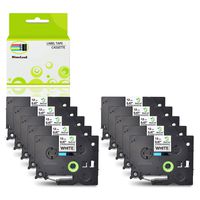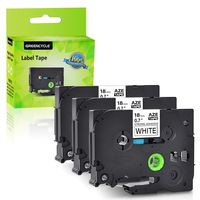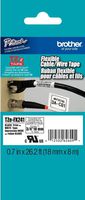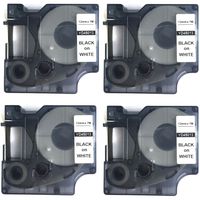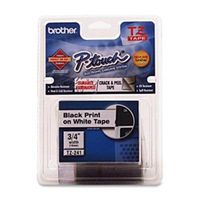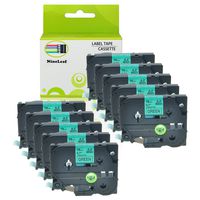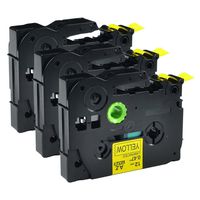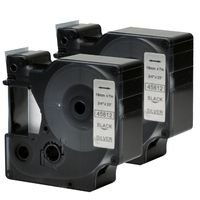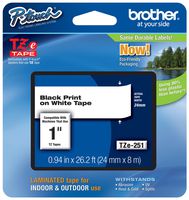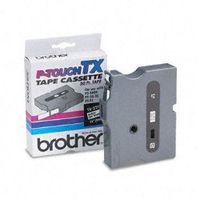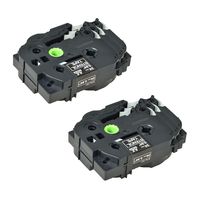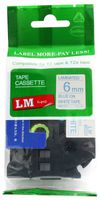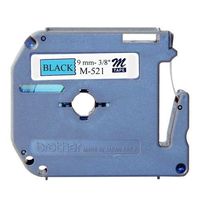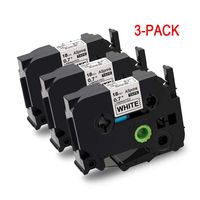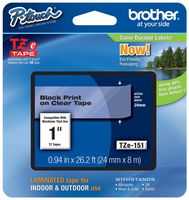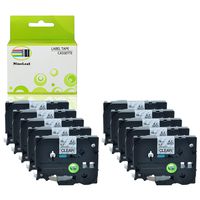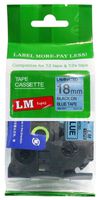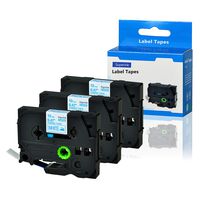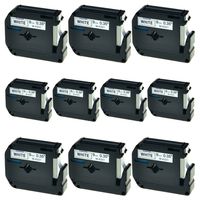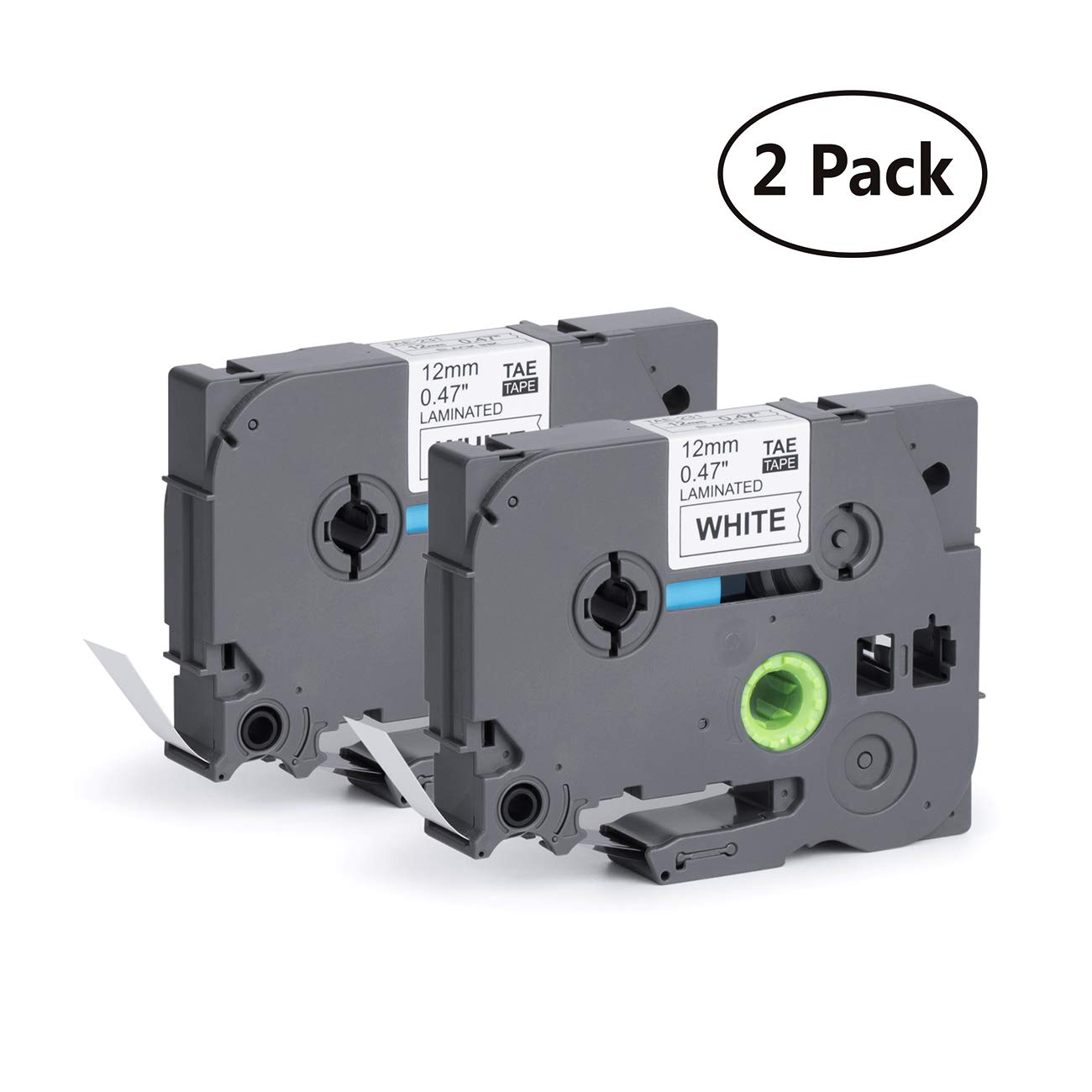
Model: replace Brother P-touch TZe TZ Label Tape TZe-231
Type: P-touch TZe standard laminated tape
Width: 1/2 inch (12mm)
Length: 26.2 feet (8m)
Color: Black print on White Background
Package Includes: 2-Pack
Compatible with the following Brother P-Touch Label Printers:
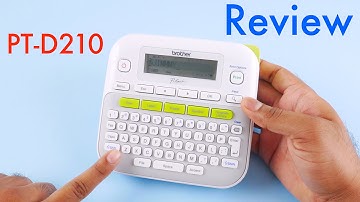
Brother Label Maker P-touch PT-D200, PT-D200G, PT-D210, PT-1090, PT-1190, PT-1230PC, PT-1290, PT-1880C, PT-1880SC, PT-1880W, PT-1890C, PT-1890SC, PT-1890W, PT-1950, PT-2430PC, PT-6100, PT-D400, PT-D400AD, PT-D400VP, PT-D450, PT-D600, PT-D600VP, PT-D800W, PT-H100, PT-E100, PT-H110, PT-H300, PT-H300LI, PT-H500LI, PT-P700, PT-P750W, PT-9600.P-Touch CUBE (White), P-Touch CUBE (Blue),P-Touch Embellish.
How to print prefer space?
1- Be sure your machine is available with this "Label Setting" function.
2- Set the space you prefer on your label maker Before printing, then you will get a better label tape.
Save money
It's better to print all texts you need in one label at a time, then cut it into individual labels to save money and avoid wastage .
Tips for Using TZe 231 Label Tapes:
-Before installing, Turn the ribbon spool counter clockwise once or twice to tighten the ribbon to avoid uneven ink, stuck of the tape. or any breakage.
-DO NOT pull the label tape while printing to avoid any damage.
- DO NOT touch the label maker cutter while printing to avoid any errors.
P Touch Label Maker Tape Compatible for Brother P-Touch PTD210 PTD200 PTH100 PTH110 PTD400VP PTD600 Label Maker Tape (12mm, Black on White (2 Pack))
Model: replace Brother P-touch TZe TZ Label Tape TZe-231
Type: P-touch TZe standard laminated tape
Width: 1/2 inch (12mm)
Length: 26.2 feet (8m)
Color: Black print on White Background
Package Includes: 2-Pack
Compatible with the following Brother P-Touch Label Printers:
Brother Label Maker P-touch PT-D200, PT-D200G, PT-D210, PT-1090, PT-1190, PT-1230PC, PT-1290, PT-1880C, PT-1880SC, PT-1880W, PT-1890C, PT-1890SC, PT-1890W, PT-1950, PT-2430PC, PT-6100, PT-D400, PT-D400AD, PT-D400VP, PT-D450, PT-D600, PT-D600VP, PT-D800W, PT-H100, PT-E100, PT-H110, PT-H300, PT-H300LI, PT-H500LI, PT-P700, PT-P750W, PT-9600.P-Touch CUBE (White), P-Touch CUBE (Blue),P-Touch Embellish.
How to print prefer space?
1- Be sure your machine is available with this "Label Setting" function.
2- Set the space you prefer on your label maker Before printing, then you will get a better label tape.
Save money
It's better to print all texts you need in one label at a time, then cut it into individual labels to save money and avoid wastage .
Tips for Using TZe 231 Label Tapes:
-Before installing, Turn the ribbon spool counter clockwise once or twice to tighten the ribbon to avoid uneven ink, stuck of the tape. or any breakage.
-DO NOT pull the label tape while printing to avoid any damage.
- DO NOT touch the label maker cutter while printing to avoid any errors.
in next 2 weeks