Description
Performance
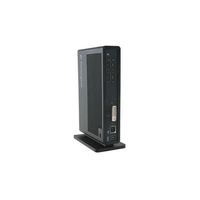
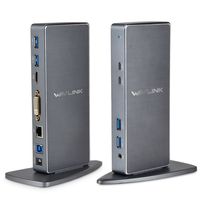
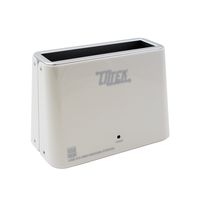
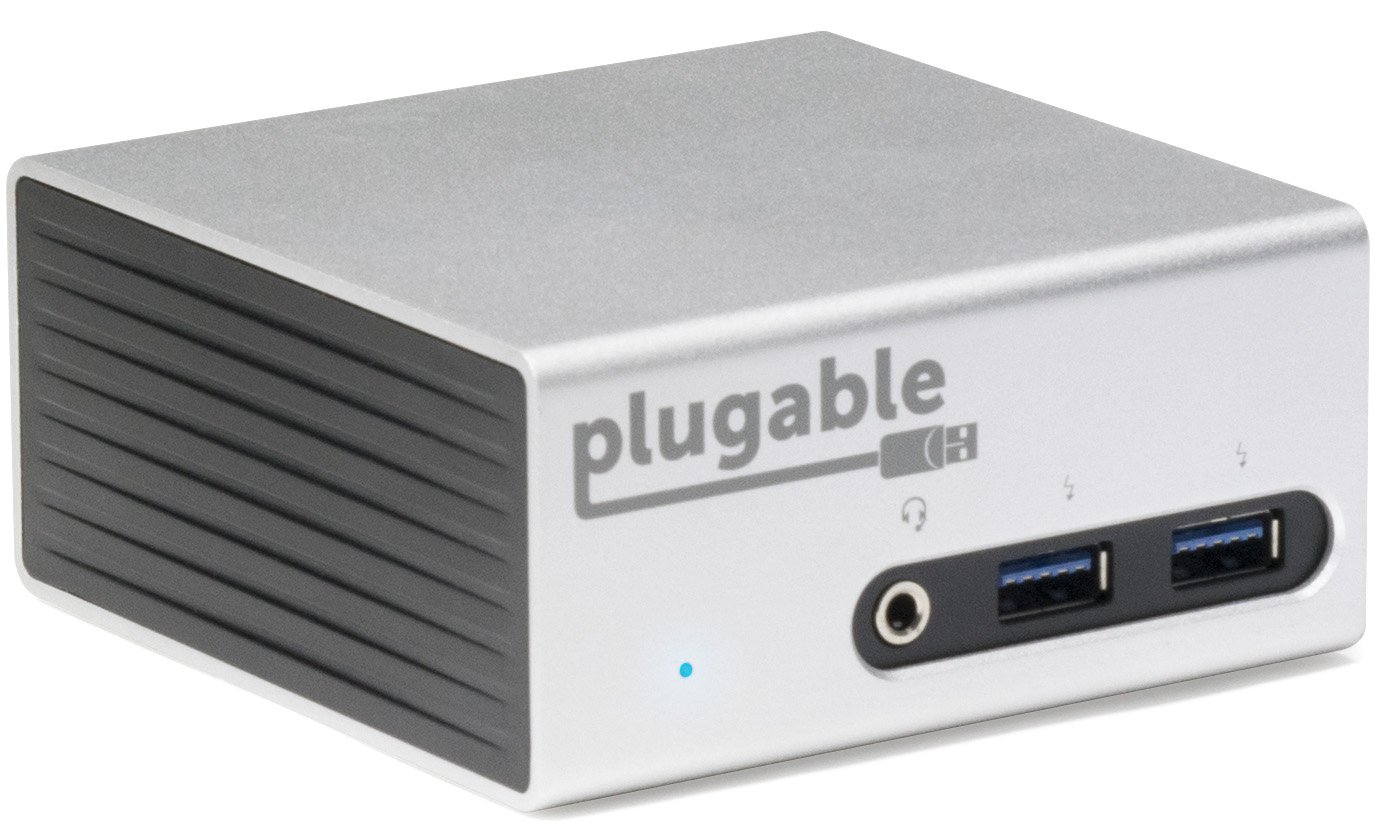
Featuring the DisplayLink DL-5900 chipset, the Plugable UD-5900 docking station lets you connect one 4K or two 1080P displays to your Windows system via USB 3.0. Mini form-factor and Included VESA mounting bracket enable clean, low-profile installations.CompatibilityDrivers available for Windows 10/8.1/7.
Intel i5 or AMD A8 2GHz or better CPU recommended for productivity/web software at 4K. Single Intel HD 4000, AMD HD 7xxx, NVIDIA 5xxM or better recommended for productivity/web software. Intel i7 2+GHz and HD 4000/AMD 8650/Nvidia 7xxM for full-screen video playback.
Non-Compatible Systems
Cannot be mixed with non-DisplayLink USB graphics adapters and drivers (e.g. MCT, j5, or SMSC).
Surface RT, Mac OS X, and Linux/Unix not supported.
HDMI conversion to DisplayPort and dual-link DVI not supported.
2.4Ghz receivers for wireless keyboards and mice may experience degraded performance when connected to the dock. A USB 2.0 extension cable is recommended for best wireless device performance.
Monitor Compatibility
Supports single HDMI display up to 3840x2160 @ 30Hz refresh rate. 3440x1440 @ 50Hz refresh. 2560x1600, 1920x1080 (1080P) and lower modes refresh at 60Hz.
4K/UHD output requires compatible 4K/UHD display and "high speed" HDMI 1.4 cable. Not recommended for use with Samsung UHD TVs.
Audio outputs in stereo format.
Application Compatibility
Does not support HDCP, and will not allow for playback of encrypted Bluray disks or copy-protected content.
Video playback at 1080P and above requires playback software that supports GPU acceleration.
Not recommended for gaming.In the Box
UD-5900, 20W UL certified power adapter (US AC Wall Outlet Plug, 100-240V 50/60Hz), 3' USB 3.0 A to B cable, DVI-VGA adapter, quick start guide, VESA mount with screws
Featuring the DisplayLink DL-5900 chipset, the Plugable UD-5900 docking station lets you connect one 4K or two 1080P displays to your Windows system via USB 3.0. Mini form-factor and Included VESA mounting bracket enable clean, low-profile installations.CompatibilityDrivers available for Windows 10/8.1/7.
Intel i5 or AMD A8 2GHz or better CPU recommended for productivity/web software at 4K. Single Intel HD 4000, AMD HD 7xxx, NVIDIA 5xxM or better recommended for productivity/web software. Intel i7 2+GHz and HD 4000/AMD 8650/Nvidia 7xxM for full-screen video playback.
Non-Compatible Systems
Cannot be mixed with non-DisplayLink USB graphics adapters and drivers (e.g. MCT, j5, or SMSC).
Surface RT, Mac OS X, and Linux/Unix not supported.
HDMI conversion to DisplayPort and dual-link DVI not supported.
2.4Ghz receivers for wireless keyboards and mice may experience degraded performance when connected to the dock. A USB 2.0 extension cable is recommended for best wireless device performance.
Monitor Compatibility
Supports single HDMI display up to 3840x2160 @ 30Hz refresh rate. 3440x1440 @ 50Hz refresh. 2560x1600, 1920x1080 (1080P) and lower modes refresh at 60Hz.
4K/UHD output requires compatible 4K/UHD display and "high speed" HDMI 1.4 cable. Not recommended for use with Samsung UHD TVs.
Audio outputs in stereo format.
Application Compatibility
Does not support HDCP, and will not allow for playback of encrypted Bluray disks or copy-protected content.
Video playback at 1080P and above requires playback software that supports GPU acceleration.
Not recommended for gaming.In the Box
UD-5900, 20W UL certified power adapter (US AC Wall Outlet Plug, 100-240V 50/60Hz), 3' USB 3.0 A to B cable, DVI-VGA adapter, quick start guide, VESA mount with screws
Plugable Universal USB 3.0 Docking Station with Dual Video Outputs and 4K Support for Windows 10, 8.1, 7 (HDMI & DVI/VGA, Gigabit Ethernet, Audio, 4 USB 3.0 Ports, VESA Mount Aluminum Mini)
Price is below average
Current Price
$109.62
Average
$116.48
Min Price
$109
Max Price
$129.94
Price dynamics
6%
Description
Performance
Featuring the DisplayLink DL-5900 chipset, the Plugable UD-5900 docking station lets you connect one 4K or two 1080P displays to your Windows system via USB 3.0. Mini form-factor and Included VESA mounting bracket enable clean, low-profile installations.CompatibilityDrivers available for Windows 10/8.1/7.
Intel i5 or AMD A8 2GHz or better CPU recommended for productivity/web software at 4K. Single Intel HD 4000, AMD HD 7xxx, NVIDIA 5xxM or better recommended for productivity/web software. Intel i7 2+GHz and HD 4000/AMD 8650/Nvidia 7xxM for full-screen video playback.
Non-Compatible Systems
Cannot be mixed with non-DisplayLink USB graphics adapters and drivers (e.g. MCT, j5, or SMSC).
Surface RT, Mac OS X, and Linux/Unix not supported.
HDMI conversion to DisplayPort and dual-link DVI not supported.
2.4Ghz receivers for wireless keyboards and mice may experience degraded performance when connected to the dock. A USB 2.0 extension cable is recommended for best wireless device performance.
Monitor Compatibility
Supports single HDMI display up to 3840x2160 @ 30Hz refresh rate. 3440x1440 @ 50Hz refresh. 2560x1600, 1920x1080 (1080P) and lower modes refresh at 60Hz.
4K/UHD output requires compatible 4K/UHD display and "high speed" HDMI 1.4 cable. Not recommended for use with Samsung UHD TVs.
Audio outputs in stereo format.
Application Compatibility
Does not support HDCP, and will not allow for playback of encrypted Bluray disks or copy-protected content.
Video playback at 1080P and above requires playback software that supports GPU acceleration.
Not recommended for gaming.In the Box
UD-5900, 20W UL certified power adapter (US AC Wall Outlet Plug, 100-240V 50/60Hz), 3' USB 3.0 A to B cable, DVI-VGA adapter, quick start guide, VESA mount with screws
Featuring the DisplayLink DL-5900 chipset, the Plugable UD-5900 docking station lets you connect one 4K or two 1080P displays to your Windows system via USB 3.0. Mini form-factor and Included VESA mounting bracket enable clean, low-profile installations.CompatibilityDrivers available for Windows 10/8.1/7.
Intel i5 or AMD A8 2GHz or better CPU recommended for productivity/web software at 4K. Single Intel HD 4000, AMD HD 7xxx, NVIDIA 5xxM or better recommended for productivity/web software. Intel i7 2+GHz and HD 4000/AMD 8650/Nvidia 7xxM for full-screen video playback.
Non-Compatible Systems
Cannot be mixed with non-DisplayLink USB graphics adapters and drivers (e.g. MCT, j5, or SMSC).
Surface RT, Mac OS X, and Linux/Unix not supported.
HDMI conversion to DisplayPort and dual-link DVI not supported.
2.4Ghz receivers for wireless keyboards and mice may experience degraded performance when connected to the dock. A USB 2.0 extension cable is recommended for best wireless device performance.
Monitor Compatibility
Supports single HDMI display up to 3840x2160 @ 30Hz refresh rate. 3440x1440 @ 50Hz refresh. 2560x1600, 1920x1080 (1080P) and lower modes refresh at 60Hz.
4K/UHD output requires compatible 4K/UHD display and "high speed" HDMI 1.4 cable. Not recommended for use with Samsung UHD TVs.
Audio outputs in stereo format.
Application Compatibility
Does not support HDCP, and will not allow for playback of encrypted Bluray disks or copy-protected content.
Video playback at 1080P and above requires playback software that supports GPU acceleration.
Not recommended for gaming.In the Box
UD-5900, 20W UL certified power adapter (US AC Wall Outlet Plug, 100-240V 50/60Hz), 3' USB 3.0 A to B cable, DVI-VGA adapter, quick start guide, VESA mount with screws
Price will be lower
in next 2 weeks
in next 2 weeks
According to the data, price will be lower in next two weeks, so not waste your money and track better price!
Product review & video
hey everybody its Lawnside but and we're continuing our series on USB docking stations today and we're going to be taking a closer look at USB 3.0 docking stations and what you can do with them these are typically designed for your older computers that don't have a new USB type-c port or a Thunderbolt port yet they are very functional and we're going to be using this Kensington dock this is their SD 3500 v to take a look at some things you can do with a USB 3.0 dock in this video now I do want to let you know in the interest of full disclosure this is a paid sponsorship by Kensington they have reviewed this content before it was posted and also worked with me on the content that we are presenting in this video so let's get into it and see what this USB 3.0 dock can do so let's step through what you'll get in the box with this particular dock you do of course get the dock itself you'll a


Similar products