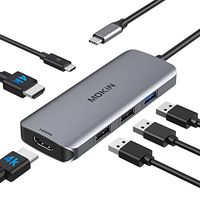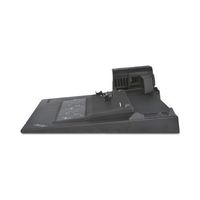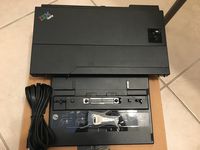
Description
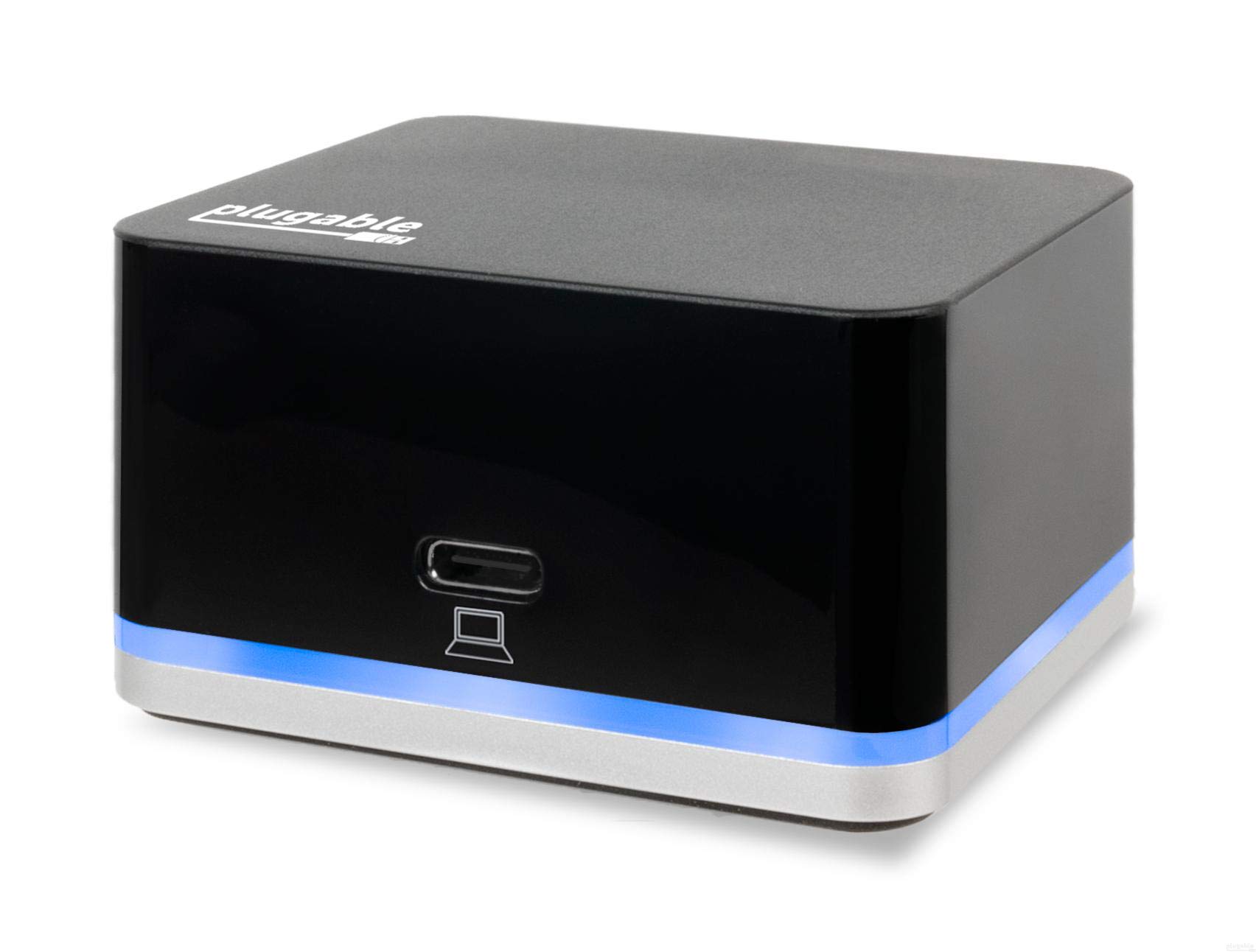
The Plugable smallest dock can drive an external HDMI display while having access to three USB ports and a wired Ethernet connection -- all through a single high-speed USB-C connection.
Performance
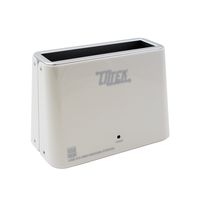
Meet Plugable's smallest USB-C docking station yet. The UD-CUBE. With this small laptop dock extend the connectivity and usability of your USB-C system with the mobile UD-CUBE that fits in the palm of your hand.Compatibility
The portable docking station UD-CUBE is compatible with USB-C and Thunderbolt 3 equipped Windows, Mac and Chromebook systems that support Alt Mode video and acts as a port replicator stations multiple devices. Please see the System Requirements below for more details about exceptions.
The UD-CUBE is not for charging your host system. Please see Power and Charging below for more details.
System Requirements
While most USB-C systems support at least a single display output over USB-C via Alt Mode (which converts through the HDMI port on the dock), not all USB-C ports are created equal. Please refer to your system manual to ensure that your USB-C port supports Alternate Mode (Alt Mode) video
Power and Charging
The docing station UD-CUBE does not provide Power Delivery over USB-C, i.e., it will not charge your host system. Your system may report that the system is charging or you may see a charging icon, but you must keep your original power adapter attached in order to charge your computer.
In the Box
Plugable UD-CUBE Mini Dock, USB 3.1 Type-C to Type-C Cable, Power Adapter (20W 5V/4A, UL60950-1), Quick Start Guide
plugable usb 30 docking station
plugable docking station
mini docking station
usbc docking station
usb-c docking station
usb c docking
Performance
Meet Plugable's smallest USB-C docking station yet. The UD-CUBE. With this small laptop dock extend the connectivity and usability of your USB-C system with the mobile UD-CUBE that fits in the palm of your hand.Compatibility
The portable docking station UD-CUBE is compatible with USB-C and Thunderbolt 3 equipped Windows, Mac and Chromebook systems that support Alt Mode video and acts as a port replicator stations multiple devices. Please see the System Requirements below for more details about exceptions.
The UD-CUBE is not for charging your host system. Please see Power and Charging below for more details.
System Requirements
While most USB-C systems support at least a single display output over USB-C via Alt Mode (which converts through the HDMI port on the dock), not all USB-C ports are created equal. Please refer to your system manual to ensure that your USB-C port supports Alternate Mode (Alt Mode) video
Power and Charging
The docing station UD-CUBE does not provide Power Delivery over USB-C, i.e., it will not charge your host system. Your system may report that the system is charging or you may see a charging icon, but you must keep your original power adapter attached in order to charge your computer.
In the Box
Plugable UD-CUBE Mini Dock, USB 3.1 Type-C to Type-C Cable, Power Adapter (20W 5V/4A, UL60950-1), Quick Start Guide
plugable usb 30 docking station
plugable docking station
mini docking station
usbc docking station
usb-c docking station
usb c docking
Plugable USB C Cube - Mini Docking Station, Compatible with Thunderbolt 3 Ports and Specific USB-C Systems (No Host Charging, Connect 1x HDMI up to 4K @30Hz Monitor, Ethernet, 3X USB Ports)
Current Price
$89
Average
$84.47
Min Price
$79.95
Max Price
$89
Price dynamics
5%
Description
The Plugable smallest dock can drive an external HDMI display while having access to three USB ports and a wired Ethernet connection -- all through a single high-speed USB-C connection.
Performance
Meet Plugable's smallest USB-C docking station yet. The UD-CUBE. With this small laptop dock extend the connectivity and usability of your USB-C system with the mobile UD-CUBE that fits in the palm of your hand.Compatibility
The portable docking station UD-CUBE is compatible with USB-C and Thunderbolt 3 equipped Windows, Mac and Chromebook systems that support Alt Mode video and acts as a port replicator stations multiple devices. Please see the System Requirements below for more details about exceptions.
The UD-CUBE is not for charging your host system. Please see Power and Charging below for more details.
System Requirements
While most USB-C systems support at least a single display output over USB-C via Alt Mode (which converts through the HDMI port on the dock), not all USB-C ports are created equal. Please refer to your system manual to ensure that your USB-C port supports Alternate Mode (Alt Mode) video
Power and Charging
The docing station UD-CUBE does not provide Power Delivery over USB-C, i.e., it will not charge your host system. Your system may report that the system is charging or you may see a charging icon, but you must keep your original power adapter attached in order to charge your computer.
In the Box
Plugable UD-CUBE Mini Dock, USB 3.1 Type-C to Type-C Cable, Power Adapter (20W 5V/4A, UL60950-1), Quick Start Guide
plugable usb 30 docking station
plugable docking station
mini docking station
usbc docking station
usb-c docking station
usb c docking
Performance
Meet Plugable's smallest USB-C docking station yet. The UD-CUBE. With this small laptop dock extend the connectivity and usability of your USB-C system with the mobile UD-CUBE that fits in the palm of your hand.Compatibility
The portable docking station UD-CUBE is compatible with USB-C and Thunderbolt 3 equipped Windows, Mac and Chromebook systems that support Alt Mode video and acts as a port replicator stations multiple devices. Please see the System Requirements below for more details about exceptions.
The UD-CUBE is not for charging your host system. Please see Power and Charging below for more details.
System Requirements
While most USB-C systems support at least a single display output over USB-C via Alt Mode (which converts through the HDMI port on the dock), not all USB-C ports are created equal. Please refer to your system manual to ensure that your USB-C port supports Alternate Mode (Alt Mode) video
Power and Charging
The docing station UD-CUBE does not provide Power Delivery over USB-C, i.e., it will not charge your host system. Your system may report that the system is charging or you may see a charging icon, but you must keep your original power adapter attached in order to charge your computer.
In the Box
Plugable UD-CUBE Mini Dock, USB 3.1 Type-C to Type-C Cable, Power Adapter (20W 5V/4A, UL60950-1), Quick Start Guide
plugable usb 30 docking station
plugable docking station
mini docking station
usbc docking station
usb-c docking station
usb c docking
Price will be lower
in next 2 weeks
in next 2 weeks
According to the data, price will be lower in next two weeks, so not waste your money and track better price!
Product review & video
hi i'm bernie thompson i'm the founder of plugable technologies so it was five years ago that we launched our first usbc triple display docking station in fact the first in the world we've now taken everything that we've learned about that triple display usbc dock category and incorporated it into our new ud 3900 pdz dock so let me show you what this dock can do and all the individual features so we're really using the dock right now this is kind of for show but right there's another one of the dock connected to a windows laptop and we've got a total of four displays these three connected to the dock and then of course the laptop screen itself and i can just connect these together as one gigantic virtual desktop so you know if you're an information worker if you're a day trader you know if you're somebody who's now stuck at home working and you want to have a really awesome desk setup t


Similar products