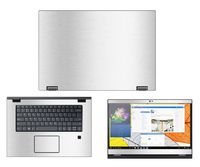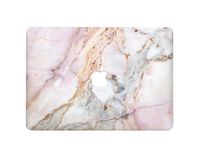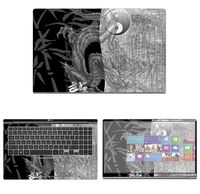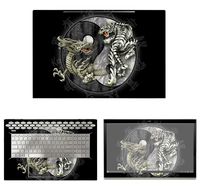
Description
Product Compatibility:
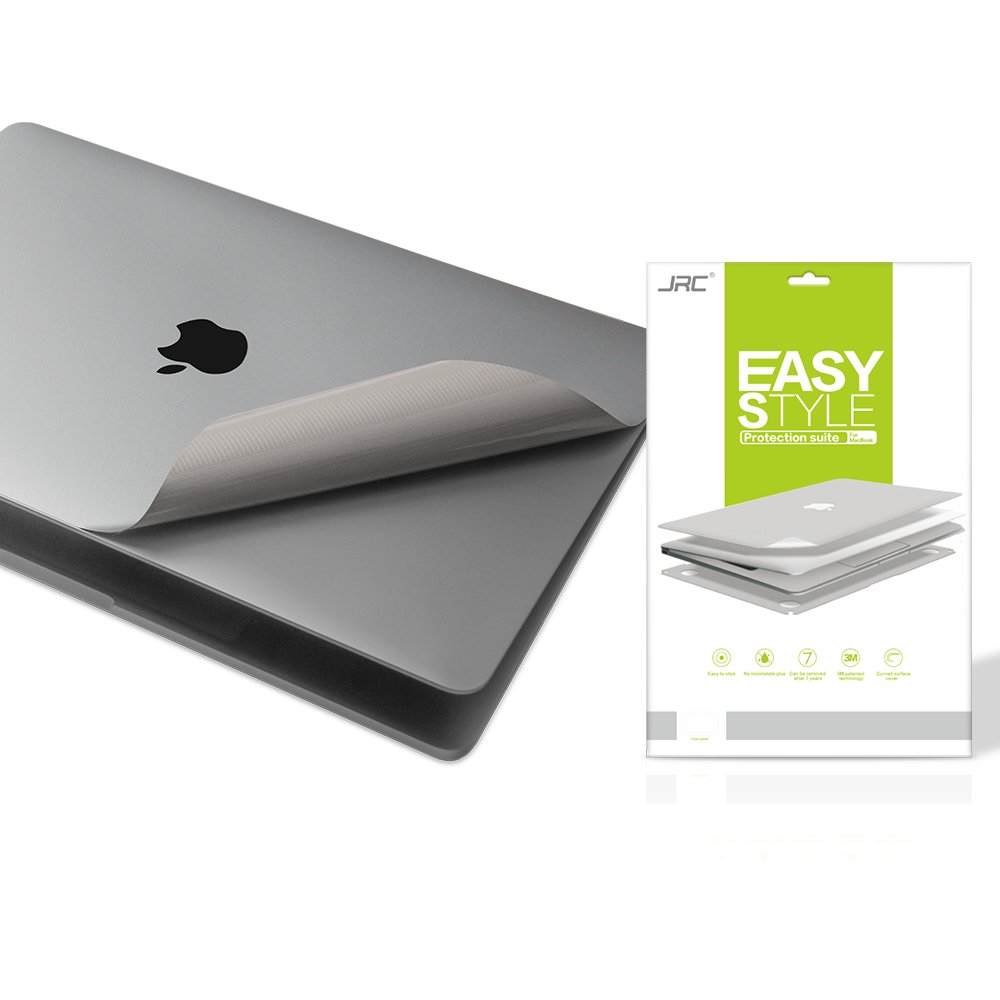
5-in-1 full-sized stickers and screen protector supports for the NEWEST Macbook Pro 13 inch with Touch bar Models:A2159/A1706/A1989,2016/2017/2018/2019+ (NOT Fit for other models)
Product Purpose:
Gray Macbook Pro 13 inch stickers prevent laptop from scratch, water, beer, cigarette ash, biscuit crumbs...ect; preserve original look of MacBook, but not with a thick protective shell.
Package Contents:
1x High Clear Screen Protector
1x Upper Body Skin Cover
1x Bottom Body Skin Cover
1x Full size Palm Rest Cover Skin
1x Trackpad Protector Skin
1x JRC wiping cloth
Warm Note:
1. Once upper and bottom skin be finished completely, we don` t suggest remove. Otherwise, the skins could be damaged.
2. About curve fitting design, a reasonable 1 mm gap to edge ensures stickers won`t curl during usage. Please take care of its placeholder.
Pasting Instruction:
1. Please use wiping cloth to clean surface before pasting stickers.
2. Align UPPER sticker APPLE LOGO hole>edges>corners to the laptop body.
3. Peel off and cut half side of backing paper; Align upper sticker to APPLE LOGO hole mainly, then edges/corners of laptop body, paste it on laptop easily.
4. Slowly peel off the rest of backing paper, paste the other half skin at the same time.
4-1.If the alignment process is not good, you can slowly take it away, then re-alignment, paste again.
5. Use JRC wiping cloth wipe the laptop and squeeze out bubbles. Finally, Bubbles be disappeared; sticker fit APPLE LOGO hole and laptop UPPER side well.
6. Paste another stickers in the same way.
7. If stickers do not paste well, please contact with aggie@anda-tec.com at the first time. We can help you to solve it soon.
5-in-1 full-sized stickers and screen protector supports for the NEWEST Macbook Pro 13 inch with Touch bar Models:A2159/A1706/A1989,2016/2017/2018/2019+ (NOT Fit for other models)
Product Purpose:
Gray Macbook Pro 13 inch stickers prevent laptop from scratch, water, beer, cigarette ash, biscuit crumbs...ect; preserve original look of MacBook, but not with a thick protective shell.
Package Contents:
1x High Clear Screen Protector
1x Upper Body Skin Cover
1x Bottom Body Skin Cover
1x Full size Palm Rest Cover Skin
1x Trackpad Protector Skin
1x JRC wiping cloth
Warm Note:
1. Once upper and bottom skin be finished completely, we don` t suggest remove. Otherwise, the skins could be damaged.
2. About curve fitting design, a reasonable 1 mm gap to edge ensures stickers won`t curl during usage. Please take care of its placeholder.
Pasting Instruction:
1. Please use wiping cloth to clean surface before pasting stickers.
2. Align UPPER sticker APPLE LOGO hole>edges>corners to the laptop body.
3. Peel off and cut half side of backing paper; Align upper sticker to APPLE LOGO hole mainly, then edges/corners of laptop body, paste it on laptop easily.
4. Slowly peel off the rest of backing paper, paste the other half skin at the same time.
4-1.If the alignment process is not good, you can slowly take it away, then re-alignment, paste again.
5. Use JRC wiping cloth wipe the laptop and squeeze out bubbles. Finally, Bubbles be disappeared; sticker fit APPLE LOGO hole and laptop UPPER side well.
6. Paste another stickers in the same way.
7. If stickers do not paste well, please contact with aggie@anda-tec.com at the first time. We can help you to solve it soon.
Premium 5 in 1 GRAY Full Size 3M Decals Skins Covers for MacBook Pro 13 Inch With Touch Bar (Apple Model Number A1706/A1989/A2159),Including High Clear Screen Protector
Current Price
$25.99
Average
$25.12
Min Price
$18.99
Max Price
$25.99
Price dynamics
3%
Description
Product Compatibility:
5-in-1 full-sized stickers and screen protector supports for the NEWEST Macbook Pro 13 inch with Touch bar Models:A2159/A1706/A1989,2016/2017/2018/2019+ (NOT Fit for other models)
Product Purpose:
Gray Macbook Pro 13 inch stickers prevent laptop from scratch, water, beer, cigarette ash, biscuit crumbs...ect; preserve original look of MacBook, but not with a thick protective shell.
Package Contents:
1x High Clear Screen Protector
1x Upper Body Skin Cover
1x Bottom Body Skin Cover
1x Full size Palm Rest Cover Skin
1x Trackpad Protector Skin
1x JRC wiping cloth
Warm Note:
1. Once upper and bottom skin be finished completely, we don` t suggest remove. Otherwise, the skins could be damaged.
2. About curve fitting design, a reasonable 1 mm gap to edge ensures stickers won`t curl during usage. Please take care of its placeholder.
Pasting Instruction:
1. Please use wiping cloth to clean surface before pasting stickers.
2. Align UPPER sticker APPLE LOGO hole>edges>corners to the laptop body.
3. Peel off and cut half side of backing paper; Align upper sticker to APPLE LOGO hole mainly, then edges/corners of laptop body, paste it on laptop easily.
4. Slowly peel off the rest of backing paper, paste the other half skin at the same time.
4-1.If the alignment process is not good, you can slowly take it away, then re-alignment, paste again.
5. Use JRC wiping cloth wipe the laptop and squeeze out bubbles. Finally, Bubbles be disappeared; sticker fit APPLE LOGO hole and laptop UPPER side well.
6. Paste another stickers in the same way.
7. If stickers do not paste well, please contact with aggie@anda-tec.com at the first time. We can help you to solve it soon.
5-in-1 full-sized stickers and screen protector supports for the NEWEST Macbook Pro 13 inch with Touch bar Models:A2159/A1706/A1989,2016/2017/2018/2019+ (NOT Fit for other models)
Product Purpose:
Gray Macbook Pro 13 inch stickers prevent laptop from scratch, water, beer, cigarette ash, biscuit crumbs...ect; preserve original look of MacBook, but not with a thick protective shell.
Package Contents:
1x High Clear Screen Protector
1x Upper Body Skin Cover
1x Bottom Body Skin Cover
1x Full size Palm Rest Cover Skin
1x Trackpad Protector Skin
1x JRC wiping cloth
Warm Note:
1. Once upper and bottom skin be finished completely, we don` t suggest remove. Otherwise, the skins could be damaged.
2. About curve fitting design, a reasonable 1 mm gap to edge ensures stickers won`t curl during usage. Please take care of its placeholder.
Pasting Instruction:
1. Please use wiping cloth to clean surface before pasting stickers.
2. Align UPPER sticker APPLE LOGO hole>edges>corners to the laptop body.
3. Peel off and cut half side of backing paper; Align upper sticker to APPLE LOGO hole mainly, then edges/corners of laptop body, paste it on laptop easily.
4. Slowly peel off the rest of backing paper, paste the other half skin at the same time.
4-1.If the alignment process is not good, you can slowly take it away, then re-alignment, paste again.
5. Use JRC wiping cloth wipe the laptop and squeeze out bubbles. Finally, Bubbles be disappeared; sticker fit APPLE LOGO hole and laptop UPPER side well.
6. Paste another stickers in the same way.
7. If stickers do not paste well, please contact with aggie@anda-tec.com at the first time. We can help you to solve it soon.
Price will be lower
in next 2 weeks
in next 2 weeks
According to the data, price will be lower in next two weeks, so not waste your money and track better price!
Product review & video
hey it's Chris and today we're gonna be talking about maybe the most underrated thing on a Mac the touch bar it's something that I feel like gets a lot of unpleasant comments sent its way for really no good reason up up up up before you say anything let me just say I tested this out on Twitter and I ran a poll and lo and behold despite all the top that's been going around if you just listen to public opinion you would think wow nobody out there likes the touch bar the touch bar is terrible it's awful why does Apple include it well look in my little informal unscientific poll on Twitter it turns out that the majority of people either love the touch bar or are in different to it meaning it doesn't matter one way another only a small fraction of people actually said that they hated the touch bar I'm talking about like 15 percent alright so I'm just gonna give you my opinion right now I lik


Similar products