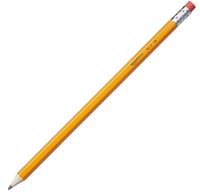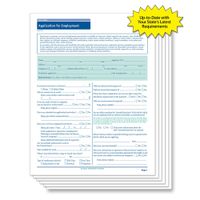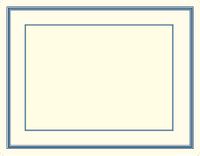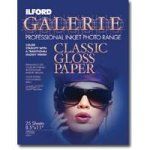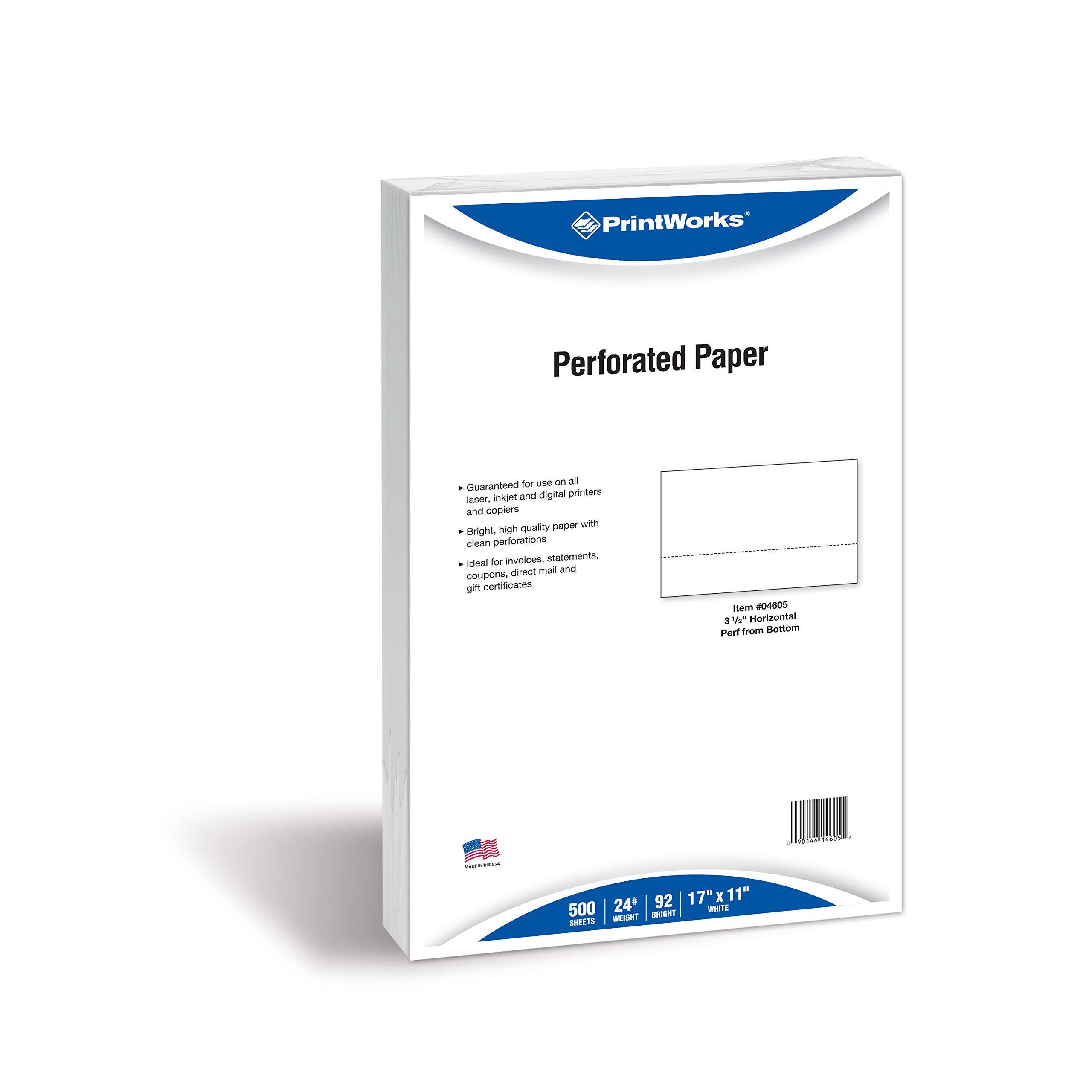
PrintWorks Professional Perforated Paper
Price is below average
Current Price
$23.35
Average
$25.43
Min Price
$11.7
Max Price
$31.55
Price dynamics
8%
Price will be lower
in next 2 weeks
in next 2 weeks
According to the data, price will be lower in next two weeks, so not waste your money and track better price!
Product review & video
This tutorial explains how to design labels for CD, DVD and Blu-ray discs in Printworks. Our starting point is the Template Gallery. It opens up automatically when you run the program. To display it again, choose File New from the menu. You can choose a pre-designed template or a blank one to start from scratch. Apart from the disc label, templates normally contain case covers, inserts, spines and other elements of a disc so called “design elements”. Let's choose this template to create a label for a music disc. Use the toolbar to switch between design elements, add or delete them.. Before we start editing the design, we need to select a disc tray or paper type for each element since this may change the element's size and affect the design. Click on the Change Layout button in the Inspector. You can see that Printworks supports plenty of printers and papers. Use the drop-down lists to