Description
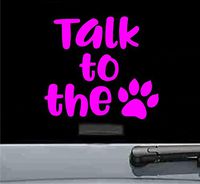
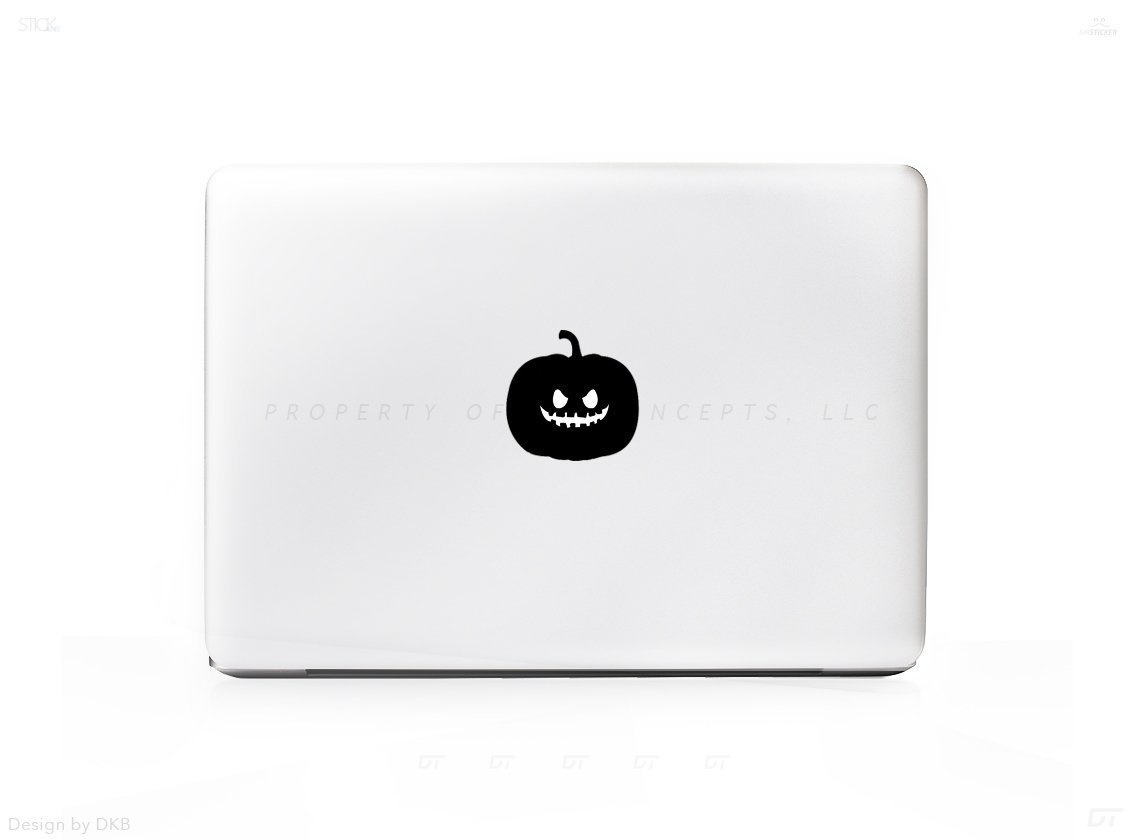
Professional precision die cut sticker, made from high quality vinyl!
What Will I Get?
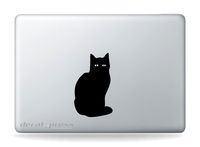
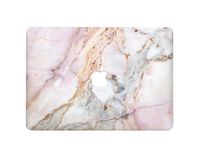
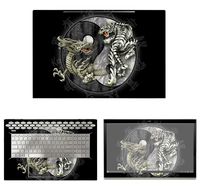
- 1 Premium Mac Sticker shown in photo 1
- 10 Year Guarantee! Indoors & 6 Year Guarantee Outdoors!
- Sticker Insurance - If anything happens just send us a photo and we will send another for free!
- Made from Award winning vinyl by Orafol. Highest Quality on the Market.
-For 13" 15" & 17" Mac Laptops.
STICKER IN PICTURE IS SHOWN ON A 13" MAC
When you receive your brand new sticker/decal you'll notice 3 parts:
1 - Transfer Paper - (This is how you will move the sticker from the packaging to your surface. You can see through this material.)
2 - Your Sticker/Decal - In between the Transfer paper and Sticker Backing.
3 - Sticker/Decal Backing. - This is what is keeping the sticky part of your sticker sticky and ready for action. Its located behind the sticker on the bottom of the trio.
------------
How to apply:
-Start at a corner and pull the Transfer Paper away from the Sticker Backing. The Transfer paper will stick to the Sticker/Decal and the Backing will be discarded at this time.
-Apply your design where you'd like and run your fingers over it to ensure 100% adhesion for about 10-15 seconds.
-Slowly remove the transfer paper and enjoy!
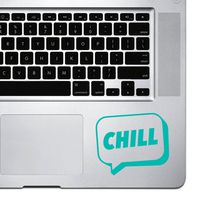
NOTE: Remember we ship one size sticker for this item. Depending on your screen size it will fill up more or take up less space compared to our photo above. (Shown on a 13" Model)
+ 6 Year Indoor/Outdoor Guarantee
+ Super Easy Install
+ Affordable way to personalize your Laptop
+ Super Fast Shipping!
+ 100% Satisfacation Guarantee
What Will I Get?
- 1 Premium Mac Sticker shown in photo 1
- 10 Year Guarantee! Indoors & 6 Year Guarantee Outdoors!
- Sticker Insurance - If anything happens just send us a photo and we will send another for free!
- Made from Award winning vinyl by Orafol. Highest Quality on the Market.
-For 13" 15" & 17" Mac Laptops.
STICKER IN PICTURE IS SHOWN ON A 13" MAC
When you receive your brand new sticker/decal you'll notice 3 parts:
1 - Transfer Paper - (This is how you will move the sticker from the packaging to your surface. You can see through this material.)
2 - Your Sticker/Decal - In between the Transfer paper and Sticker Backing.
3 - Sticker/Decal Backing. - This is what is keeping the sticky part of your sticker sticky and ready for action. Its located behind the sticker on the bottom of the trio.
------------
How to apply:
-Start at a corner and pull the Transfer Paper away from the Sticker Backing. The Transfer paper will stick to the Sticker/Decal and the Backing will be discarded at this time.
-Apply your design where you'd like and run your fingers over it to ensure 100% adhesion for about 10-15 seconds.
-Slowly remove the transfer paper and enjoy!
NOTE: Remember we ship one size sticker for this item. Depending on your screen size it will fill up more or take up less space compared to our photo above. (Shown on a 13" Model)
+ 6 Year Indoor/Outdoor Guarantee
+ Super Easy Install
+ Affordable way to personalize your Laptop
+ Super Fast Shipping!
+ 100% Satisfacation Guarantee
Pumpkin Scary Sticker Decal For MacBook Pro, PC, Laptop, Window, Car, or Wall
Current Price
$9.95
Average
$9.95
Min Price
$9.95
Max Price
$9.95
Price dynamics
0%
Description
Professional precision die cut sticker, made from high quality vinyl!
What Will I Get?
- 1 Premium Mac Sticker shown in photo 1
- 10 Year Guarantee! Indoors & 6 Year Guarantee Outdoors!
- Sticker Insurance - If anything happens just send us a photo and we will send another for free!
- Made from Award winning vinyl by Orafol. Highest Quality on the Market.
-For 13" 15" & 17" Mac Laptops.
STICKER IN PICTURE IS SHOWN ON A 13" MAC
When you receive your brand new sticker/decal you'll notice 3 parts:
1 - Transfer Paper - (This is how you will move the sticker from the packaging to your surface. You can see through this material.)
2 - Your Sticker/Decal - In between the Transfer paper and Sticker Backing.
3 - Sticker/Decal Backing. - This is what is keeping the sticky part of your sticker sticky and ready for action. Its located behind the sticker on the bottom of the trio.
------------
How to apply:
-Start at a corner and pull the Transfer Paper away from the Sticker Backing. The Transfer paper will stick to the Sticker/Decal and the Backing will be discarded at this time.
-Apply your design where you'd like and run your fingers over it to ensure 100% adhesion for about 10-15 seconds.
-Slowly remove the transfer paper and enjoy!
NOTE: Remember we ship one size sticker for this item. Depending on your screen size it will fill up more or take up less space compared to our photo above. (Shown on a 13" Model)
+ 6 Year Indoor/Outdoor Guarantee
+ Super Easy Install
+ Affordable way to personalize your Laptop
+ Super Fast Shipping!
+ 100% Satisfacation Guarantee
What Will I Get?
- 1 Premium Mac Sticker shown in photo 1
- 10 Year Guarantee! Indoors & 6 Year Guarantee Outdoors!
- Sticker Insurance - If anything happens just send us a photo and we will send another for free!
- Made from Award winning vinyl by Orafol. Highest Quality on the Market.
-For 13" 15" & 17" Mac Laptops.
STICKER IN PICTURE IS SHOWN ON A 13" MAC
When you receive your brand new sticker/decal you'll notice 3 parts:
1 - Transfer Paper - (This is how you will move the sticker from the packaging to your surface. You can see through this material.)
2 - Your Sticker/Decal - In between the Transfer paper and Sticker Backing.
3 - Sticker/Decal Backing. - This is what is keeping the sticky part of your sticker sticky and ready for action. Its located behind the sticker on the bottom of the trio.
------------
How to apply:
-Start at a corner and pull the Transfer Paper away from the Sticker Backing. The Transfer paper will stick to the Sticker/Decal and the Backing will be discarded at this time.
-Apply your design where you'd like and run your fingers over it to ensure 100% adhesion for about 10-15 seconds.
-Slowly remove the transfer paper and enjoy!
NOTE: Remember we ship one size sticker for this item. Depending on your screen size it will fill up more or take up less space compared to our photo above. (Shown on a 13" Model)
+ 6 Year Indoor/Outdoor Guarantee
+ Super Easy Install
+ Affordable way to personalize your Laptop
+ Super Fast Shipping!
+ 100% Satisfacation Guarantee
Price will be lower
in next 2 weeks
in next 2 weeks
According to the data, price will be lower in next two weeks, so not waste your money and track better price!
Product review & video
[Music] hi everyone in today's video I'm gonna unbox apply and also reveal full-body scans for my macbook pro 2019 and this is the silver model I bought the skin on Thomas and they also had the space gray color available and can you tell there is the skin on it looks pretty good huh like the color it's pretty much like exactly the same the only difference is that obviously it reflects light differently than you know original aluminum so does the only difference so if you use this thing for example it's not gonna look exactly the same depends on the light basically but I mean looks incredible like you can you can tell that there was skin on it even though it's not cut perfectly I mean to be honest like I maybe didn't do the best shell pop like the de wrap divine will scan let's say you can see like around applo gets it's not perfectly applied but you know I just if I would want this to b


Similar products