Description
Professional precision die cut sticker, made from high quality vinyl!
What Will I Get?
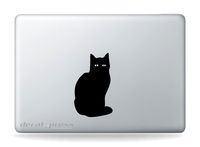
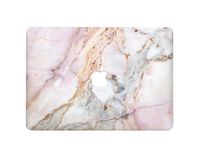
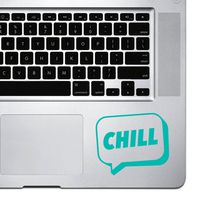
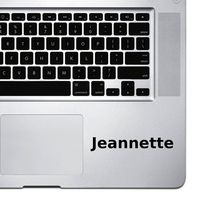
- 1 Premium Mac Sticker shown in photo 1
- 10 Year Guarantee! Indoors & 6 Year Guarantee Outdoors!
- Sticker Insurance - If anything happens just send us a photo and we will send another for free!
- Made from Award winning vinyl by Orafol. Highest Quality on the Market.
-For 13" 15" & 17" Mac Laptops.
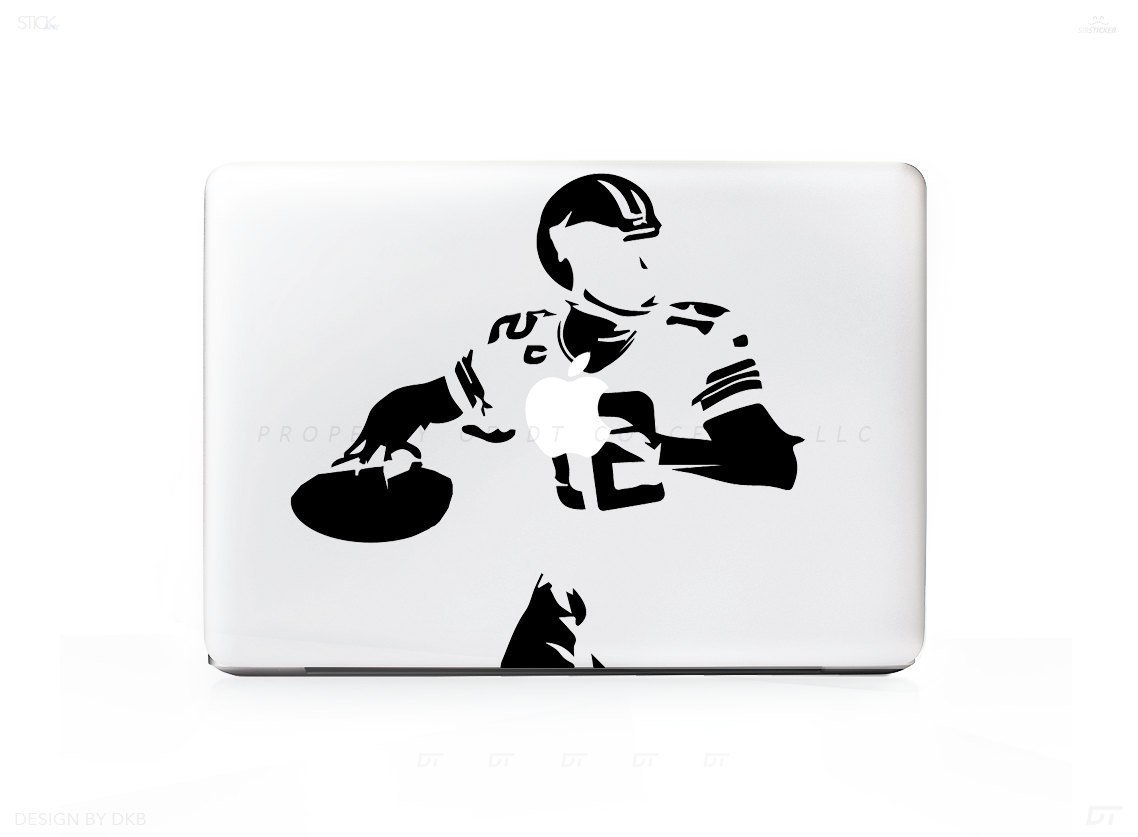
STICKER IN PICTURE IS SHOWN ON A 13" MAC
When you receive your brand new sticker/decal you'll notice 3 parts:
1 - Transfer Paper - (This is how you will move the sticker from the packaging to your surface. You can see through this material.)
2 - Your Sticker/Decal - In between the Transfer paper and Sticker Backing.
3 - Sticker/Decal Backing. - This is what is keeping the sticky part of your sticker sticky and ready for action. Its located behind the sticker on the bottom of the trio.
------------
How to apply:
-Start at a corner and pull the Transfer Paper away from the Sticker Backing. The Transfer paper will stick to the Sticker/Decal and the Backing will be discarded at this time.
-Apply your design where you'd like and run your fingers over it to ensure 100% adhesion for about 10-15 seconds.
-Slowly remove the transfer paper and enjoy!
NOTE: Remember we ship one size sticker for this item. Depending on your screen size it will fill up more or take up less space compared to our photo above. (Shown on a 13" Model)
+ 6 Year Indoor/Outdoor Guarantee
+ Super Easy Install
+ Affordable way to personalize your Laptop
+ Super Fast Shipping!
+ 100% Satisfacation Guarantee
What Will I Get?
- 1 Premium Mac Sticker shown in photo 1
- 10 Year Guarantee! Indoors & 6 Year Guarantee Outdoors!
- Sticker Insurance - If anything happens just send us a photo and we will send another for free!
- Made from Award winning vinyl by Orafol. Highest Quality on the Market.
-For 13" 15" & 17" Mac Laptops.
STICKER IN PICTURE IS SHOWN ON A 13" MAC
When you receive your brand new sticker/decal you'll notice 3 parts:
1 - Transfer Paper - (This is how you will move the sticker from the packaging to your surface. You can see through this material.)
2 - Your Sticker/Decal - In between the Transfer paper and Sticker Backing.
3 - Sticker/Decal Backing. - This is what is keeping the sticky part of your sticker sticky and ready for action. Its located behind the sticker on the bottom of the trio.
------------
How to apply:
-Start at a corner and pull the Transfer Paper away from the Sticker Backing. The Transfer paper will stick to the Sticker/Decal and the Backing will be discarded at this time.
-Apply your design where you'd like and run your fingers over it to ensure 100% adhesion for about 10-15 seconds.
-Slowly remove the transfer paper and enjoy!
NOTE: Remember we ship one size sticker for this item. Depending on your screen size it will fill up more or take up less space compared to our photo above. (Shown on a 13" Model)
+ 6 Year Indoor/Outdoor Guarantee
+ Super Easy Install
+ Affordable way to personalize your Laptop
+ Super Fast Shipping!
+ 100% Satisfacation Guarantee
Quarterback Football Throw Sticker Decal For MacBook Pro
Current Price
$9.95
Average
$9.95
Min Price
$9.95
Max Price
$9.95
Price dynamics
0%
Description
Professional precision die cut sticker, made from high quality vinyl!
What Will I Get?
- 1 Premium Mac Sticker shown in photo 1
- 10 Year Guarantee! Indoors & 6 Year Guarantee Outdoors!
- Sticker Insurance - If anything happens just send us a photo and we will send another for free!
- Made from Award winning vinyl by Orafol. Highest Quality on the Market.
-For 13" 15" & 17" Mac Laptops.
STICKER IN PICTURE IS SHOWN ON A 13" MAC
When you receive your brand new sticker/decal you'll notice 3 parts:
1 - Transfer Paper - (This is how you will move the sticker from the packaging to your surface. You can see through this material.)
2 - Your Sticker/Decal - In between the Transfer paper and Sticker Backing.
3 - Sticker/Decal Backing. - This is what is keeping the sticky part of your sticker sticky and ready for action. Its located behind the sticker on the bottom of the trio.
------------
How to apply:
-Start at a corner and pull the Transfer Paper away from the Sticker Backing. The Transfer paper will stick to the Sticker/Decal and the Backing will be discarded at this time.
-Apply your design where you'd like and run your fingers over it to ensure 100% adhesion for about 10-15 seconds.
-Slowly remove the transfer paper and enjoy!
NOTE: Remember we ship one size sticker for this item. Depending on your screen size it will fill up more or take up less space compared to our photo above. (Shown on a 13" Model)
+ 6 Year Indoor/Outdoor Guarantee
+ Super Easy Install
+ Affordable way to personalize your Laptop
+ Super Fast Shipping!
+ 100% Satisfacation Guarantee
What Will I Get?
- 1 Premium Mac Sticker shown in photo 1
- 10 Year Guarantee! Indoors & 6 Year Guarantee Outdoors!
- Sticker Insurance - If anything happens just send us a photo and we will send another for free!
- Made from Award winning vinyl by Orafol. Highest Quality on the Market.
-For 13" 15" & 17" Mac Laptops.
STICKER IN PICTURE IS SHOWN ON A 13" MAC
When you receive your brand new sticker/decal you'll notice 3 parts:
1 - Transfer Paper - (This is how you will move the sticker from the packaging to your surface. You can see through this material.)
2 - Your Sticker/Decal - In between the Transfer paper and Sticker Backing.
3 - Sticker/Decal Backing. - This is what is keeping the sticky part of your sticker sticky and ready for action. Its located behind the sticker on the bottom of the trio.
------------
How to apply:
-Start at a corner and pull the Transfer Paper away from the Sticker Backing. The Transfer paper will stick to the Sticker/Decal and the Backing will be discarded at this time.
-Apply your design where you'd like and run your fingers over it to ensure 100% adhesion for about 10-15 seconds.
-Slowly remove the transfer paper and enjoy!
NOTE: Remember we ship one size sticker for this item. Depending on your screen size it will fill up more or take up less space compared to our photo above. (Shown on a 13" Model)
+ 6 Year Indoor/Outdoor Guarantee
+ Super Easy Install
+ Affordable way to personalize your Laptop
+ Super Fast Shipping!
+ 100% Satisfacation Guarantee
Price will be lower
in next 2 weeks
in next 2 weeks
According to the data, price will be lower in next two weeks, so not waste your money and track better price!
Product review & video
switch states video guys I'm gonna teach you how to take your laptop from this into this let's go hello guys I hope you're good hope you're well today we have another video around the MacBook Pro and that is to show you guys how you can personalize your MacBook Pro make it completely unique to you all without harming it at all it's very simple to do you don't need much at all what I would recommend is that you have a MacBook I'm going to use a very thin plastic case to ensure that we're not going to harm the MacBook and then of course last but certainly not least the stickers themselves so the first thing you want to do is sort out your stickers into the ones you want on a bottom layer and the top layer I've got 200 stickers of Amazon so these are car stickers they are more durable they are waterproof things like that so they should last longer the ones I've bought are completely random


Similar products