Description
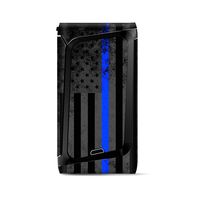
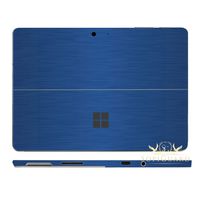
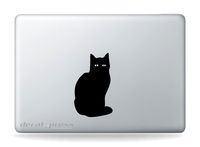
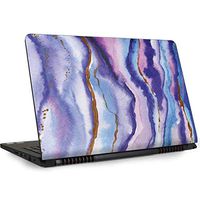
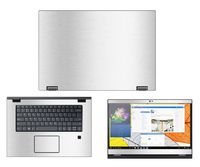
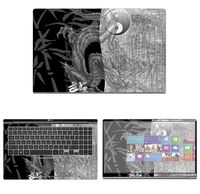
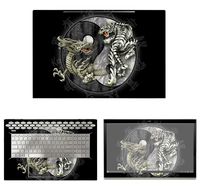
Laptop skin is compatible with laptops screen sizes ranging from 14.1 inches to 15.6 inches. Trimning of the skin would be required as per your laptop size. The skins by MSI are easy to install & remove without leaving any gum or residue.
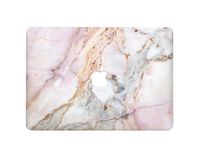
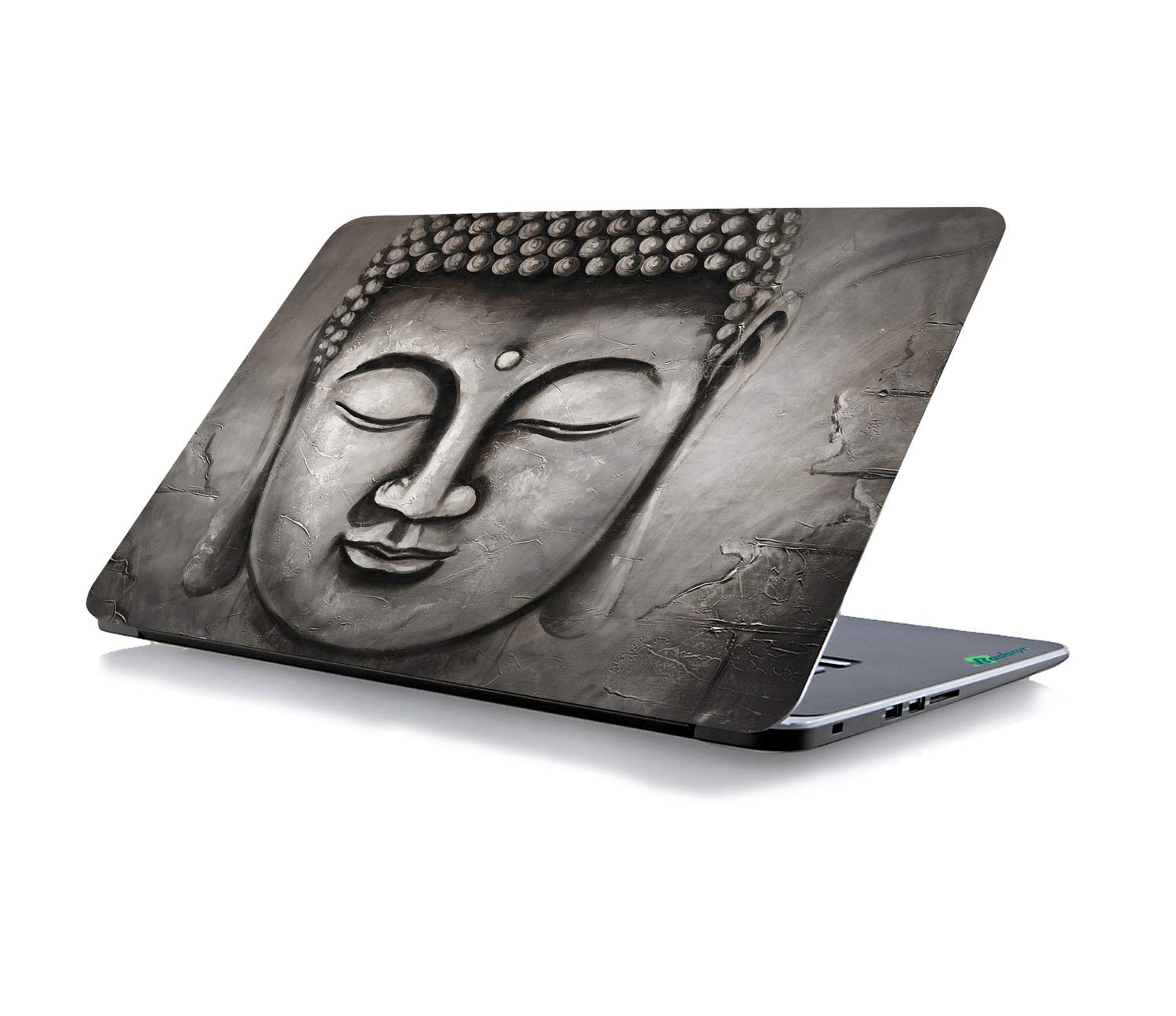
laptop skins enable you and your device a unique look which are cool, trendy & personalized. These skins protect your device from dirt, minor scratches & dullness, increasing its life & re-sale value. Specification:
Dimensions (W x H): 15 inches x 10 inches
Compatibility: Most laptops with screen sizes ranging from 10" to 15.6"
Instructions for application:
1. Make sure your laptop is clean. Wipe it off with a soft cloth. The laptop should be free of dust, fat or grease - otherwise the laptop skin may not stick to your laptop as well as it's supposed to.
2. Take the measurement of the applying area
3. Trim the exact size before applying with a blade/scissors
4. Align the laptop skin on your laptop, take care that you put it on straight and in the exact position that you want to place it
5. Remove only one side of the liner from sheet, align to the applying surface and start attaching them slowly
6. Proceed carefully with the use of a clean cloth and/or a plastic card (i.e. ATM card) to assure no air bubbles remain until the liner is removed.
laptop skins enable you and your device a unique look which are cool, trendy & personalized. These skins protect your device from dirt, minor scratches & dullness, increasing its life & re-sale value. Specification:
Dimensions (W x H): 15 inches x 10 inches
Compatibility: Most laptops with screen sizes ranging from 10" to 15.6"
Instructions for application:
1. Make sure your laptop is clean. Wipe it off with a soft cloth. The laptop should be free of dust, fat or grease - otherwise the laptop skin may not stick to your laptop as well as it's supposed to.
2. Take the measurement of the applying area
3. Trim the exact size before applying with a blade/scissors
4. Align the laptop skin on your laptop, take care that you put it on straight and in the exact position that you want to place it
5. Remove only one side of the liner from sheet, align to the applying surface and start attaching them slowly
6. Proceed carefully with the use of a clean cloth and/or a plastic card (i.e. ATM card) to assure no air bubbles remain until the liner is removed.
RADANYA Buddha Laptop Skin Sticker Cover Fits for All Models for Screen Size - 15 x 10 Inches
Price is below average
Current Price
$8.99
Average
$9.99
Min Price
$8.99
Max Price
$10.99
Price dynamics
10%
Description
Laptop skin is compatible with laptops screen sizes ranging from 14.1 inches to 15.6 inches. Trimning of the skin would be required as per your laptop size. The skins by MSI are easy to install & remove without leaving any gum or residue.
laptop skins enable you and your device a unique look which are cool, trendy & personalized. These skins protect your device from dirt, minor scratches & dullness, increasing its life & re-sale value. Specification:
Dimensions (W x H): 15 inches x 10 inches
Compatibility: Most laptops with screen sizes ranging from 10" to 15.6"
Instructions for application:
1. Make sure your laptop is clean. Wipe it off with a soft cloth. The laptop should be free of dust, fat or grease - otherwise the laptop skin may not stick to your laptop as well as it's supposed to.
2. Take the measurement of the applying area
3. Trim the exact size before applying with a blade/scissors
4. Align the laptop skin on your laptop, take care that you put it on straight and in the exact position that you want to place it
5. Remove only one side of the liner from sheet, align to the applying surface and start attaching them slowly
6. Proceed carefully with the use of a clean cloth and/or a plastic card (i.e. ATM card) to assure no air bubbles remain until the liner is removed.
laptop skins enable you and your device a unique look which are cool, trendy & personalized. These skins protect your device from dirt, minor scratches & dullness, increasing its life & re-sale value. Specification:
Dimensions (W x H): 15 inches x 10 inches
Compatibility: Most laptops with screen sizes ranging from 10" to 15.6"
Instructions for application:
1. Make sure your laptop is clean. Wipe it off with a soft cloth. The laptop should be free of dust, fat or grease - otherwise the laptop skin may not stick to your laptop as well as it's supposed to.
2. Take the measurement of the applying area
3. Trim the exact size before applying with a blade/scissors
4. Align the laptop skin on your laptop, take care that you put it on straight and in the exact position that you want to place it
5. Remove only one side of the liner from sheet, align to the applying surface and start attaching them slowly
6. Proceed carefully with the use of a clean cloth and/or a plastic card (i.e. ATM card) to assure no air bubbles remain until the liner is removed.
Price will be lower
in next 2 weeks
in next 2 weeks
According to the data, price will be lower in next two weeks, so not waste your money and track better price!
Similar products