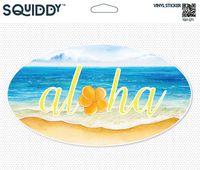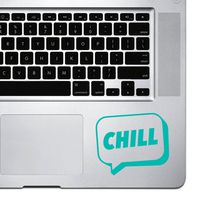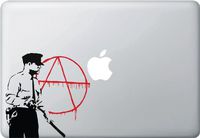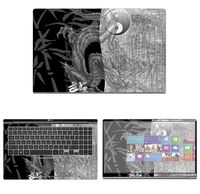
Description
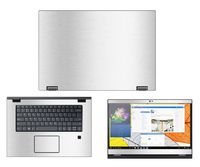
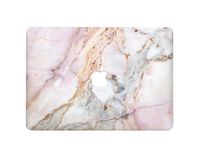
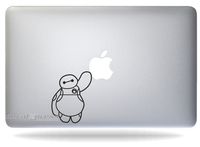
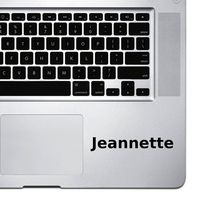
Compatible With:Pefect Fit Apple MacBook Air/Pro/Retina 13"
As well used to Apple MacBook White/Air/Pro/Retina 11"/13"/15"/17"
Package includes:
1 x AnKey® MacBook Sticker
1 x Application Notes.
How to apply:
1. Clean the surface of your MacBook and make sure there is no dust or grease before application.
2. Peel of the application film from backing paper. Make sure the decal sticks on the application film, and not on the backing paper.
3. Position and stick the application film on your MacBook. Rub the surface of application film with a plastic card or dried towel to make sure there's no air bubbles caught inside the decal.
4. Peel off the application film slowly and carefully at a very low angle. Make sure the decal stays on the surface, and not on the application film. If there is any difficulties removing the application film, please leave the film on the surface longer.
We do our best to answer emails quickly and accurately. For any further information contact us any time. Please allow us 24 hours to reply your email. Our goal is to provide you with fantastic products made from the best materials.
* Apple MacBook are registered trademarks of Apple, Inc.
Products are Apple compatible and not endorsed by Apple, Inc.
As well used to Apple MacBook White/Air/Pro/Retina 11"/13"/15"/17"
Package includes:
1 x AnKey® MacBook Sticker
1 x Application Notes.
How to apply:
1. Clean the surface of your MacBook and make sure there is no dust or grease before application.
2. Peel of the application film from backing paper. Make sure the decal sticks on the application film, and not on the backing paper.
3. Position and stick the application film on your MacBook. Rub the surface of application film with a plastic card or dried towel to make sure there's no air bubbles caught inside the decal.
4. Peel off the application film slowly and carefully at a very low angle. Make sure the decal stays on the surface, and not on the application film. If there is any difficulties removing the application film, please leave the film on the surface longer.
We do our best to answer emails quickly and accurately. For any further information contact us any time. Please allow us 24 hours to reply your email. Our goal is to provide you with fantastic products made from the best materials.
* Apple MacBook are registered trademarks of Apple, Inc.
Products are Apple compatible and not endorsed by Apple, Inc.
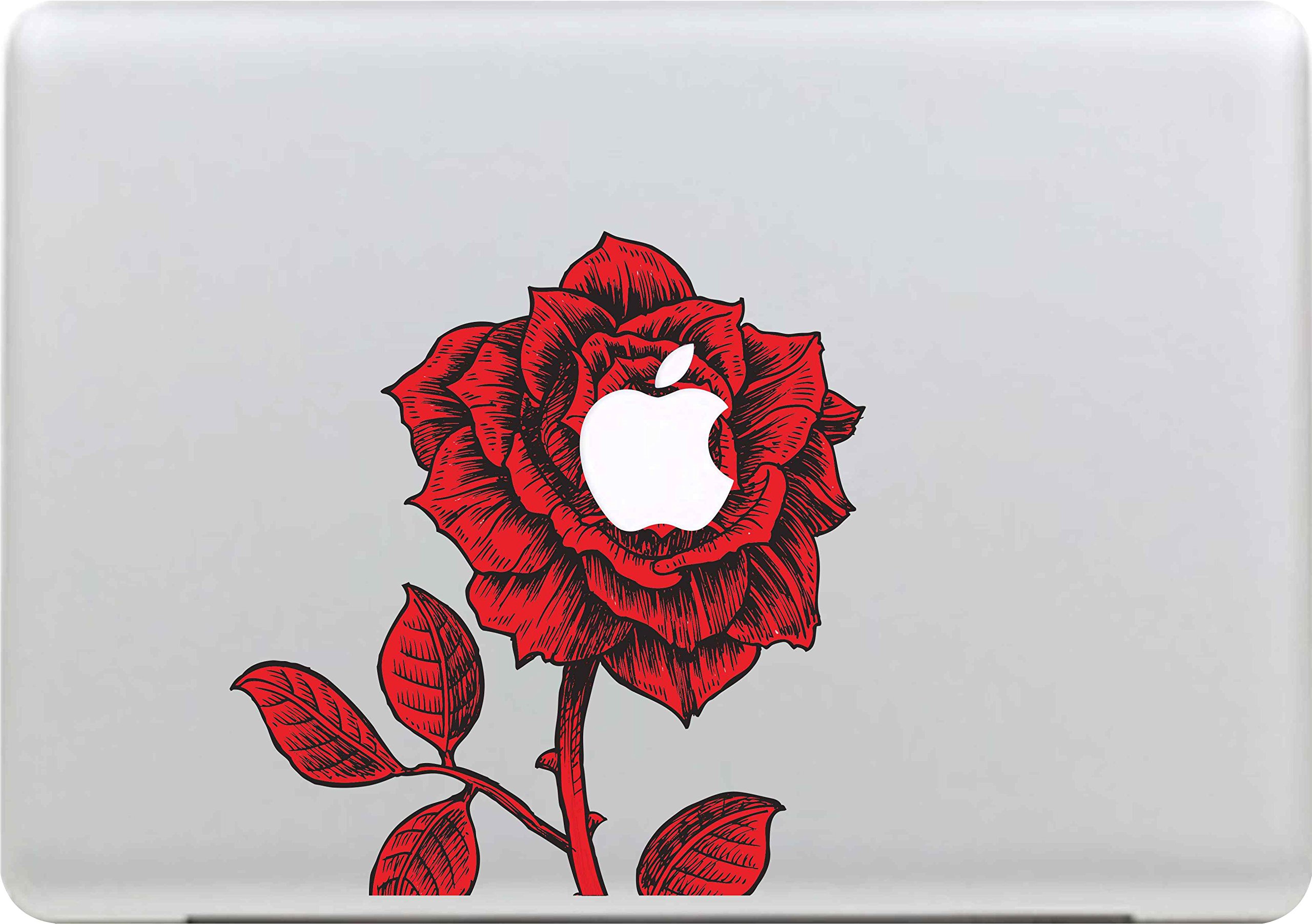
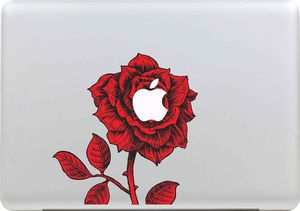
Red Rose-AnKey Removable Vinyl Decals Stickers Skin Part Case For Apple MacBook White/Air/Pro/Retina 11"/13"/15"/17"/iPad/Laptop/Tablet/Window/Wall/Car/Desk/Book Surfaces
Current Price
$6.99
Average
$4.99
Min Price
$0.99
Max Price
$9.99
Price dynamics
29%
Description
Compatible With:Pefect Fit Apple MacBook Air/Pro/Retina 13"
As well used to Apple MacBook White/Air/Pro/Retina 11"/13"/15"/17"
Package includes:
1 x AnKey® MacBook Sticker
1 x Application Notes.
How to apply:
1. Clean the surface of your MacBook and make sure there is no dust or grease before application.
2. Peel of the application film from backing paper. Make sure the decal sticks on the application film, and not on the backing paper.
3. Position and stick the application film on your MacBook. Rub the surface of application film with a plastic card or dried towel to make sure there's no air bubbles caught inside the decal.
4. Peel off the application film slowly and carefully at a very low angle. Make sure the decal stays on the surface, and not on the application film. If there is any difficulties removing the application film, please leave the film on the surface longer.
We do our best to answer emails quickly and accurately. For any further information contact us any time. Please allow us 24 hours to reply your email. Our goal is to provide you with fantastic products made from the best materials.
* Apple MacBook are registered trademarks of Apple, Inc.
Products are Apple compatible and not endorsed by Apple, Inc.
As well used to Apple MacBook White/Air/Pro/Retina 11"/13"/15"/17"
Package includes:
1 x AnKey® MacBook Sticker
1 x Application Notes.
How to apply:
1. Clean the surface of your MacBook and make sure there is no dust or grease before application.
2. Peel of the application film from backing paper. Make sure the decal sticks on the application film, and not on the backing paper.
3. Position and stick the application film on your MacBook. Rub the surface of application film with a plastic card or dried towel to make sure there's no air bubbles caught inside the decal.
4. Peel off the application film slowly and carefully at a very low angle. Make sure the decal stays on the surface, and not on the application film. If there is any difficulties removing the application film, please leave the film on the surface longer.
We do our best to answer emails quickly and accurately. For any further information contact us any time. Please allow us 24 hours to reply your email. Our goal is to provide you with fantastic products made from the best materials.
* Apple MacBook are registered trademarks of Apple, Inc.
Products are Apple compatible and not endorsed by Apple, Inc.
Price will be lower
in next 2 weeks
in next 2 weeks
According to the data, price will be lower in next two weeks, so not waste your money and track better price!
Similar products